

Send a Slack alert when a VNTANA product is published
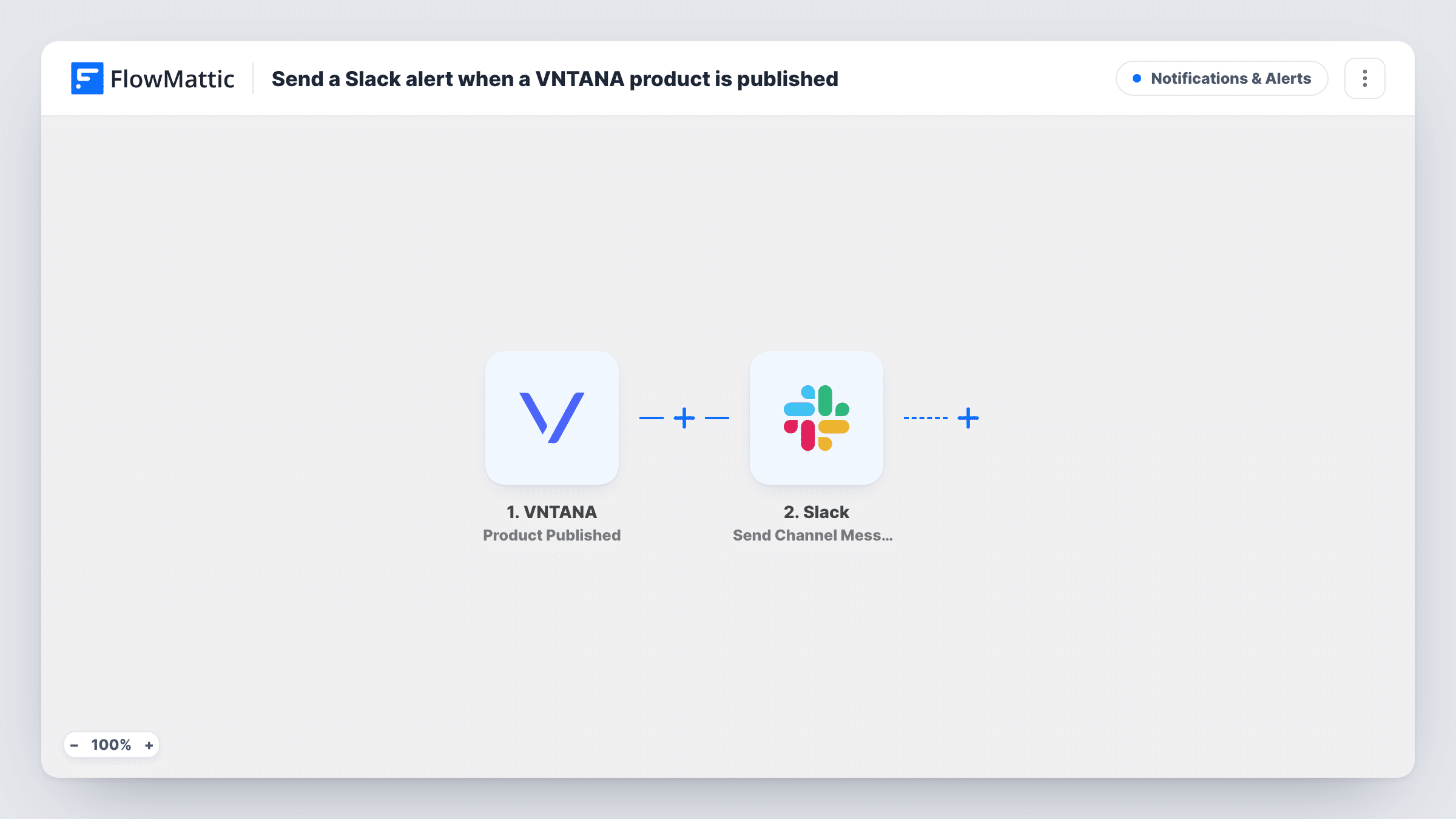
When a product is published in VNTANA, this workflow posts a message to a Slack channel, so your marketing and ecommerce teams know the 3D asset is ready to use.
 VNTANA
 Slack
2 steps Setup ~5 min Used on 2.2k sites Free to import
What this workflow does
VNTANA processes and publishes your 3D product assets. Once a product is published, other people usually have work to do: put it on the store, use it in a campaign, or check how it looks. Telling them by hand each time slows things down. This workflow posts a Slack message whenever a product goes live in VNTANA.
The VNTANA trigger fires when a product is published. The product's details become data you can map. The second step uses Slack to post a message to the channel you choose, with text you write and values from VNTANA such as the product's name.
Every published product sends one message. Products processed or approved but not yet published do not start the workflow. Each alert sent is listed in Task History with the data VNTANA provided.
Telling the ecommerce team a 3D view is live
Store managers watch a Slack channel and add the newly published VNTANA asset to the matching product page.
A launch checklist for marketing
The campaign team gets a Slack message for each published product, which is their cue to start social posts that use the 3D model.
Quality checks after publishing
A product designer reviews each published asset when the alert arrives, catching problems before customers see them.
How this workflow runs
What happens at each step once the workflow is on, and what you need before you import it.
 VNTANA Product Published
Runs when a product is published in your VNTANA account. The product's details are passed on for the Slack message.
- Slack Send Channel Message
Sends an alert to the Slack channel you pick. Connect your workspace, choose the channel, and write a message that includes the VNTANA product details you want the team to see.
What you need
- FlowMatticCore
- VNTANA AccountAccount
- Slack AccountAccount
After importing, map your own data. To keep the template universal, not every step is pre-filled. Open each step in the builder and connect your accounts and fields (channels, lists, sheets, recipients) before you switch the workflow on.
Make it yours
Changes worth making after you import it.
- Publish a test product in VNTANA after import so FlowMattic captures real data, then map the product name into the message.
- If the VNTANA data includes a link to the product, add it to the message so readers can open the asset in one click.
- Route alerts for different product lines to different Slack channels by adding a Router with one route and one Slack step per line.
Questions about this workflow
Which VNTANA events send a Slack message?
Only Product Published. Other stages, such as processing or approval, do not run this workflow.
Can I post the VNTANA alert to more than one Slack channel?
Yes. Add a second Send Channel Message step after the first, set to the other channel.
Does this change anything in VNTANA?
No. The workflow only reads the publish event. Your VNTANA products and settings stay as they are.
More Notifications & Alerts workflows
Other ready-to-import templates from the same category.




Import this workflow into your WordPress site
Download the JSON, import it from the Workflows screen and connect your accounts. Every run stays on your server, with no per-task fees.
30-day money-back guarantee Unlimited workflows and runs Self-hosted