

When a Basin form is submitted, add the contact to ActiveCampaign and alert the team in Slack
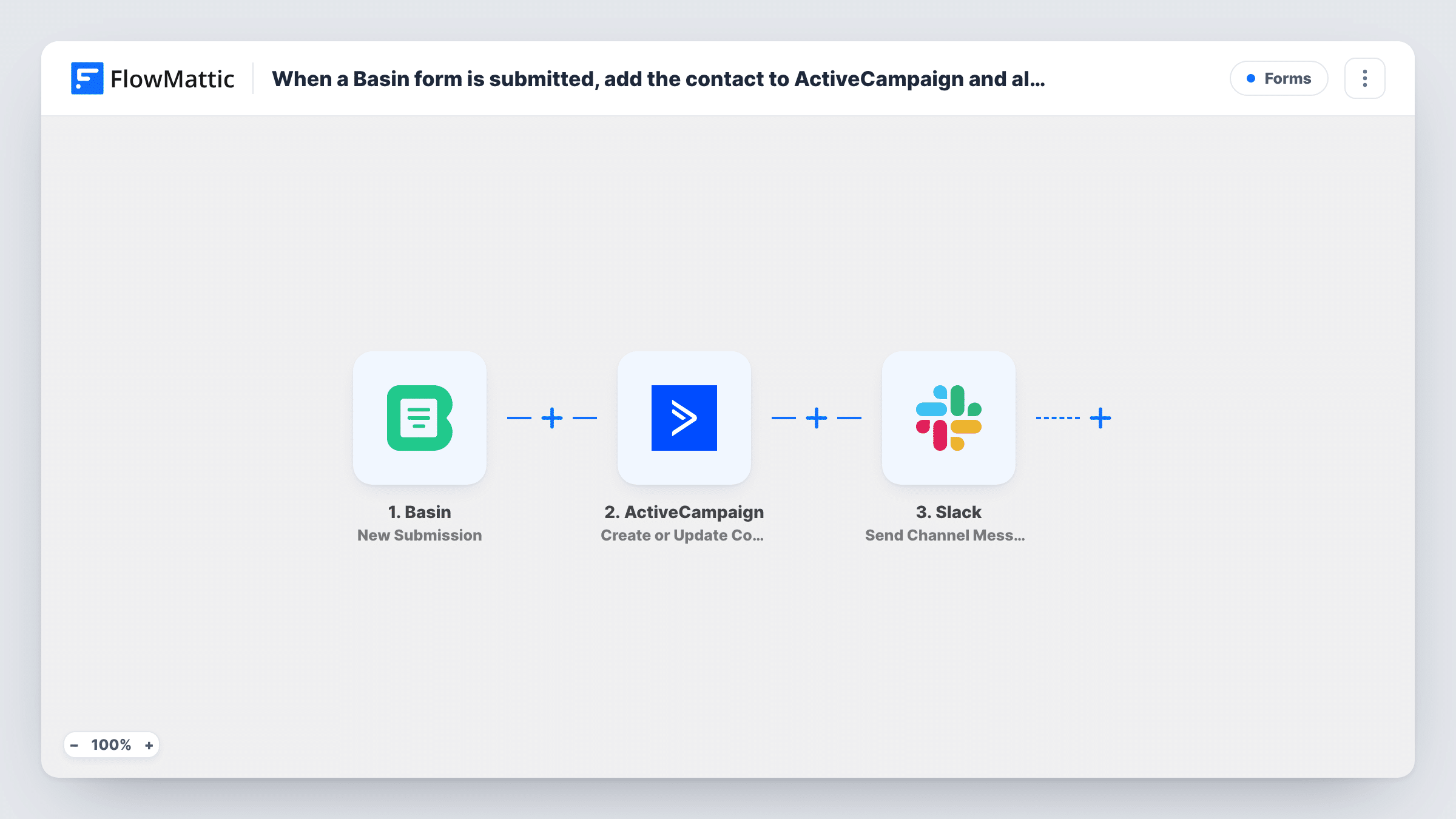
Each new Basin form submission creates or updates a contact in ActiveCampaign and then posts a message in Slack, so the lead is in your email tool and your team hears about it in one run.
 Basin
 ActiveCampaign
 Slack
3 steps Setup ~5 min Used on 828 sites Free to import
What this workflow does
Basin collects submissions from forms on static sites and landing pages, but the entries still have to reach your marketing tool and the people who follow up. This workflow sends each one to both places.
The Basin trigger fires when a form receives a new submission. FlowMattic passes the submitted values to ActiveCampaign with the Create or Update Contact action, which adds the person as a contact or updates the contact who already has that email address. A message then goes to a Slack channel, built from whichever submission values you include.
As imported, every submission takes both steps, including any spam that comes through. Since the contact is updated rather than duplicated, a person who fills in the form twice stays one contact in ActiveCampaign. Task History shows what was sent to ActiveCampaign and Slack for every submission.
Landing page on a static site
A product page hosted on a static site uses a Basin form. Each sign-up becomes an ActiveCampaign contact and is announced in the marketing channel.
Contact form for a design studio
Enquiries reach ActiveCampaign for follow-up emails, and the studio's Slack channel shows the message so a designer can reply the same day.
Beta waitlist
People joining a waitlist through Basin land in ActiveCampaign, while the product team watches sign-ups arrive in Slack.
How this workflow runs
What happens at each step once the workflow is on, and what you need before you import it.
 Basin New Submission
Starts a run when one of your Basin forms receives a new submission. Every submitted field is available to map in the next two steps.
- ActiveCampaign Create or Update Contact
Creates the contact in ActiveCampaign, or updates the contact with the same email if one exists. Map the form's email field and any name or phone values you collect.
- Slack Send Channel Message
Sends a message to a Slack channel you choose. Include the person's name, email and message from the Basin submission so the team can follow up from Slack.
What you need
- FlowMatticCore
- Basin AccountAccount
- ActiveCampaign AccountAccount
- Slack AccountAccount
After importing, map your own data. To keep the template universal, not every step is pre-filled. Open each step in the builder and connect your accounts and fields (channels, lists, sheets, recipients) before you switch the workflow on.
Make it yours
Changes worth making after you import it.
- Add a Filter after the trigger that stops entries whose message field is empty or contains a word your spam uses, so neither ActiveCampaign nor Slack sees them.
- Add ActiveCampaign's Add/Remove Tag From Contact or Subscribe or Unsubscribe Contact From List step after the contact step, so Basin leads are grouped apart from other sources.
- Submit the Basin form once after import so FlowMattic captures the fields, then map them in both actions before switching the workflow on.
Questions about this workflow
What if the Basin form is submitted by an existing ActiveCampaign contact?
Create or Update Contact updates that contact instead of adding a new one, so repeat submissions keep a single record.
Do I need a paid Basin plan for this workflow?
You need a Basin account with a form that FlowMattic can receive submissions from. Check your Basin plan for what it includes.
Can the Slack alert for Basin leads go to one person?
Yes. Swap the step for Slack's Send Direct Message action and pick the person who handles new leads.
Will Basin submissions from before import reach ActiveCampaign?
No. The trigger reacts to new submissions only, so earlier entries stay in Basin unless you export them.
More Forms workflows
Other ready-to-import templates from the same category.







Import this workflow into your WordPress site
Download the JSON, import it from the Workflows screen and connect your accounts. Every run stays on your server, with no per-task fees.
30-day money-back guarantee Unlimited workflows and runs Self-hosted