

When a form is completed in Involve.me, append submission data to Airtable for tracking
When a participant completes an Involve.me funnel, this workflow creates a new Airtable record with their answers, building a database of responses you can sort, link and report on.
 Involve.me
 Airtable
2 steps Setup ~5 min Used on 1.8k sites Free to import
What this workflow does
Involve.me shows you each submission, but tracking responses alongside your other work is easier in a base you control. Airtable lets you add status fields, link responses to other tables and build views for your team. This workflow puts every completed Involve.me submission into Airtable.
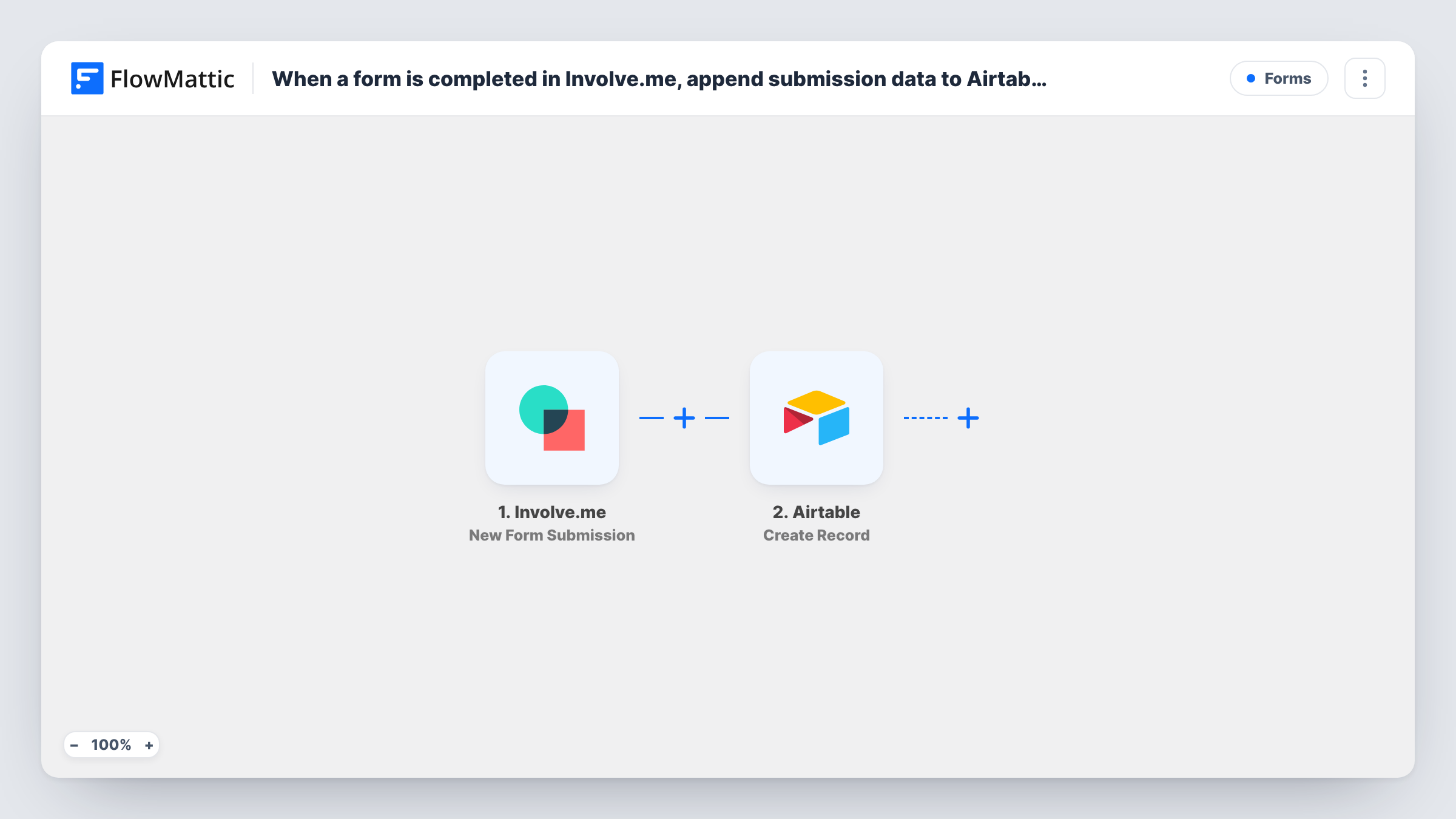
Runs begin when a participant reaches the end of your Involve.me funnel, through its New Form Submission trigger. Their answers become values to map. The Airtable step runs Create Record and adds a new record to the base and table you choose, with each answer placed in the field you map it to.
Each completed submission makes one new record. The step always creates; it never updates an earlier record, so someone who submits twice appears twice. Task History logs each run with the Involve.me data and Airtable's reply.
Application review board
Applicants complete an Involve.me application funnel, and reviewers score each Airtable record with a status field they add themselves.
Survey results database
Customer survey answers become Airtable records, and a grouped view shows how many people chose each option.
Lead qualification tracker
Quiz results from Involve.me go into an Airtable table where the sales team marks which leads to call.
How this workflow runs
What happens at each step once the workflow is on, and what you need before you import it.
 Involve.me New Form Submission
Fires when a participant completes a submission in your Involve.me funnel. Connect Involve.me; each answer becomes data for the Airtable record.
- Airtable Create Record
Writes the Involve.me answers into a fresh record in your chosen Airtable base and table. Connect Airtable and map each Involve.me answer to a field in the table.
What you need
- FlowMatticCore
- Involve.me AccountAccount
- Airtable AccountAccount
After importing, map your own data. To keep the template universal, not every step is pre-filled. Open each step in the builder and connect your accounts and fields (channels, lists, sheets, recipients) before you switch the workflow on.
Make it yours
Changes worth making after you import it.
- Create the Airtable fields before you map, matching the type to each answer, such as email for the email question and number for scores.
- Add a single-select Status field in Airtable that the workflow leaves blank, so your team can mark records as reviewed by hand.
- If several funnels use this workflow and the submission data names the funnel, map that into its own Airtable field so you can group records by funnel.
Questions about this workflow
What if someone completes the Involve.me funnel twice?
Each completed submission creates its own Airtable record, so you get two. Use an Airtable view grouped by email to spot repeats.
Does the Airtable table for Involve.me responses need to exist already?
Yes. The base, table and fields need to exist before you map them in the Create Record step.
Are unfinished Involve.me entries saved to Airtable?
No. The trigger fires only when a participant completes a submission, so abandoned entries never reach Airtable.
More Forms workflows
Other ready-to-import templates from the same category.






Import this workflow into your WordPress site
Download the JSON, import it from the Workflows screen and connect your accounts. Every run stays on your server, with no per-task fees.
30-day money-back guarantee Unlimited workflows and runs Self-hosted