

When a new form response is submitted in SuprForms, add a new row in Google Sheets, then send a confirmation email via Gmail
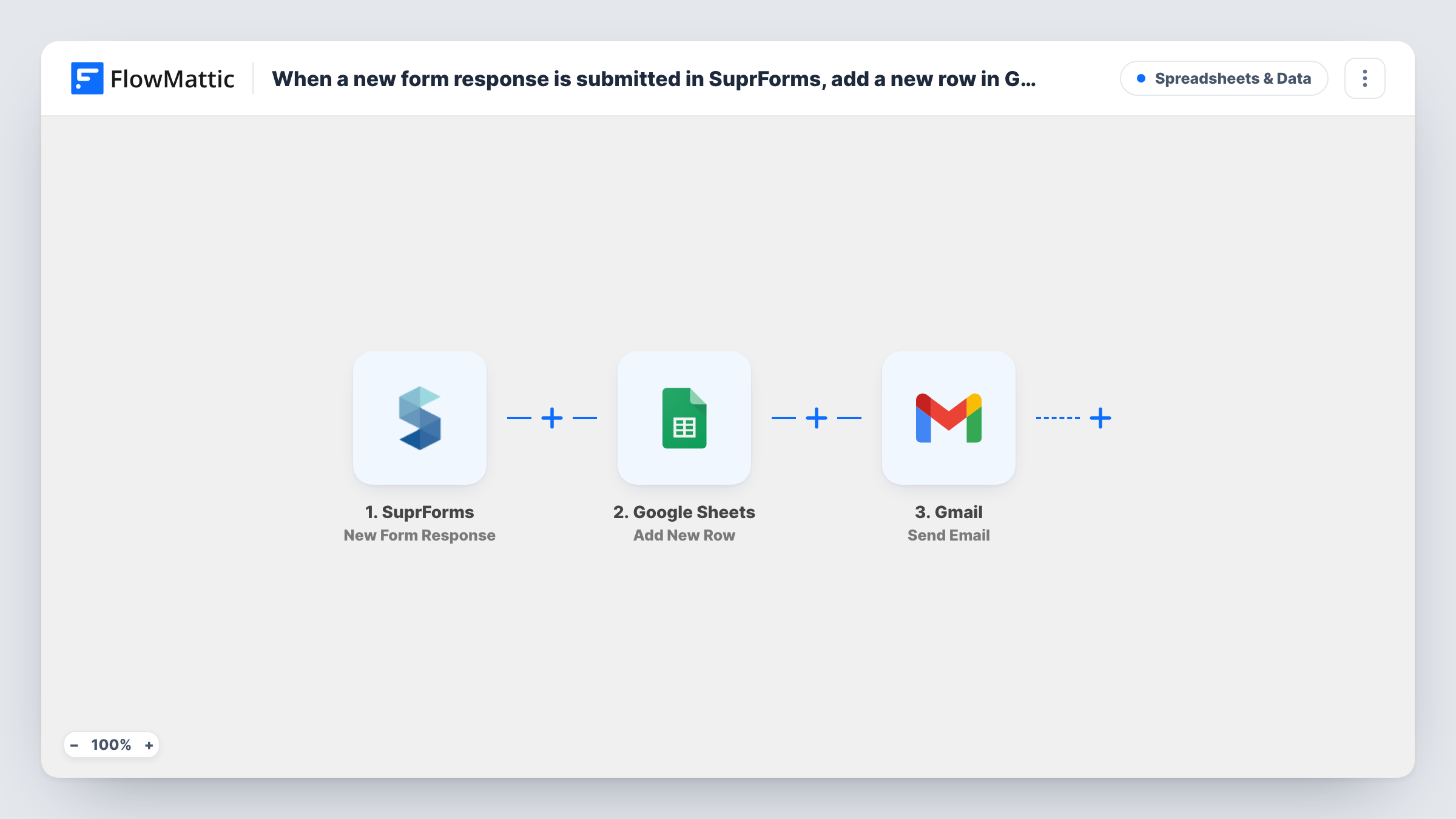
Each new SuprForms response is written to a new Google Sheets row, then the respondent gets a confirmation email from your Gmail account, so you keep a record and they know you received it.
 SuprForms
 Google Sheets
 Gmail
3 steps Setup ~5 min Used on 2.8k sites Free to import
What this workflow does
When people answer a form, two things usually follow: someone logs the answers somewhere the team can see, and someone tells the respondent their reply arrived. This workflow handles both for SuprForms, in that order, each time a response comes in.
The SuprForms trigger fires when a form response is submitted, and its answers become fields you can map. The Google Sheets step adds a new row to the spreadsheet you pick, with each answer placed in the column you choose. The last step sends an email through Gmail to the address the respondent gave, with a subject and message you write.
Every response produces one row and one email. The steps ship unmapped, so after import you connect your Google and Gmail accounts, choose the sheet and write the confirmation. Task History records each run step by step, so you can see whether the row and the email both went through.
Event registration with a confirmation
Registrants fill in a SuprForms form. Each one becomes a row on the attendee sheet, and they receive an email confirming their place with the date and venue.
Customer feedback survey
Survey answers land in a sheet your team reviews weekly, and each respondent gets a thank-you email from your Gmail address.
Service enquiries for a small business
Enquiries are logged in a shared sheet for whoever is on duty, while the person who asked gets an email saying when to expect a reply.
How this workflow runs
What happens at each step once the workflow is on, and what you need before you import it.
 SuprForms New Form Response
Runs when a response is submitted to your SuprForms form. The answers are passed on for mapping into Google Sheets and Gmail.
- Google Sheets Add New Row
Writes the SuprForms answers into a fresh row of your chosen spreadsheet. Map each column to a SuprForms answer and connect your Google account.
- Gmail Send Email
Sends a confirmation email from your connected Gmail account. Map the respondent's email answer as the recipient and write the subject and body, using their answers where useful.
What you need
- FlowMatticCore
- SuprForms AccountAccount
- Google Sheets AccountAccount
- Gmail AccountAccount
After importing, map your own data. To keep the template universal, not every step is pre-filled. Open each step in the builder and connect your accounts and fields (channels, lists, sheets, recipients) before you switch the workflow on.
Make it yours
Changes worth making after you import it.
- Add a Filter between the Google Sheets step and the Gmail step that continues only when the email answer is not empty. Responses without an address are still logged, because the sheet step comes before the Filter, but no email is attempted.
- Include a copy of the respondent's answers in the Gmail body by mapping the same fields you send to the sheet. They then have a record of what they submitted.
- Add a column for the submission time in Google Sheets, mapped from the trigger, so you can sort responses by when they arrived.
Questions about this workflow
Does my SuprForms form need an email question?
Yes, for the confirmation. The Gmail step needs an address to send to, so your form should ask for one and you map it as the recipient.
Which columns does each SuprForms response fill in Google Sheets?
The ones you map. Add New Row ships unmapped, so after a test response you pick the spreadsheet and match each SuprForms answer to a column. Columns you leave unmapped stay blank in each new row.
Can I send the SuprForms confirmation from a shared Gmail inbox?
You can connect any Gmail account you can sign in to. The email is sent from the account connected in the step.
Will old SuprForms responses be copied to the sheet?
No. Only responses submitted after you turn the workflow on are logged and confirmed.
More Spreadsheets & Data workflows
Other ready-to-import templates from the same category.



Import this workflow into your WordPress site
Download the JSON, import it from the Workflows screen and connect your accounts. Every run stays on your server, with no per-task fees.
30-day money-back guarantee Unlimited workflows and runs Self-hosted