

When form submission received in Typeform, Add Points to a lead in UpViral
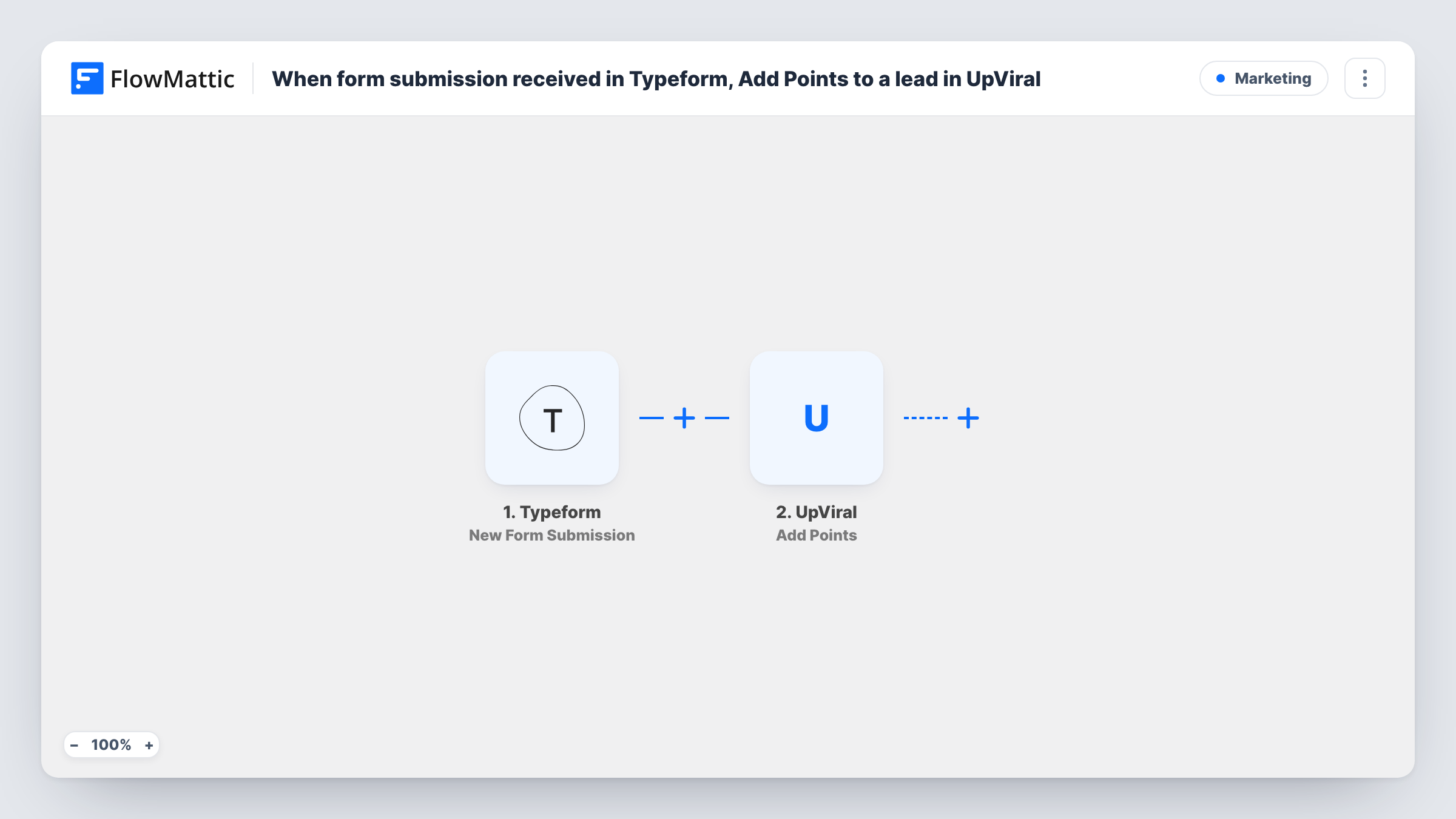
When someone completes your Typeform, FlowMattic adds them to an UpViral campaign as a contact and then credits that lead with the points you set for answering.
 Typeform
 UpViral
3 steps Setup ~5 min Used on 700 sites Free to import
What this workflow does
Referral and giveaway campaigns in UpViral run on points, and answering a questionnaire is a natural thing to reward. If your form is built in Typeform, respondents don't become UpViral leads unless something carries them across. This workflow does that for each response and gives them points on the way in.
The Typeform trigger fires on each new form submission and passes on the answers. The first UpViral step, Add New Contact, puts the respondent into the campaign you choose, using the email and name you map from Typeform.
Add Points then credits that lead. Because the contact step runs first, a brand-new respondent already exists in UpViral when the points arrive. Neither UpViral step is mapped in the template: choose the campaign, map the email and name into Add New Contact, and in Add Points map the lead from step 2 and type in the points per response.
A person who answers the Typeform twice runs both steps twice and may be credited twice. Send a test response and look at Task History for UpViral's reply to each step.
Points for completing an entry quiz
A fitness brand runs a Typeform quiz as the entry to its UpViral giveaway, and every finisher starts the contest with 20 points.
Rewarding customer feedback
An online shop asks campaign members to answer a short Typeform about their last order and credits UpViral points that count toward a discount reward.
Pre-launch survey for a waitlist
A startup collects waitlist sign-ups through a Typeform survey, adds respondents to its UpViral referral campaign, and gives them points to climb the queue.
How this workflow runs
What happens at each step once the workflow is on, and what you need before you import it.
 Typeform New Form Submission
Starts a run whenever a response to your Typeform is submitted. The answers, including the email and name questions you ask, are available to map into UpViral.
- UpViral Add New Contact
Adds the respondent as a contact in your chosen UpViral campaign. After import, pick the campaign and map the Typeform email and name answers; nothing is set as shipped.
- UpViral Add Points
Credits points to the lead added in step 2. Map that lead and enter the points each response earns, then send a test response to confirm the right lead got them.
What you need
- FlowMatticCore
- Typeform AccountAccount
- UpViral AccountAccount
After importing, map your own data. To keep the template universal, not every step is pre-filled. Open each step in the builder and connect your accounts and fields (channels, lists, sheets, recipients) before you switch the workflow on.
Make it yours
Changes worth making after you import it.
- Pick the same campaign in Add New Contact and Add Points, so the points go to the lead the first step created.
- Make the email question required in Typeform, because UpViral needs an address to add the lead.
- To award points only for some answers, add a Filter between the Add New Contact step and the Add Points step that checks a Typeform answer. Every respondent still joins the campaign.
- Build a second workflow on UpViral's Unlock Rewards trigger to send yourself a notice when a lead earns a prize.
Questions about this workflow
How many points does a Typeform response earn in UpViral?
Whatever you enter in Add Points. It ships empty, so choose a value after import that fits your campaign's reward levels.
What if the Typeform respondent is already in the UpViral campaign?
UpViral decides how Add New Contact treats an email it already has. Run a test with a known lead and check both responses in Task History, including whether points were credited.
Can a person collect points more than once?
Yes, as imported. Each Typeform response runs both steps, so a second response can credit points again. Bear that in mind when you choose how generous the points are.
Which UpViral accounts and campaigns does this Typeform workflow need?
An UpViral account with an active campaign to add leads to, plus a Typeform account for the form. Pick the campaign in both UpViral steps after import.
More Marketing workflows
Other ready-to-import templates from the same category.






Import this workflow into your WordPress site
Download the JSON, import it from the Workflows screen and connect your accounts. Every run stays on your server, with no per-task fees.
30-day money-back guarantee Unlimited workflows and runs Self-hosted