

Add new affiliates from Affiliate for WooCommerce to Google Sheets rows
Each time an affiliate is created in Affiliate for WooCommerce, FlowMattic adds a row about them to the Google Sheets spreadsheet you choose, building a partner list you can share and sort outside WordPress.
 Affiliate for WooCommerce
 Google Sheets
2 steps Setup ~5 min Used on 483 sites Free to import
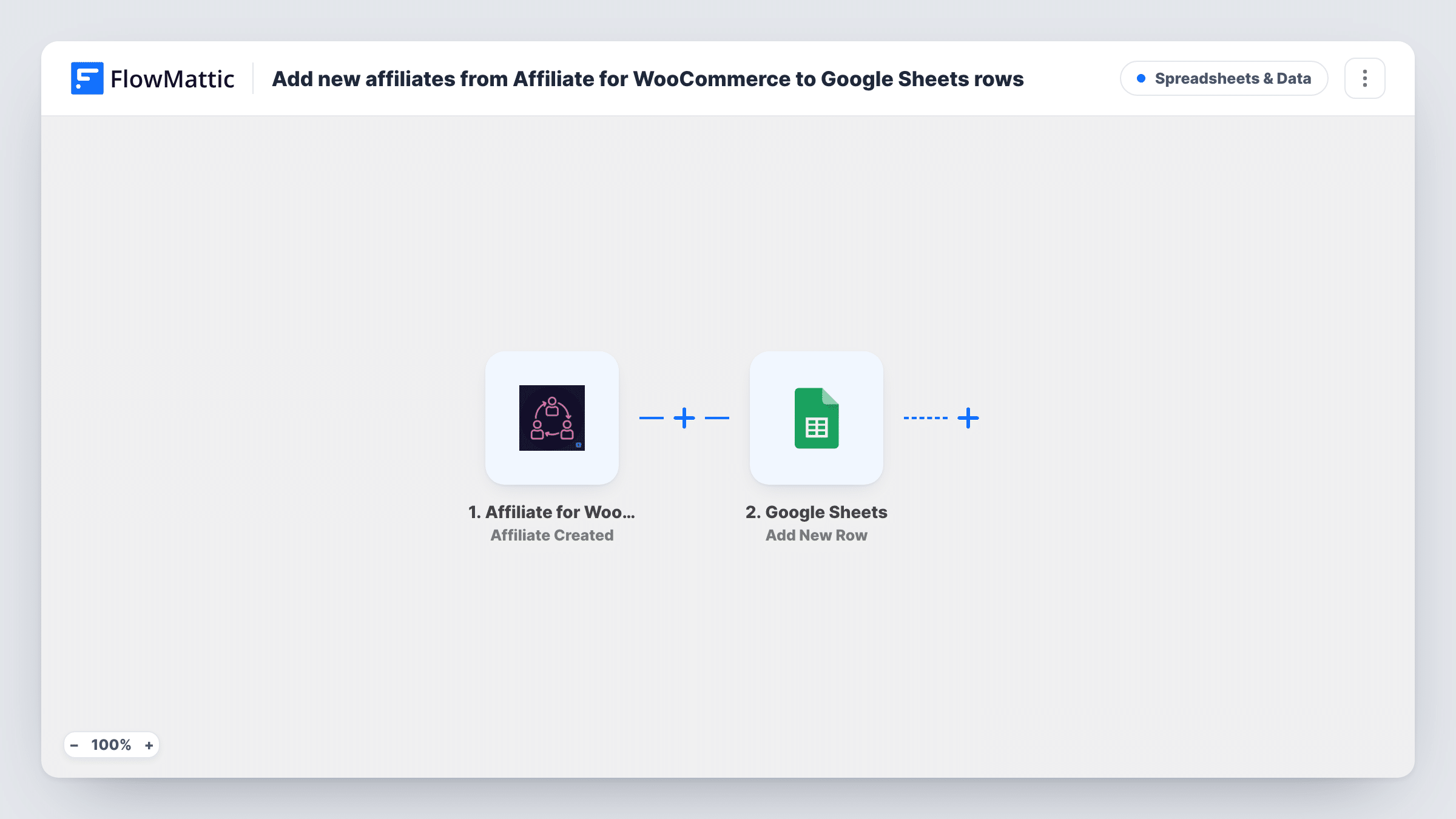
What this workflow does
Your affiliate programme lives inside WordPress, but the people who manage partners, plan payouts or report on the programme may not have a login. A spreadsheet of affiliates gives them a list they can open, filter and annotate. This workflow adds to that list every time a new affiliate is created.
The Affiliate for WooCommerce trigger starts a run on the Affiliate Created event. FlowMattic then writes a new row in Google Sheets. No columns are mapped in the template, so after import you connect your Google account, choose the spreadsheet, and map the affiliate details you want, such as name and email, to its columns.
The workflow only adds rows. It doesn't read commissions or payouts, and it doesn't change the affiliate in WordPress. Create a test affiliate first so you can see which values the trigger offers before mapping.
A partner manager without WordPress access
Your partnerships lead works from a shared sheet. Each new affiliate appears there, ready for them to add notes on outreach and agreed terms.
Planning welcome kits for new affiliates
Use the sheet as a checklist: each new row is an affiliate who needs their welcome email, promo assets and first check-in.
Reporting on programme growth
Add a date column and chart new affiliates per month in Google Sheets without exporting from WordPress.
How this workflow runs
What happens at each step once the workflow is on, and what you need before you import it.
 Affiliate for WooCommerce Affiliate Created
Runs when a new affiliate is created in Affiliate for WooCommerce. The affiliate's details become available to map in the Google Sheets step. Create a test affiliate to see them.
- Google Sheets Add New Row
Adds a row to the spreadsheet you pick in Google Sheets. Connect your Google account and map the affiliate details you want to keep, such as name and email, to the sheet's columns.
What you need
- FlowMatticCore
- Affiliate for WooCommerce PluginPlugin
- Google Sheets AccountAccount
After importing, map your own data. To keep the template universal, not every step is pre-filled. Open each step in the builder and connect your accounts and fields (channels, lists, sheets, recipients) before you switch the workflow on.
Make it yours
Changes worth making after you import it.
- Add a column for the date the row was added, mapped from a date value in the trigger if there is one, so you can sort affiliates by when they joined.
- Add a Slack or email step after the sheet if someone on your team should hear about each new affiliate as well.
- Leave a few empty columns at the right of the sheet for your team's notes, so mapped columns and manual notes don't overlap.
Questions about this workflow
Are affiliates created before import added to the Google Sheet?
No. The trigger is Affiliate Created, so only affiliates created after the workflow is on get a row.
Does the sheet update when an affiliate's details change in WordPress?
No. Each new affiliate gets one row when created. Later edits in Affiliate for WooCommerce are not copied to the sheet.
Can I log affiliate commissions in the same Google Sheet?
Not with this workflow, which only handles new affiliates. Commissions would need a separate workflow with its own trigger.
Which affiliate details go into each row?
Whatever you map. The template sets no columns, so after a test affiliate you choose which values fill which columns.
More Spreadsheets & Data workflows
Other ready-to-import templates from the same category.



Import this workflow into your WordPress site
Download the JSON, import it from the Workflows screen and connect your accounts. Every run stays on your server, with no per-task fees.
30-day money-back guarantee Unlimited workflows and runs Self-hosted