

When form submission is received in Ninja Forms, send the submission details to Zapier
Each Ninja Forms submission on your WordPress site is sent to Zapier with the Submit Data action, so a Zap you already run can take the form answers to the apps it connects.
 Ninja Forms
 Zapier
2 steps Setup ~5 min Used on 310 sites Free to import
What this workflow does
Some teams already have Zaps that move data between their business apps, and they want their WordPress form entries to feed those Zaps. This workflow handles the WordPress side: it picks up each Ninja Forms submission and passes the answers to Zapier.
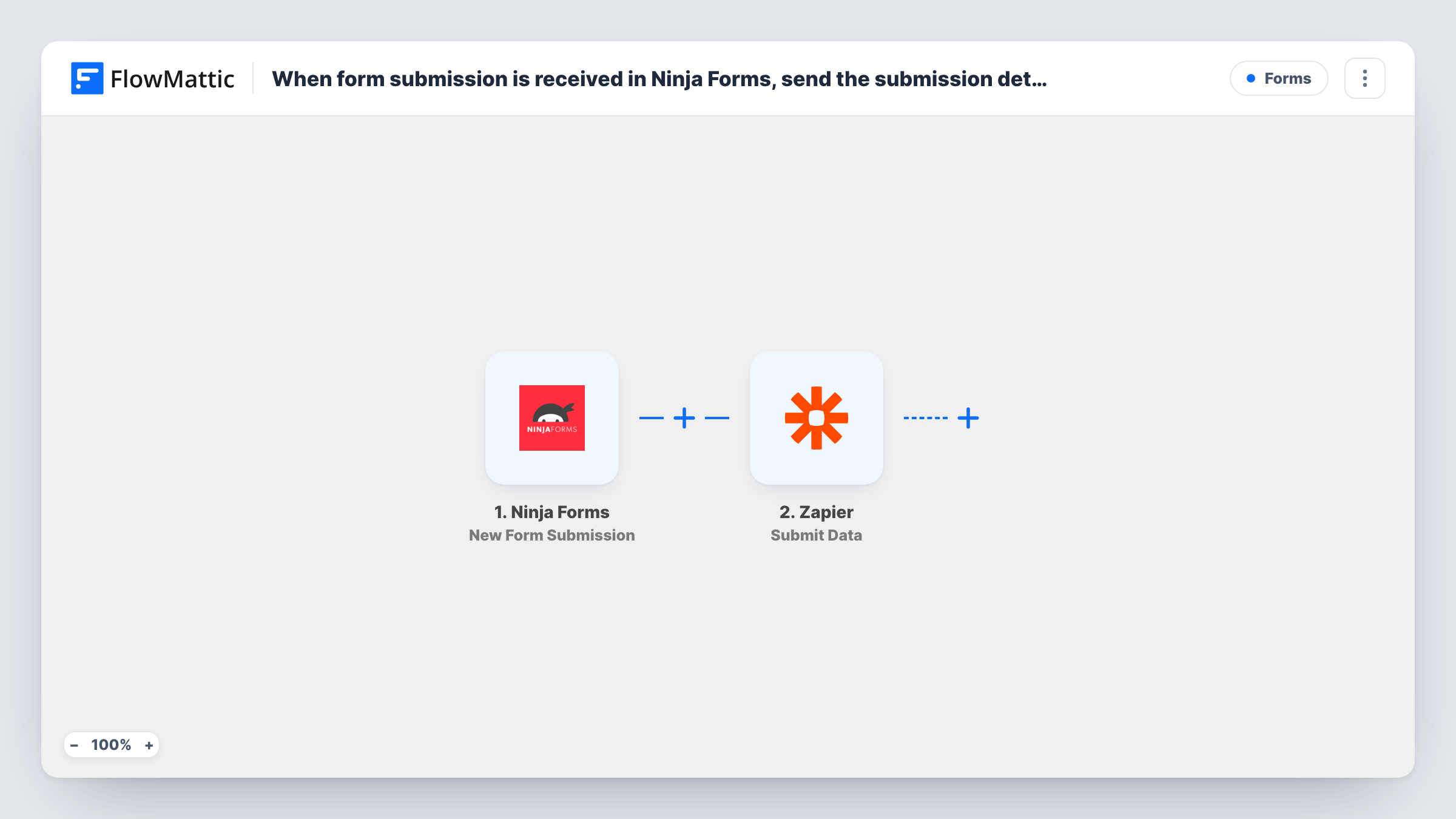
The Ninja Forms trigger runs on New Form Submission. FlowMattic collects the submitted fields and sends them with the Submit Data action for Zapier. On the Zapier side, the Zap that receives the data decides what happens next.
You need a Zap ready to receive the data before the workflow is useful, and you map the form fields you want to send. Every submission is sent, with nothing filtered out. Send a test entry and check both Task History in FlowMattic and the Zap's history in Zapier to confirm the data arrived as expected.
Feeding an existing Zap
Your team already has a Zap that adds leads to a sales tool. Pointing this workflow at it lets Ninja Forms entries take the same path.
Moving to FlowMattic gradually
You are bringing automations into WordPress one at a time. The form trigger runs in FlowMattic while the rest of the Zap stays in Zapier until you rebuild it.
Sharing form data with a Zapier-only partner
An agency or contractor manages the downstream Zap. You send them each Ninja Forms entry without giving them access to WordPress.
How this workflow runs
What happens at each step once the workflow is on, and what you need before you import it.
 Ninja Forms New Form Submission
Runs when a visitor submits a Ninja Forms form on your site. The submitted fields are passed to the Zapier step for mapping.
- Zapier Submit Data
Sends the Ninja Forms data you map to Zapier, where your Zap picks it up. Set up the receiving Zap first, then send a test entry to confirm the fields arrive.
What you need
- FlowMatticCore
- Ninja Forms PluginPlugin
- Zapier AccountAccount
After importing, map your own data. To keep the template universal, not every step is pre-filled. Open each step in the builder and connect your accounts and fields (channels, lists, sheets, recipients) before you switch the workflow on.
Make it yours
Changes worth making after you import it.
- Submit a test entry after import so FlowMattic captures the Ninja Forms fields. Then map them in the Zapier step and check what the Zap receives.
- If several Ninja Forms forms are on your site, add a Filter after the trigger so only the form your Zap expects is sent. Check a test run for the form value.
- Once the data is in FlowMattic, you may not need the Zap at all. Look for the destination app among FlowMattic's integrations and add its step here instead.
Questions about this workflow
Do I need a Zap ready before importing?
Yes. This workflow only sends the Ninja Forms data. A Zap in your Zapier account has to receive it and do the rest.
Does Ninja Forms still send its own email notifications?
Yes. The workflow listens for submissions and does not change the form's settings, so its notifications and stored entries work as before.
Are earlier Ninja Forms entries sent to Zapier?
No. Only submissions made after you turn the workflow on are sent.
How do I know the Ninja Forms data reached Zapier?
Task History shows what FlowMattic sent and the response it got. The Zap's own history in Zapier shows whether the Zap ran.
More Forms workflows
Other ready-to-import templates from the same category.







Import this workflow into your WordPress site
Download the JSON, import it from the Workflows screen and connect your accounts. Every run stays on your server, with no per-task fees.
30-day money-back guarantee Unlimited workflows and runs Self-hosted