

When an Appcues web flow form is submitted, log it in Google Sheets and notify the team in Slack
When a user submits a form inside an Appcues web flow, this workflow adds their answers to a Google Sheets row and then posts a Slack channel message, so feedback from your product tours is stored and seen.
 Appcues
 Google Sheets
 Slack
Slack3 steps Setup ~5 min Used on 3.3k sites Free to import
What this workflow does
Forms inside Appcues flows collect answers at the moment a user is in your product: a survey after onboarding, a question about their role, a request for a demo. Those answers are only useful if someone reads them and keeps them somewhere you can work with. This workflow does both each time a form is submitted.
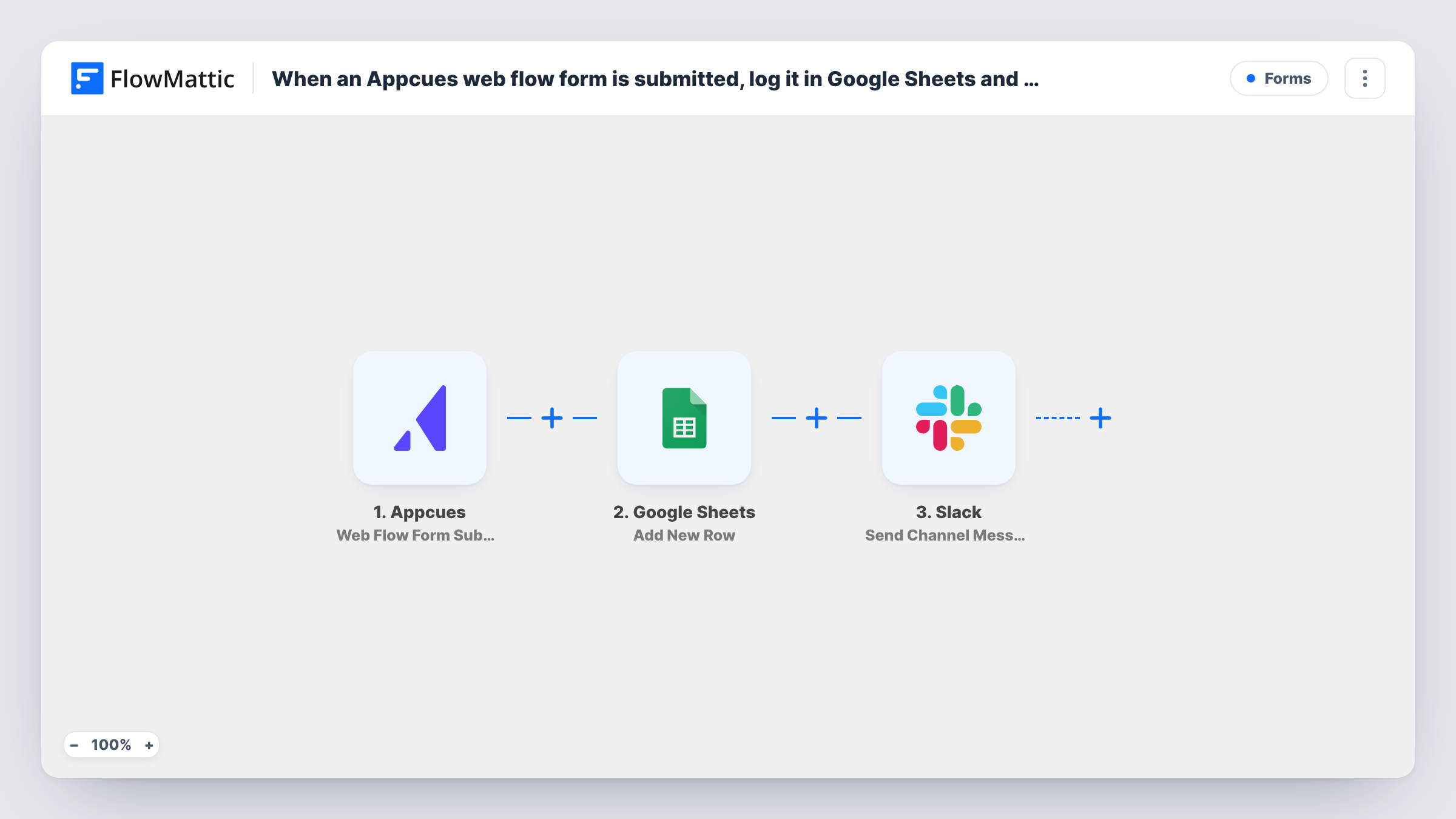
The Appcues trigger fires when a user submits a form in one of your web flows. FlowMattic adds a row to the Google Sheets spreadsheet you pick, with the answers and user details you map to its columns. The same data then goes into a message that Slack posts in your chosen channel.
The sheet becomes a growing record you can sort, chart or share, while the Slack message tells the team a new response is in. Every submission gets its own row and its own message. Task History shows each run and the data Appcues sent.
Onboarding survey responses
A short Appcues survey at the end of onboarding asks what the user wants to achieve. Product managers read each answer in Slack and review all of them later in the sheet.
Demo requests from inside the app
A flow offers a demo to trial users. When someone fills in the form, sales sees it in Slack and the sheet keeps a list of every request.
Collecting feature requests
An in-app form asks users what is missing. The sheet builds into a list you can group by theme, and the Slack channel lets the team discuss each one as it arrives.
How this workflow runs
What happens at each step once the workflow is on, and what you need before you import it.
 Appcues Web Flow Form Submitted
Fires when a user submits a form that is part of an Appcues web flow. The form answers and user data from Appcues become available to the next two steps.
- Google Sheets Add New Row
Adds a new row to your chosen Google Sheets spreadsheet. Connect your Google account and map the Appcues answers and user details to the sheet's columns.
- Slack Send Channel Message
Posts a message about the submission in the Slack channel you pick. Write the text and map in the answers or user details your team needs to see.
What you need
- FlowMatticCore
- Appcues AccountAccount
- Google Sheets AccountAccount
- Slack AccountAccount
After importing, map your own data. To keep the template universal, not every step is pre-filled. Open each step in the builder and connect your accounts and fields (channels, lists, sheets, recipients) before you switch the workflow on.
Make it yours
Changes worth making after you import it.
- Add a Filter after the trigger if you only want submissions from one flow or with a certain answer to reach the sheet and Slack.
- Submit a test form in an Appcues flow after import so FlowMattic captures the real answer fields before you map the sheet and the message.
- Put the Slack message for urgent answers, such as a demo request, in its own channel by adding a Router with a condition on the answer field.
Questions about this workflow
Do all Appcues flow forms trigger this workflow?
As imported, every web flow form submission from your connected Appcues account starts a run. Add a Filter if you want to limit it to one flow or form.
Can I choose which Appcues answers show in the Slack message?
Yes. The message holds whatever you write and map into it, so you pick which answers and user details from the Appcues event appear in the message.
Will past Appcues form responses be added to the sheet?
No. Only submissions made after you turn the workflow on reach Google Sheets and Slack.
What if the Google Sheets row isn't added for a response?
Task History shows the error on the Google Sheets step. The Slack step still runs for that submission, so the team is still told about it.
More Forms workflows
Other ready-to-import templates from the same category.







Import this workflow into your WordPress site
Download the JSON, import it from the Workflows screen and connect your accounts. Every run stays on your server, with no per-task fees.
30-day money-back guarantee Unlimited workflows and runs Self-hosted