

Send a Telegram message to on-call engineers when a Runscope test run completes
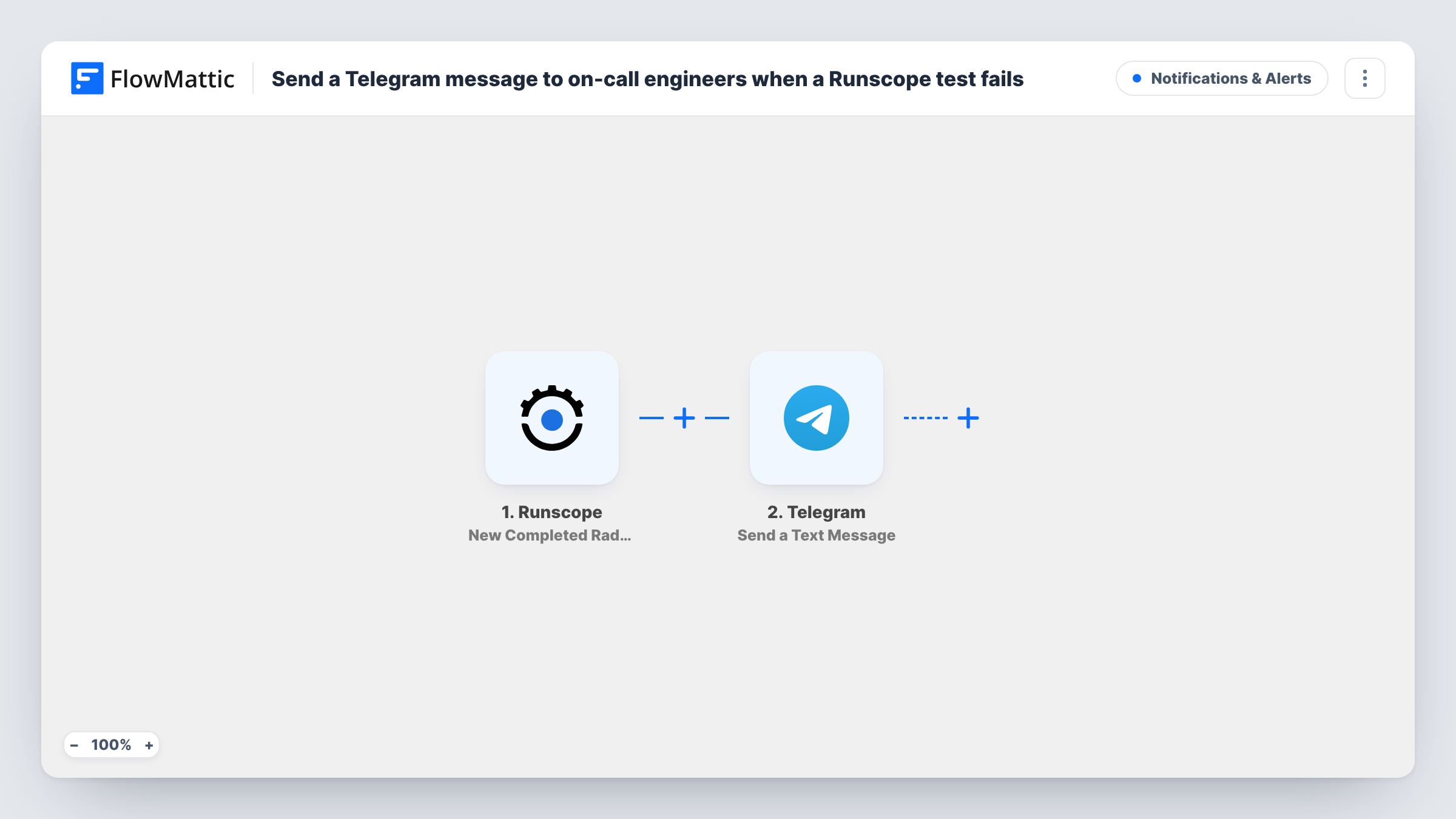
When a Runscope Radar API test finishes a run, FlowMattic sends a Telegram message with the run’s details to the chat your on-call engineers watch, so results reach them on their phones.
 Runscope
 Telegram
2 steps Setup ~5 min Used on 1.7k sites Free to import
What this workflow does
On-call engineers rarely sit in front of the Runscope dashboard, but they do carry their phones. If API test results only show up in a web view or an email folder, a broken endpoint can go unnoticed for a while. This workflow pushes each finished Radar test run into Telegram, where the on-call group already talks.
The Runscope trigger fires when a Radar API test completes a run, and hands FlowMattic the details of that run. Run a test in Runscope to see which values arrive, such as the test name, the result and a link to the run.
The Telegram Send a Text Message step then posts to a chat through your bot. It ships unmapped, so after import you connect the bot, set the chat that should receive alerts, such as an on-call group the bot belongs to, and write the message with the Runscope details mapped in.
The trigger fires for every completed run, passing or failing. For a busy test schedule that means a lot of messages. A Filter on the result keeps the chat for runs that need attention.
Failure alerts for the on-call rota
A platform team adds its Telegram bot to the on-call group, and whoever holds the pager sees each Radar run result there between checks of the monitoring dashboard.
Watching a release window
During a deploy, engineers follow the Telegram chat as scheduled Runscope tests finish against the new build, instead of refreshing the test page.
Partner API checks for a small team
A two-person agency monitors client APIs with Runscope and gets every run result in a shared Telegram chat they both have on their phones.
How this workflow runs
What happens at each step once the workflow is on, and what you need before you import it.
 Runscope New Completed Radar Test Run
Fires each time a Runscope Radar API test completes a run, whatever the result. The run's details are passed on for the message; trigger a Radar test once to see which ones arrive.
- Telegram Send a Text Message
Posts a text message to a Telegram chat through your bot. The step ships unmapped: connect the bot, set the target chat, and write the alert with the Runscope run details mapped in.
What you need
- FlowMatticCore
- Runscope AccountAccount
- Telegram AccountAccount
After importing, map your own data. To keep the template universal, not every step is pre-filled. Open each step in the builder and connect your accounts and fields (channels, lists, sheets, recipients) before you switch the workflow on.
Make it yours
Changes worth making after you import it.
- Put a Filter between the Runscope trigger and the Telegram step that continues only when the run's result shows a failure, so engineers are only messaged for runs that need action.
- If Runscope sends a link to the run, map it into the message, so the engineer can open the failing request straight from Telegram.
- Add the bot to your on-call Telegram group and send a test message first, so you can confirm the bot is allowed to post there.
Questions about this workflow
Do passing Runscope runs send a Telegram message too?
Yes, as imported. The trigger fires for every completed Radar test run. Add a Filter on the result between the Runscope trigger and the Telegram step to message only on failures.
Which Telegram chat receives the Runscope alerts?
The chat you set in the Send a Text Message step after import. It can be a group your bot belongs to, such as the on-call channel, or a direct chat with the bot.
Does the workflow know who is on call this week?
No. It posts to the chat you set and doesn't read any rota. Send alerts to a group that all on-call engineers belong to, so whoever is on duty sees them.
Do I need a Telegram bot to use this Runscope workflow?
Yes. The Telegram step sends messages through a bot you connect in FlowMattic, and that bot has to be a member of the group you post to.
More Notifications & Alerts workflows
Other ready-to-import templates from the same category.




Import this workflow into your WordPress site
Download the JSON, import it from the Workflows screen and connect your accounts. Every run stays on your server, with no per-task fees.
30-day money-back guarantee Unlimited workflows and runs Self-hosted