

Create a Zenzap topic from each new WPForms submission
Each new WPForms submission creates a topic in Zenzap, so every enquiry, request or application gets its own channel where your team can talk it through.
 WPForms
 Zenzap
2 steps Setup ~5 min Used on 1.9k sites Free to import
What this workflow does
When form entries arrive by email, the discussion about them ends up scattered across replies and forwards. Giving each submission its own topic in your team chat keeps the conversation about that one request in one place. This workflow creates that topic for you.
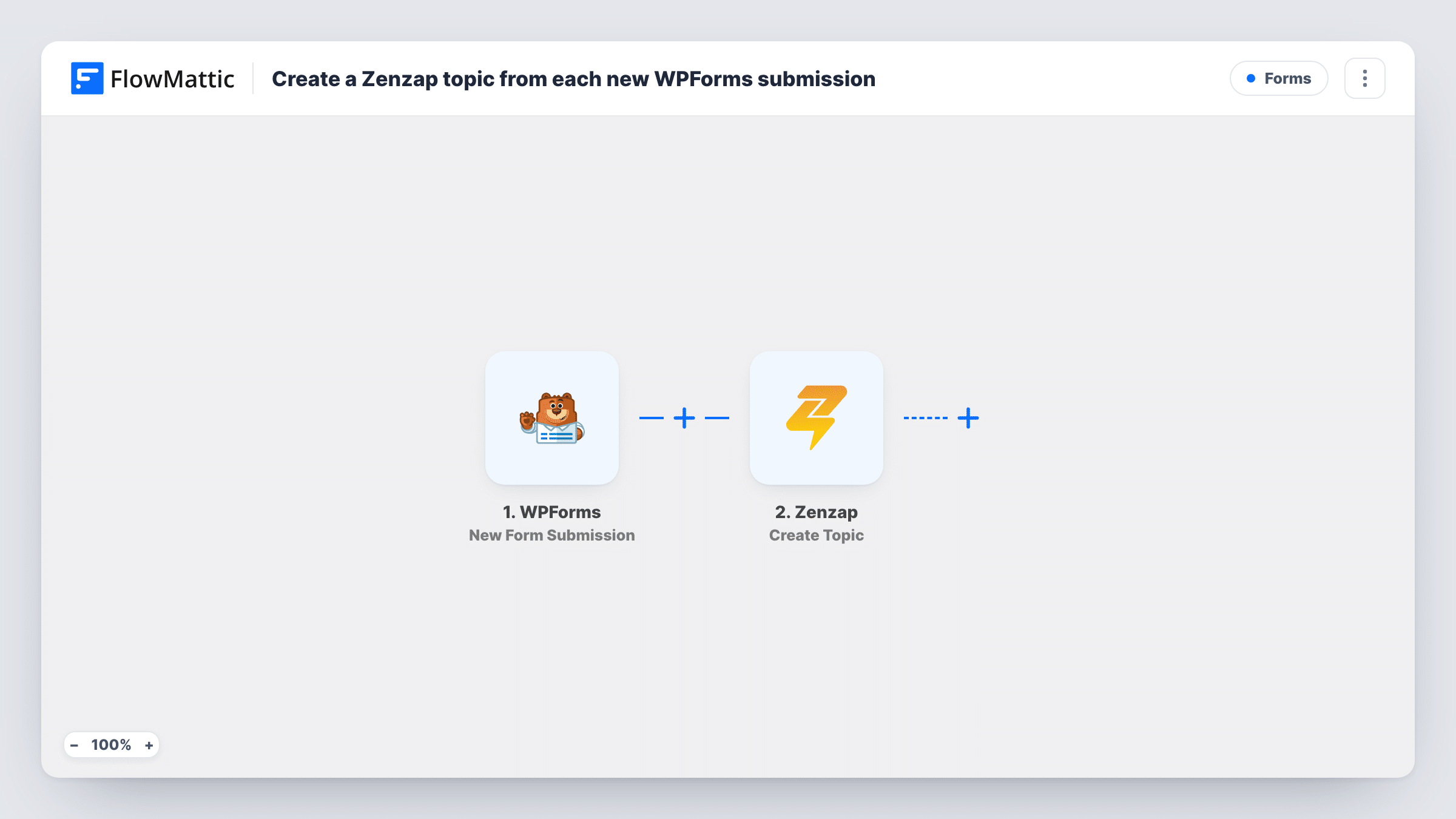
The WPForms trigger runs when a visitor submits a form on your WordPress site, and every field from the entry is passed to the next step. FlowMattic then runs the Zenzap Create Topic action, which creates a new topic (channel). You decide what goes into the topic by mapping form answers, for example the visitor's name and the subject they picked.
As imported, the workflow creates one topic per submission and does nothing else. It does not post the full entry as a message or add people to the topic. The tips show how to add those steps with other Zenzap actions. Task History keeps a record of each run, including the response Zenzap sent back.
Project enquiries for a design studio
A WPForms brief form on your site opens a Zenzap topic named after the client and project, and your designers discuss scope there before anyone replies.
Job applications reviewed by a hiring panel
Each application form entry gets its own Zenzap topic, so the panel's comments on one candidate never mix with another's.
Maintenance requests from tenants
A property manager's request form creates a topic per issue. Staff and contractors use it to agree on a visit time and report back.
How this workflow runs
What happens at each step once the workflow is on, and what you need before you import it.
 WPForms New Form Submission
Runs each time someone submits a WPForms form on your WordPress site. The entry's fields are passed on so you can map them into the Zenzap topic.
- Zenzap Create Topic
Creates a new topic (channel) in Zenzap for the submission. Map form answers into the topic, such as a name built from the sender and subject, and connect your Zenzap account on import.
What you need
- FlowMatticCore
- WPForms PluginPlugin
- Zenzap AccountAccount
After importing, map your own data. To keep the template universal, not every step is pre-filled. Open each step in the builder and connect your accounts and fields (channels, lists, sheets, recipients) before you switch the workflow on.
Make it yours
Changes worth making after you import it.
- Add a Zenzap Send Message step after Create Topic and post the full submission into the new topic, so your team sees every answer without opening WordPress.
- Use Zenzap Add Topic Members as a third step to bring the right colleagues into each new topic straight away.
- If the form has a type or department field, add a Filter after the trigger so only the entries your team handles in Zenzap create a topic.
Questions about this workflow
Does every WPForms submission create a new Zenzap topic?
Yes. There is no Filter in the template, so each entry from the form you pick creates its own topic. Add a Filter after the trigger if you only want some entries to open one.
Are the form answers posted inside the Zenzap topic?
Not as imported. The workflow only creates the topic with the details you map into it. Add a Zenzap Send Message step to post the answers into the topic.
Does WPForms still send its notification email?
Yes. The workflow runs after the entry is submitted and does not touch your form's notification settings.
Can past WPForms entries be turned into Zenzap topics?
No. The trigger fires on new submissions, so only entries made after you switch the workflow on create a topic.
More Forms workflows
Other ready-to-import templates from the same category.








Import this workflow into your WordPress site
Download the JSON, import it from the Workflows screen and connect your accounts. Every run stays on your server, with no per-task fees.
30-day money-back guarantee Unlimited workflows and runs Self-hosted