

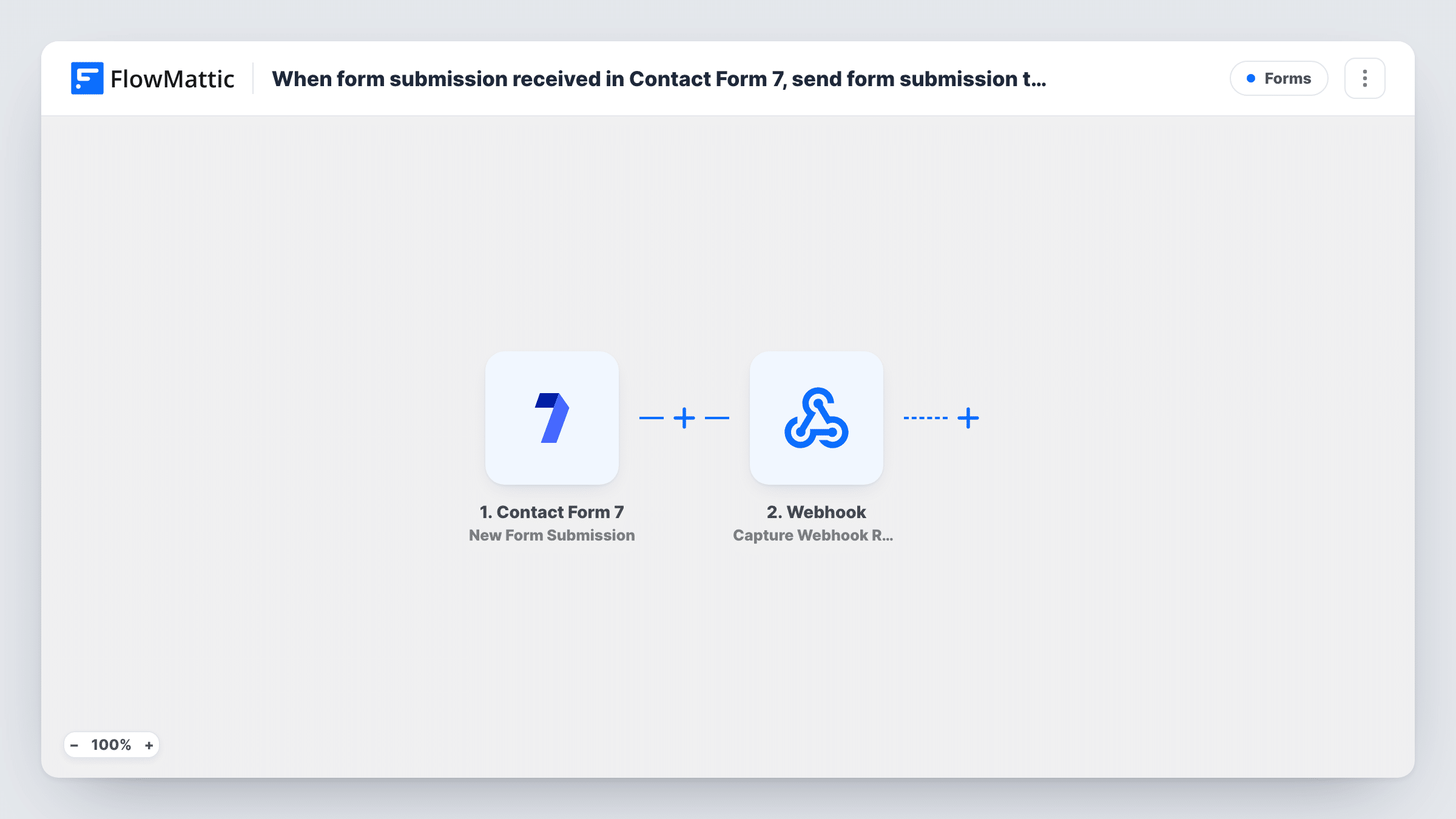
When form submission received in Contact Form 7, send form submission to webhook URL
Every Contact Form 7 submission is sent by FlowMattic as a JSON POST request to the webhook URL you choose, so a CRM, help desk or custom script outside WordPress receives each entry.
 Contact Form 7
 Webhook Outgoing
2 steps Setup ~5 min Used on 344 sites Free to import
What this workflow does
Contact Form 7 emails you each submission, and that is where it stops. If you want the entries in another system that accepts webhooks, this workflow passes every submission straight to its URL, with no extra form plugin or custom code.
The Contact Form 7 New Form Submission trigger fires when the form you connect is submitted. The values of its fields, typically named after the field tags in your form, such as your-name and your-email, become available to map. Contact Form 7 still sends its own mail as usual.
The Webhook Outgoing Submit Data to Webhook step sends data as JSON in a POST request. The step comes with no URL or data. After import you enter the receiving URL and add a key for each field you want to pass, using the names the receiving system expects.
Every submission starts a run, including spam that gets past your form's own protection. Send a test entry and look at Task History to see the JSON that went out and the reply from the receiving URL.
Leads into a CRM with a webhook inbox
A consultancy's CRM accepts new leads at an incoming webhook, and every Contact Form 7 enquiry lands there with the name, email and message.
Support requests to a ticketing tool
A small software company's help form on WordPress sends each request to its ticketing tool's webhook, so replies happen there.
Entries for a custom script
A developer's script receives form entries at its own endpoint and saves them to an internal database for reporting.
How this workflow runs
What happens at each step once the workflow is on, and what you need before you import it.
 Contact Form 7 New Form Submission
Fires when the Contact Form 7 form you connect is submitted. Each field value, typically labelled with its form tag, is available to map into the request.
- Webhook Outgoing Submit Data to Webhook
Sends the mapped submission as JSON in a POST request to your webhook URL. Enter the URL and add a key for each Contact Form 7 field; the template ships with neither.
What you need
- FlowMatticCore
- Contact Form 7 PluginPlugin
After importing, map your own data. To keep the template universal, not every step is pre-filled. Open each step in the builder and connect your accounts and fields (channels, lists, sheets, recipients) before you switch the workflow on.
Make it yours
Changes worth making after you import it.
- Mark the email field required with Contact Form 7's email* tag, so every request carries an address the receiving system can use.
- Add a fixed key such as form_name to the request, so a receiving system that gets several forms can tell them apart.
- Put a Filter between the Contact Form 7 trigger and the webhook step that continues only when the email field is not empty, if the other system rejects entries without one.
Questions about this workflow
Does Contact Form 7 still send its email notification?
Yes. This workflow runs alongside Contact Form 7's own mail. It adds the webhook request and doesn't change the email settings of your form.
Which Contact Form 7 fields are sent to the webhook?
Only the ones you add in the Submit Data to Webhook step. Submit a test entry, then pick each field from the trigger data and give it a key name.
Can I send the Contact Form 7 data to two webhook URLs?
Yes. Add a second Submit Data to Webhook step after the first, enter the other URL and map the fields it needs.
More Forms workflows
Other ready-to-import templates from the same category.








Import this workflow into your WordPress site
Download the JSON, import it from the Workflows screen and connect your accounts. Every run stays on your server, with no per-task fees.
30-day money-back guarantee Unlimited workflows and runs Self-hosted