

When a successful payment is received in PayForm, post a notification in Slack to alert the sales team
Each time PayForm processes a payment successfully, this workflow posts a message in your sales team’s Slack channel with the payment details you choose, so the team knows about the sale straight away.
 PayForm
 Slack
2 steps Setup ~5 min Used on 2.5k sites Free to import
What this workflow does
Sales teams want to know when money comes in, both to follow up with the buyer and to see how the week is going. Logging in to PayForm to look for new payments is a step people skip on busy days. This workflow announces each successful payment in Slack instead.
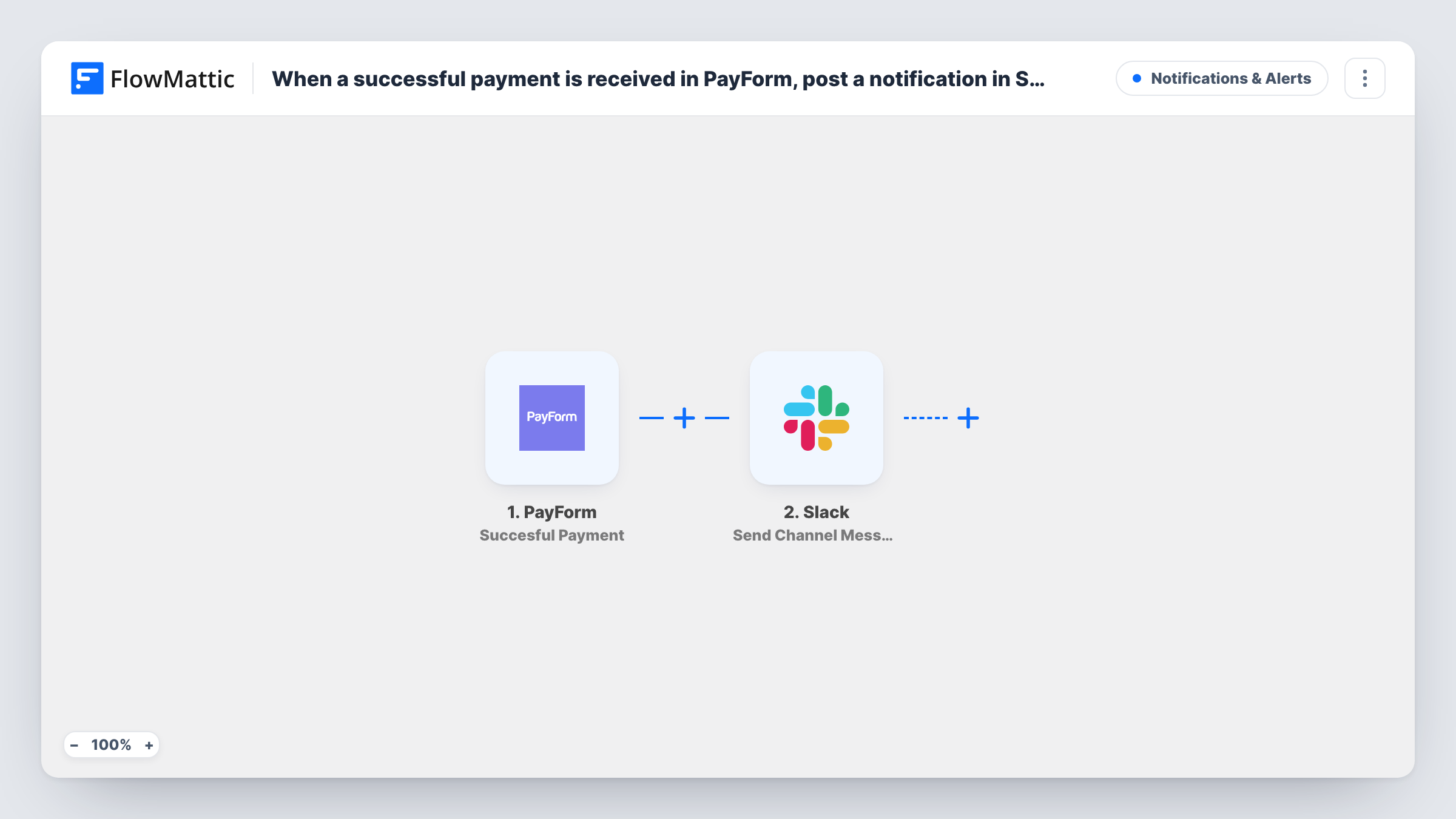
The PayForm trigger starts a run for every payment that goes through without error. FlowMattic passes the payment data to Slack, where Send Channel Message posts in the channel you choose. Build the message from payment details such as the customer's name, the amount and the form they paid through, depending on what PayForm sends.
Only successful payments start a run, so failed attempts never reach the channel. Task History keeps a record of every message sent and Slack's reply.
Sales channel announcements
Each PayForm sale is posted to your sales channel, so the rep who spoke to the buyer sees it and can send a personal thank-you.
Deposits for services
Clients pay a deposit through PayForm before a project starts. The Slack post tells the team the deposit is in and work can be scheduled.
Event ticket sales
Attendees pay for tickets with PayForm. The organisers' Slack channel shows each payment as it happens.
How this workflow runs
What happens at each step once the workflow is on, and what you need before you import it.
 PayForm Succesful Payment
Starts a run once a PayForm payment completes successfully. The payment and customer details are passed on to use in the Slack message.
- Slack Send Channel Message
Posts a message to the Slack channel you choose for sales alerts. Write the text and add PayForm payment details, such as who paid and how much.
What you need
- FlowMatticCore
- PayForm AccountAccount
- Slack AccountAccount
After importing, map your own data. To keep the template universal, not every step is pre-filled. Open each step in the builder and connect your accounts and fields (channels, lists, sheets, recipients) before you switch the workflow on.
Make it yours
Changes worth making after you import it.
- Add a Filter after the trigger with a greater-than check on the amount if your channel should only hear about larger sales. Decimals are cut off in that comparison, so 99.99 counts as 99.
- Post into a dedicated sales channel rather than a general one, so payment alerts are easy to scan later.
- Run one test payment in PayForm after import, then build the Slack message from the fields it captured.
Questions about this workflow
Are failed PayForm payments posted to Slack?
No. The trigger fires on successfully processed payments only.
Can the PayForm alert show the amount paid?
Yes, if PayForm includes it in the payment data. Insert it into the Slack message text when you map the step.
Which Slack channel gets the PayForm notifications?
Whichever channel you select while setting up the Slack step for sales alerts. Make sure your Slack connection can post there.
More Notifications & Alerts workflows
Other ready-to-import templates from the same category.



Import this workflow into your WordPress site
Download the JSON, import it from the Workflows screen and connect your accounts. Every run stays on your server, with no per-task fees.
30-day money-back guarantee Unlimited workflows and runs Self-hosted