

Send a Slack alert when a Checkly webhook reports a failed check
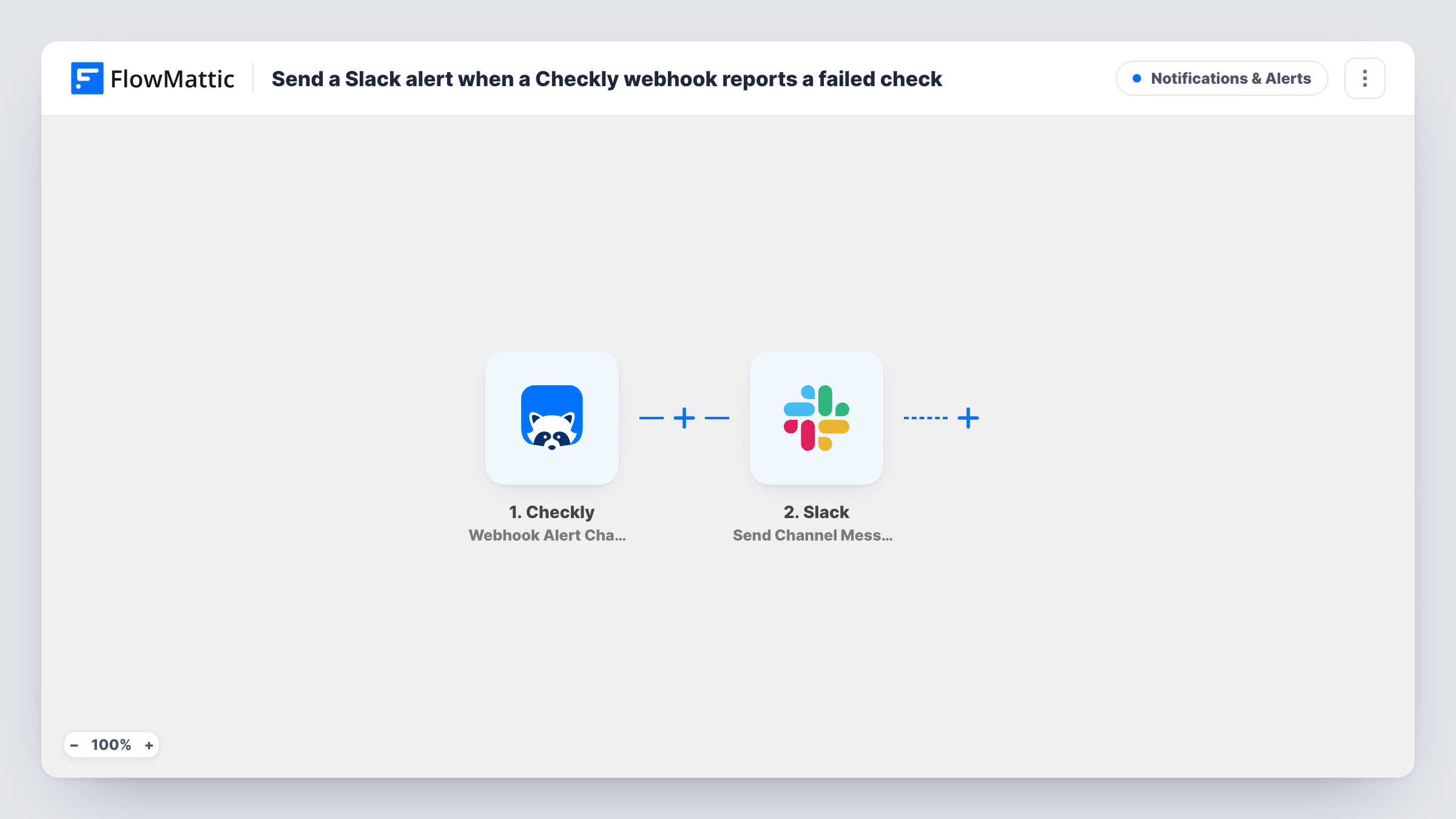
When a Checkly webhook alert channel reports a failed check, FlowMattic posts a message to a Slack channel. Recovery and degradation alerts stop at a Filter, so the channel only hears about failures.
 Checkly
 Filter
 Slack
3 steps Setup ~5 min Used on 2.2k sites Free to import
What this workflow does
Monitoring is only useful if the right people notice a failure quickly, and many teams already watch Slack more closely than email. Sending every Checkly event there, though, buries real failures under recovery notices. This workflow posts only the failures.
The Checkly trigger receives alerts from a webhook alert channel you add in Checkly, pointed at the workflow's URL. FlowMattic describes it as firing when a check fails, recovers or has a performance degradation. In Checkly's webhook payload, include the alert type variable under the key ALERT_TYPE, because the next step reads it.
A Filter then continues only when ALERT_TYPE exactly matches ALERT_FAILURE, apart from upper and lower case. Recoveries and degradations stop there, and so does any alert sent without that key.
The last step posts to a Slack channel. It ships unmapped, so choose the channel and write the message, mapping in the check's name and any other values you add to the Checkly payload. Trigger a failure on a test check to confirm the message arrives.
On-call channel for API failures
A SaaS team routes Checkly API check failures to an #on-call Slack channel, while recovery notices stay out of it.
Agency uptime alerts per client
An agency monitors client sites in Checkly and posts each failed check in the shared Slack channel the developers watch.
Checkout flow monitoring
A shop runs a browser check on its checkout page and gets a Slack message whenever Checkly reports that check as failed.
How this workflow runs
What happens at each step once the workflow is on, and what you need before you import it.
 Checkly Webhook Alert Channel
Receives alerts from a Checkly webhook alert channel when a check fails, recovers or degrades. Add the alert type to Checkly's payload under the ALERT_TYPE key, along with any check details you want in Slack.
- Filter Continue If Condition Meet
Continues only when the ALERT_TYPE value is ALERT_FAILURE. Recovery and degradation alerts, and alerts without that key, stop here and post nothing.
- Slack Send Channel Message
Sends the failure alert to a Slack channel you pick. The step ships empty: choose the channel and write the text, mapping in the check name and other fields from the Checkly payload.
What you need
- FlowMatticCore
- Checkly AccountAccount
- Slack AccountAccount
After importing, map your own data. To keep the template universal, not every step is pre-filled. Open each step in the builder and connect your accounts and fields (channels, lists, sheets, recipients) before you switch the workflow on.
Make it yours
Changes worth making after you import it.
- Add the check name, check type and result link variables to the Checkly webhook payload under keys of your own, so you can map them into the Slack message.
- If the alerts belong in a private Slack channel, replace the step with Send Private Channel Message; for a single engineer, Send Direct Message fits.
- Build a second workflow from this one with the Filter set to the recovery alert type, so the channel also hears when a failed check is back up.
Questions about this workflow
Why don't Checkly recoveries show up in Slack?
The Filter between the Checkly trigger and the Slack step lets only ALERT_FAILURE alerts through. Recoveries and degradations stop there by design.
What must the Checkly webhook payload contain?
At least the alert type under the key ALERT_TYPE, since the Filter checks it. Add any other check details you want to show in the Slack message under keys you choose.
Does capitalisation of ALERT_FAILURE matter to the Filter?
No. FlowMattic Filter text checks ignore upper and lower case, so the value matches whatever capitalisation Checkly sends, as long as the text is the same.
Where do I point the Checkly webhook alert channel?
At the webhook URL FlowMattic shows in the trigger after import. Add a webhook alert channel in Checkly with that URL, attach it to the checks you want covered, and send a test alert.
More Notifications & Alerts workflows
Other ready-to-import templates from the same category.



Import this workflow into your WordPress site
Download the JSON, import it from the Workflows screen and connect your accounts. Every run stays on your server, with no per-task fees.
30-day money-back guarantee Unlimited workflows and runs Self-hosted