

When an order is cancelled in StoreHippo, send a notification via Slack
Each time an order is cancelled in your StoreHippo store, this workflow posts a message to the Slack channel you pick, so your team hears about the cancellation without checking the store admin.
 StoreHippo
 Slack
2 steps Setup ~5 min Used on 1.4k sites Free to import
What this workflow does
A cancelled order is easy to miss when it only shows up as a changed status in your store admin. Someone may still be packing it, a refund may need handling, or a stock count may need a second look. This workflow puts each cancellation in front of your team in Slack.
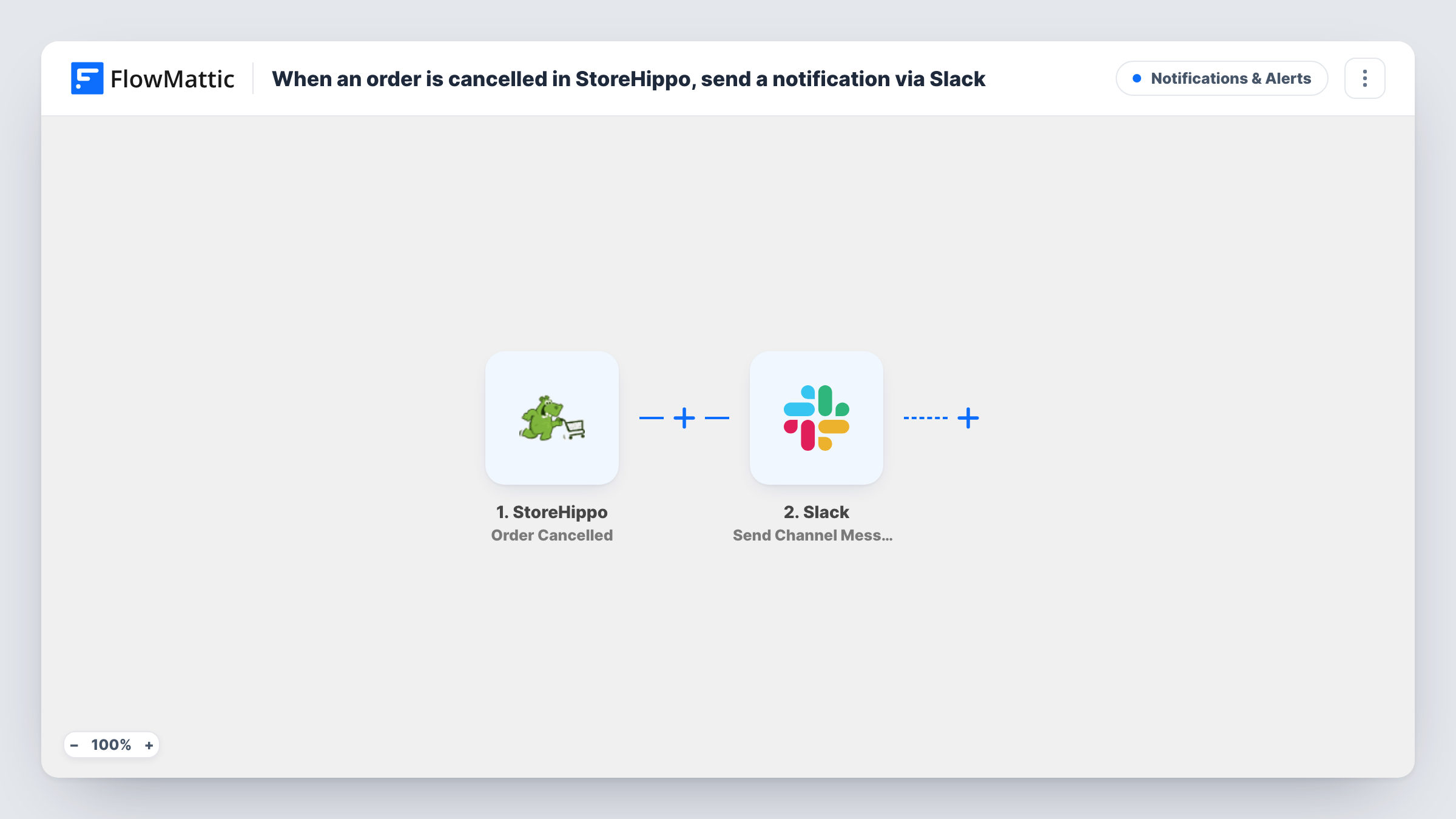
The StoreHippo trigger, Order Cancelled, fires when an order in your store is cancelled. FlowMattic receives the order data that StoreHippo sends with the event. The Slack step, Send Channel Message, then posts a message to the channel you choose. You write the message text and map order details into it, such as the order number or the customer's name, using whatever the trigger returns in a test run.
Nothing else changes in StoreHippo. The workflow only reads the cancelled order and posts to Slack. Every run appears in Task History, so you can see which cancellations were posted and spot a message Slack did not accept.
Stop a cancelled parcel before it ships
Your warehouse staff watch a #fulfilment channel. When a StoreHippo order is cancelled, the message lands there so they can pull the parcel from the packing queue.
Hand refunds to the accounts team
Post cancellations to a #finance channel so the person who handles refunds sees each one, with the order number in the message to look it up.
Keep the owner informed on a small store
A one-person shop can send cancellations to a quiet channel and read through them at the end of the day instead of watching the admin panel.
How this workflow runs
What happens at each step once the workflow is on, and what you need before you import it.
 StoreHippo Order Cancelled
Fires when an order in your StoreHippo store is cancelled. The order data StoreHippo sends with the event is passed to the Slack step for mapping.
- Slack Send Channel Message
Sends your text to one Slack channel of your choosing. Write the text and map cancelled-order details into it, then connect your Slack workspace when you import the workflow.
What you need
- FlowMatticCore
- StoreHippo AccountAccount
- Slack AccountAccount
After importing, map your own data. To keep the template universal, not every step is pre-filled. Open each step in the builder and connect your accounts and fields (channels, lists, sheets, recipients) before you switch the workflow on.
Make it yours
Changes worth making after you import it.
- Cancel a test order in StoreHippo after import so FlowMattic captures the order fields, then map the order number and customer details into the Slack message.
- If the channel is private, swap the step for Slack's Send Private Channel Message action. To alert one person instead, use Send Direct Message.
- Add a Filter after the trigger if you only want alerts above a certain order value, so small cancellations don't fill the channel.
Questions about this workflow
Does this fire for StoreHippo orders that are deleted rather than cancelled?
No. The trigger is Order Cancelled. StoreHippo has a separate Order Deleted trigger in FlowMattic, which you could add in a second workflow if you need both.
Can the Slack message show what was in the cancelled StoreHippo order?
You can map any order data the trigger returns into the message text. Run a test cancellation to see which fields StoreHippo sends, then pick the ones your team needs.
Will cancellations from before I turn the workflow on be posted to Slack?
No. The trigger reacts to cancellations as they happen, so only orders cancelled after the workflow is active reach Slack.
Does the workflow change anything in my StoreHippo store?
No. It reads the cancelled order and posts a message. Order status, stock and refunds are left to StoreHippo and your own process.
More Notifications & Alerts workflows
Other ready-to-import templates from the same category.




Import this workflow into your WordPress site
Download the JSON, import it from the Workflows screen and connect your accounts. Every run stays on your server, with no per-task fees.
30-day money-back guarantee Unlimited workflows and runs Self-hosted