

Send a Slack alert when an AppDirect subscription is added, changed or cancelled
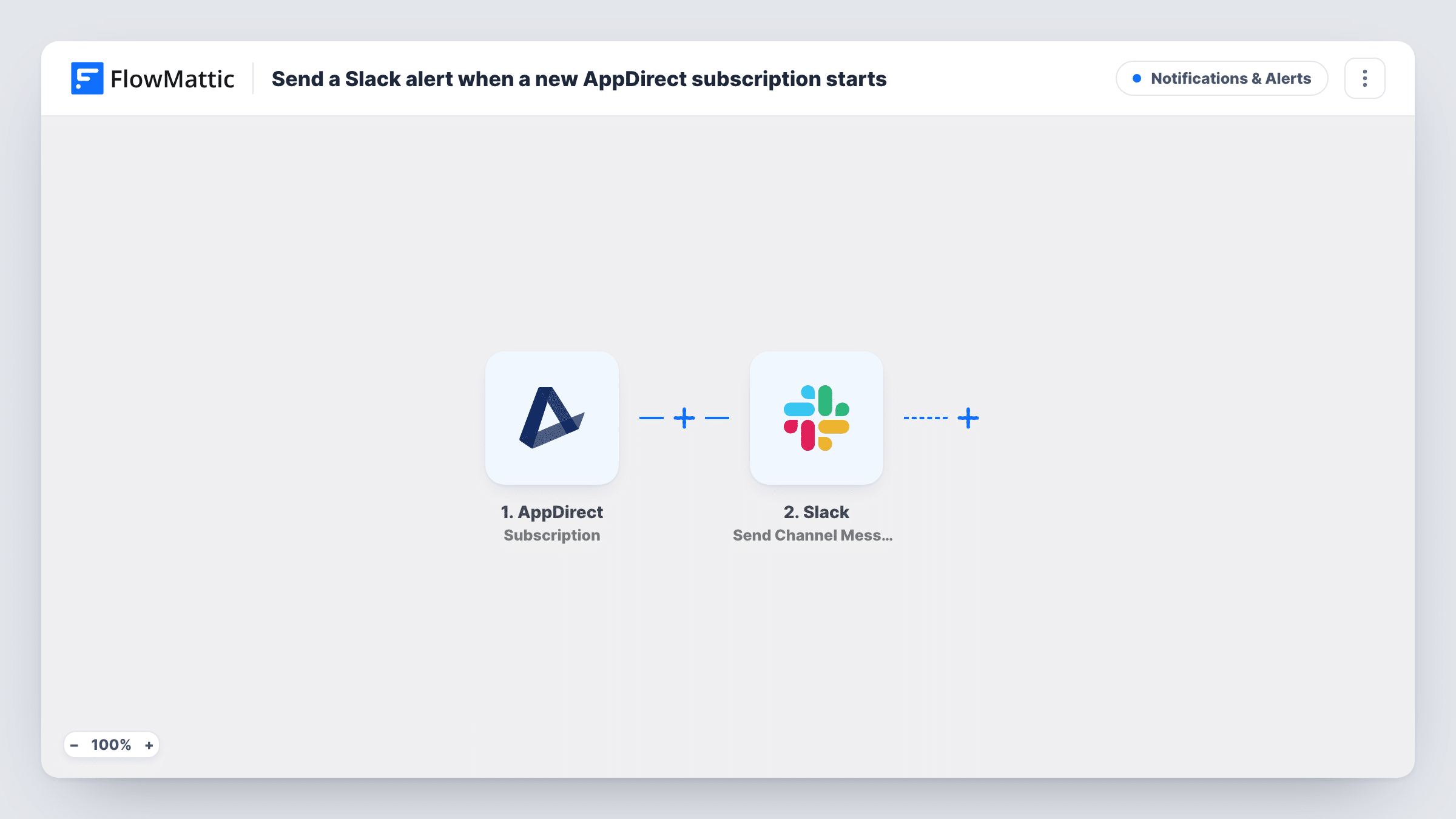
Each time AppDirect reports a subscription being added, changed or cancelled, FlowMattic posts an alert to the Slack channel you pick, with the subscription details you map in.
 AppDirect
 Slack
2 steps Setup ~5 min Used on 2.8k sites Free to import
What this workflow does
Subscription changes on an AppDirect marketplace matter to several teams at once: sales wants to know about new customers, support wants to know about plan changes, and account managers need to hear about cancellations before the renewal call. This workflow puts each of those events in a Slack channel where everyone can see it.
The AppDirect Subscription trigger fires when a subscription is added, changed or deleted, with details about the company, the user and the active order. All three kinds of event start a run, so one channel gets the full picture of subscription activity.
The Slack Send Channel Message step then posts the alert. It ships unmapped: after import you connect your workspace, pick a public channel and write the message, mapping in the company, the product or edition and the kind of change. Putting the event type at the start of the message keeps new subscriptions and cancellations easy to tell apart.
Alerts meant for a private channel need Slack's separate Send Private Channel Message action instead. Make one test change in AppDirect and read Task History to see which values the event carries before you finish the message.
Sales channel for new marketplace subscriptions
A software vendor selling through AppDirect posts every new subscription to #sales-wins, so reps see which companies signed up that day.
Early warning on cancellations
An account team watches a #churn channel where AppDirect cancellations appear, so someone can contact the customer the same day.
Plan changes visible to support
A support lead follows subscription changes in Slack to know when a customer upgraded or downgraded before they open a ticket.
How this workflow runs
What happens at each step once the workflow is on, and what you need before you import it.
 AppDirect Subscription
Fires when an AppDirect subscription is added, changed or deleted. Details about the company, user and active order are passed to the Slack step for mapping.
- Slack Send Channel Message
Sends the alert to a public Slack channel of your choice. The template maps no fields here, so connect Slack, select the channel and write the alert with the AppDirect subscription details.
What you need
- FlowMatticCore
- AppDirect AccountAccount
- Slack AccountAccount
After importing, map your own data. To keep the template universal, not every step is pre-filled. Open each step in the builder and connect your accounts and fields (channels, lists, sheets, recipients) before you switch the workflow on.
Make it yours
Changes worth making after you import it.
- Begin the Slack message with the subscription event type, so the channel shows at a glance whether a line is a new subscription, a change or a cancellation.
- To send each kind of change to a different channel, add a Router between the AppDirect trigger and Slack with one route per event type, and give every route its own Send Channel Message step.
- Use Send Direct Message instead if one account manager should get the alerts personally rather than a whole channel.
Questions about this workflow
Which AppDirect subscription events post to Slack?
All of them that the trigger reports: additions, changes and deletions. To keep only some, put a Filter on the event type between the AppDirect trigger and the Slack step.
Can AppDirect cancellations go to a private Slack channel?
Swap this step for Slack's Send Private Channel Message action, which posts to a private channel you pick. The current step only covers the public channels in your workspace.
Which AppDirect details appear in the Slack message?
The ones you map. The step ships empty, so write the message after import and add the values a test event shows, such as the company and the type of change.
More Notifications & Alerts workflows
Other ready-to-import templates from the same category.




Import this workflow into your WordPress site
Download the JSON, import it from the Workflows screen and connect your accounts. Every run stays on your server, with no per-task fees.
30-day money-back guarantee Unlimited workflows and runs Self-hosted