

Send a Slack alert to sales for every new Pagewiz lead
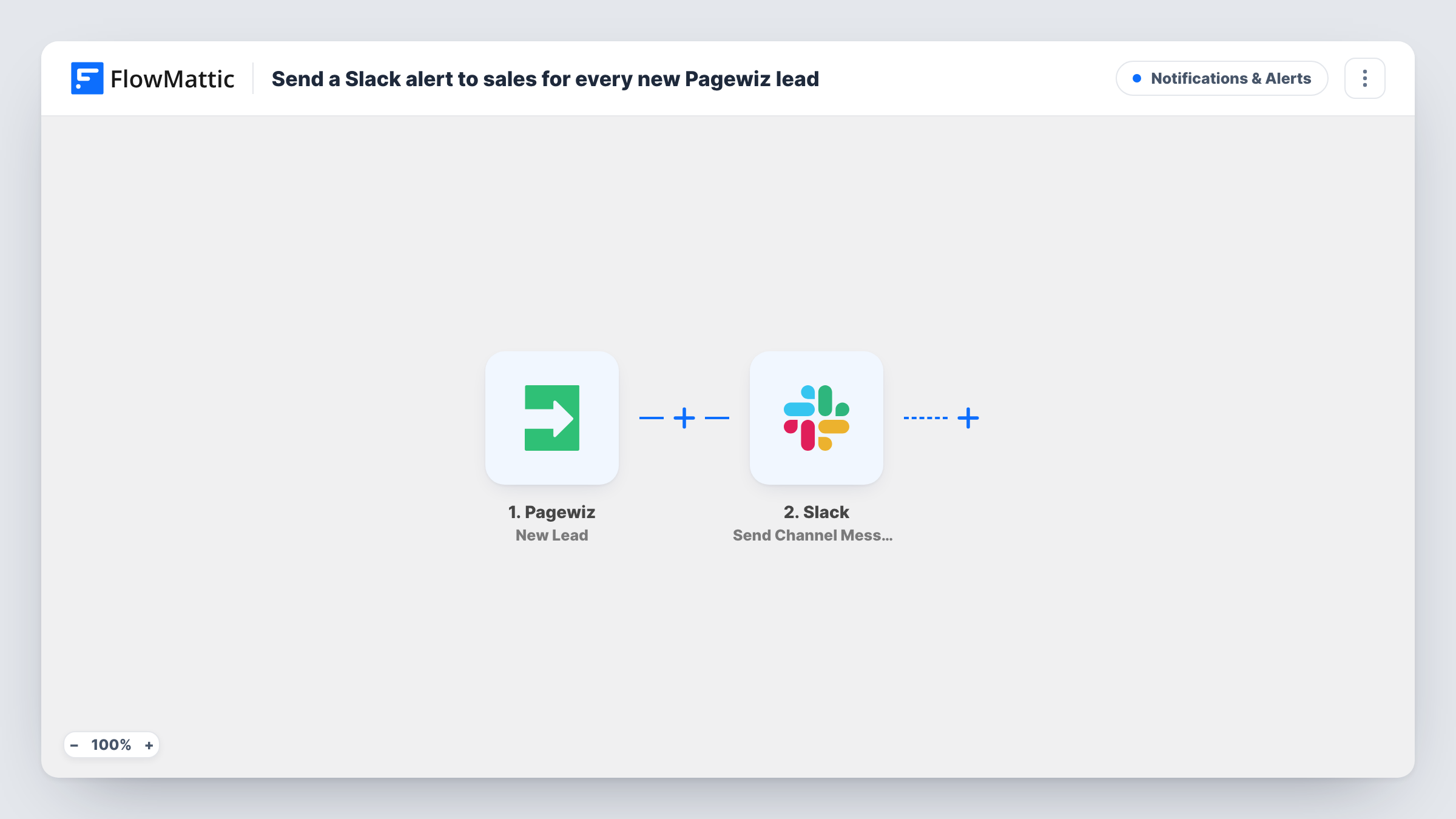
Every time Pagewiz captures a new lead on one of your landing pages, this workflow posts it to a Slack channel your sales team watches, with the lead details you choose to include.
 Pagewiz
 Slack
2 steps Setup ~5 min Used on 2.6k sites Free to import
What this workflow does
A lead from a landing page is worth the most when someone responds quickly. If your sales team has to check Pagewiz or wait for an email digest, new leads sit unanswered. This workflow puts each one in Slack, where reps can see it and pick it up.
The Pagewiz trigger starts a run each time a landing page records a new lead. FlowMattic receives the fields the visitor filled in. The Slack step then posts a message to your sales channel, and you decide which lead details appear and how the message reads.
Each lead creates one message, with no filtering as imported. The Slack post is only a notification, and the lead stays in Pagewiz as before. If you want leads stored somewhere as well, add a step for your CRM or a spreadsheet after the Slack message.
Demo request pages
A Pagewiz page offering a product demo sends each request to #sales, and the first free rep replies in the thread to claim it.
Quote requests from ad traffic
Visitors from paid ads ask for a quote on a Pagewiz page, and the sales channel sees each request with the visitor's details.
Event or seminar enquiries
People asking about an upcoming seminar on a landing page show up in Slack so the organiser can call them back.
How this workflow runs
What happens at each step once the workflow is on, and what you need before you import it.
 Pagewiz New Lead
Fires when a visitor's details are captured as a new lead on your Pagewiz landing page. The lead fields are passed to the Slack step.
- Slack Send Channel Message
Posts the lead to the Slack channel you choose. Connect your workspace, pick your sales channel and map the Pagewiz fields into the message.
What you need
- FlowMatticCore
- Pagewiz AccountAccount
- Slack AccountAccount
After importing, map your own data. To keep the template universal, not every step is pre-filled. Open each step in the builder and connect your accounts and fields (channels, lists, sheets, recipients) before you switch the workflow on.
Make it yours
Changes worth making after you import it.
- Send a test lead through your Pagewiz page after import so FlowMattic captures the form fields, then map them into the Slack text.
- Include the name of the landing page or campaign in the message if Pagewiz sends it, so reps know where the lead came from.
- Add a Google Sheets Add New Row step after the Slack message to keep a list of every lead alongside the alert.
Questions about this workflow
Does every Pagewiz lead trigger a Slack message?
Yes. Each new lead Pagewiz captures starts a run and posts one message. Add a Filter after the trigger if you want only some leads in the channel.
Can the Pagewiz lead go to one sales rep instead of a channel?
Swap the step for Slack's Send Direct Message action to message one person. For a private sales channel, use Send Private Channel Message.
Is the Pagewiz lead saved anywhere else by this workflow?
No. It only posts to Slack. Add a CRM or spreadsheet step if you need the lead stored.
Do leads collected before import get posted to Slack?
No. Slack hears only about leads that arrive once the workflow is switched on.
More Notifications & Alerts workflows
Other ready-to-import templates from the same category.




Import this workflow into your WordPress site
Download the JSON, import it from the Workflows screen and connect your accounts. Every run stays on your server, with no per-task fees.
30-day money-back guarantee Unlimited workflows and runs Self-hosted