

When a new response is received, send an automated alert to Telegram
Each new response from Beagle Security triggers a Telegram text message, so you hear about activity from your security testing tool on your phone instead of waiting to check the dashboard.
 Beagle Security
 Telegram
2 steps Setup ~5 min Used on 2.1k sites Free to import
What this workflow does
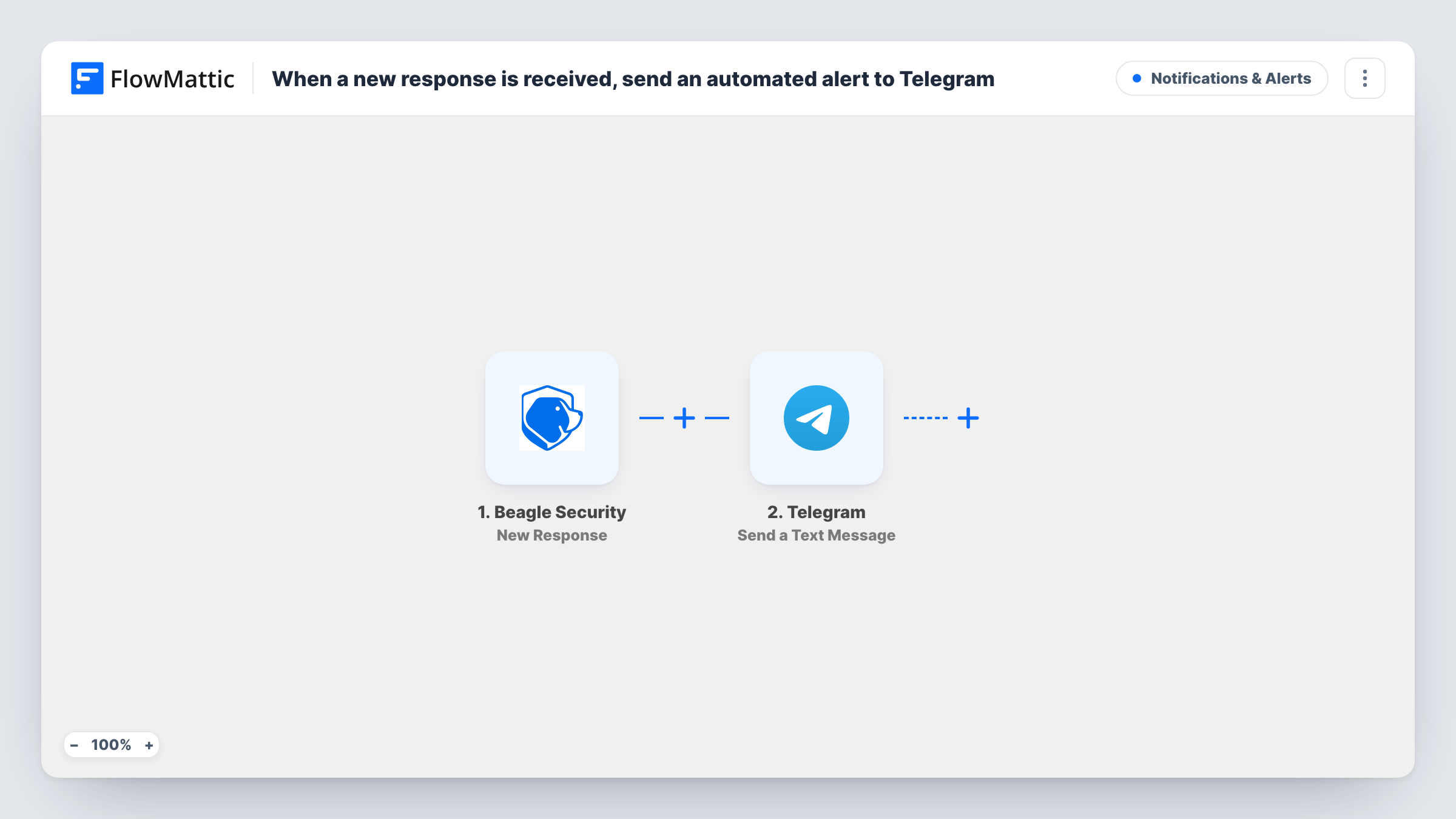
Beagle Security tests websites and applications for security problems. News from a security tool is only useful if someone sees it, and a dashboard nobody opens doesn't help. This workflow forwards each new response from Beagle Security to Telegram, where you and your team already read messages.
The Beagle Security trigger fires on New Response and gives FlowMattic the data that came with it. The second step uses Telegram Send a Text Message. You write the text and map in values from the response, so the alert says what you need at a glance.
The template has no Filter, so each response sends one message. Trigger a response after import to see what Beagle Security provides, then build the text from it and send a test to confirm it reaches the right chat. Task History records each run if an alert is ever missing.
Agency watching client sites
An agency running Beagle Security on several client sites gets a Telegram message for each response, in a group the whole team reads.
Solo developer on the move
A freelancer gets alerts on their phone and knows to open Beagle Security when something new has come in.
Security channel for a product team
Developers share a Telegram group for incidents, and each Beagle Security response is posted there next to their discussion.
How this workflow runs
What happens at each step once the workflow is on, and what you need before you import it.
 Beagle Security New Response
Starts the workflow when Beagle Security sends a new response to FlowMattic. The values in that response are passed to the Telegram step.
- Telegram Send a Text Message
Sends a text message through Telegram. Write the alert and map in values from the Beagle Security response, then test it to make sure it arrives where you expect.
What you need
- FlowMatticCore
- Beagle Security AccountAccount
- Telegram AccountAccount
After importing, map your own data. To keep the template universal, not every step is pre-filled. Open each step in the builder and connect your accounts and fields (channels, lists, sheets, recipients) before you switch the workflow on.
Make it yours
Changes worth making after you import it.
- Put the project or site name at the start of the message, if the response includes it, so you can tell alerts for different sites apart quickly.
- Add a Filter after the trigger to forward only responses that match a value you care about, once a test run shows you what Beagle Security sends.
- Add a second action, such as Gmail or Slack, after the Telegram step if some people on your team don't use Telegram.
Questions about this workflow
What counts as a new response from Beagle Security?
It is whatever Beagle Security sends to FlowMattic through this trigger. Trigger one after import and look at the captured data to see exactly what it holds.
Can the Telegram alert go to a group?
The step sends a text message through the Telegram connection you set up. Send a test after import to confirm the message reaches the chat or group you intend.
Does this change anything in Beagle Security?
No. The workflow only receives the response and sends a Telegram message. Your tests and settings in Beagle Security are untouched.
More Notifications & Alerts workflows
Other ready-to-import templates from the same category.







Import this workflow into your WordPress site
Download the JSON, import it from the Workflows screen and connect your accounts. Every run stays on your server, with no per-task fees.
30-day money-back guarantee Unlimited workflows and runs Self-hosted