

Email the team when a Rocketlane phase due date is updated
When the due date of a phase changes in Rocketlane, this workflow sends an email from your Gmail account to the people you choose, so the team hears about the new date without checking the project.
 Rocketlane
 Gmail
2 steps Setup ~5 min Used on 2.1k sites Free to import
What this workflow does
Onboarding and implementation projects in Rocketlane are split into phases, and a phase due date that moves can change what the rest of the team needs to do. If the change only lives inside the project, people find out late. This workflow sends an email each time a phase due date is updated.
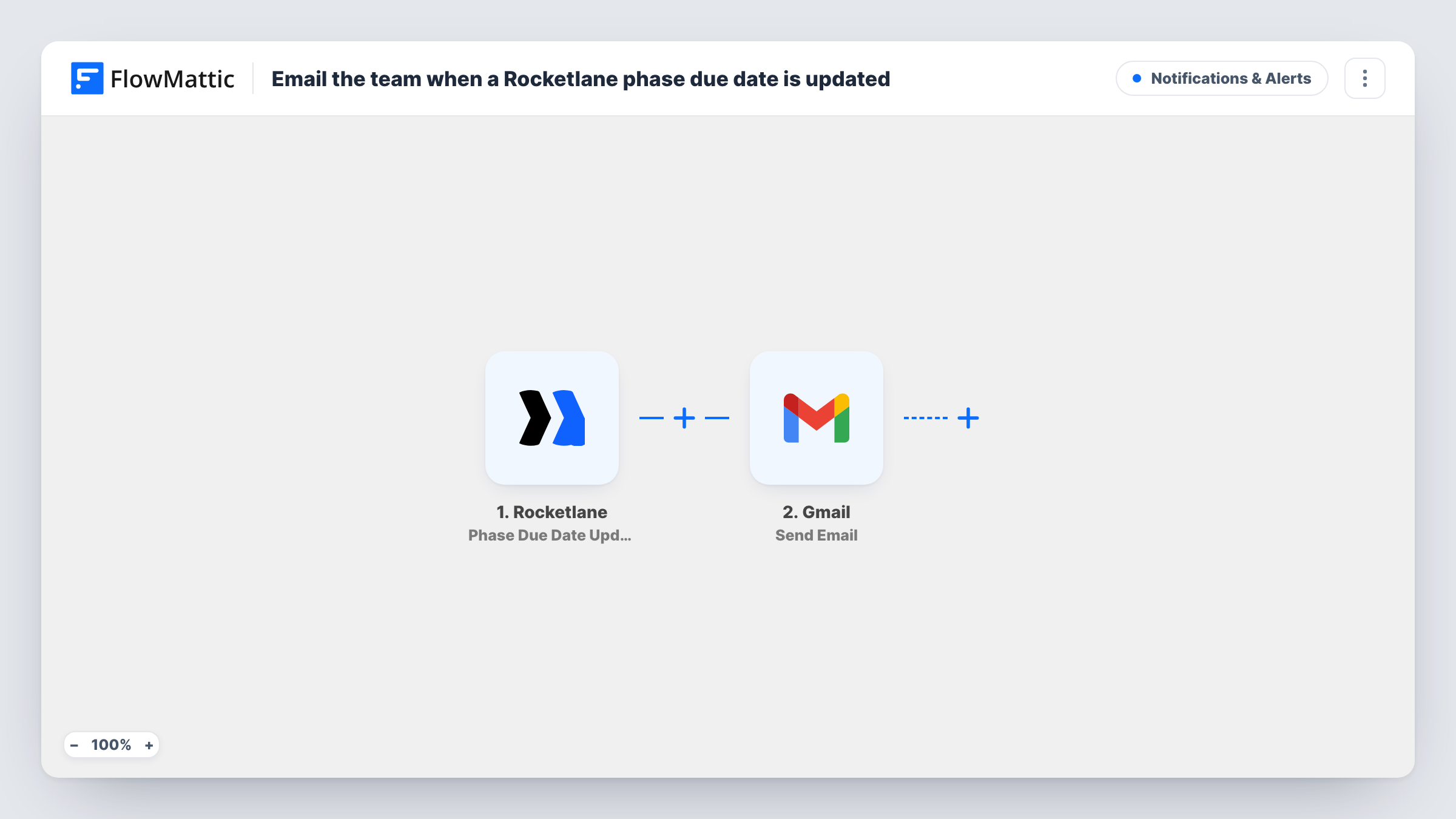
The Rocketlane trigger fires whenever the due date of a phase is updated. FlowMattic passes the phase data it receives to the next step. The Gmail step then sends an email from your connected Gmail account. You decide who receives it and write the subject and body, placing Rocketlane values such as the phase name and the new date wherever you want them.
Every due date update starts a run, whether the date moved earlier or later. If several phases are changed, each one sends its own email. Task History lists each run, which helps when you want to check what was sent and when.
Implementation team on a client rollout
A project manager pushes back the Data Migration phase in Rocketlane. The engineers on the rollout get an email with the phase name and new due date.
Account managers watching client timelines
Each due date change on a client's onboarding phases is emailed to the account manager, who can warn the client before the next call.
Keeping leadership informed
Send the email to a shared team address so leads see every phase date change across projects in one inbox thread.
How this workflow runs
What happens at each step once the workflow is on, and what you need before you import it.
 Rocketlane Phase Due Date Updated
Fires each time the due date of a phase is updated in Rocketlane. The phase details from the event are passed to the Gmail step for mapping.
- Gmail Send Email
Emails the team from the Gmail account you link here. Set the recipients, then build the subject and body from the Rocketlane phase data, such as the phase name and new due date.
What you need
- FlowMatticCore
- Rocketlane AccountAccount
- Gmail AccountAccount
After importing, map your own data. To keep the template universal, not every step is pre-filled. Open each step in the builder and connect your accounts and fields (channels, lists, sheets, recipients) before you switch the workflow on.
Make it yours
Changes worth making after you import it.
- Add a Filter after the trigger that continues only for phases in projects you care about, if the event data includes the project, so other projects don't send email.
- Run a test by changing a phase due date in Rocketlane after import, then check which fields FlowMattic captured before you write the email body.
- Put the phase name and project in the subject line so team members can see what moved without opening the email.
Questions about this workflow
Does the email go out when a phase start date changes?
No. This trigger watches phase due dates only. Rocketlane has a separate Phase Start Date Updated trigger in FlowMattic if you want emails for start dates as well.
Can the Rocketlane phase email go to several people?
Yes. Enter more than one recipient in the Gmail step, or send it to a shared team address.
Which Gmail account sends the email?
Whichever Gmail account you link on import. The message comes from that address and appears in its Sent folder.
Will a date that moves earlier also send an email?
Yes. The trigger fires on any update to a phase due date, so both earlier and later dates start a run.
More Notifications & Alerts workflows
Other ready-to-import templates from the same category.





Import this workflow into your WordPress site
Download the JSON, import it from the Workflows screen and connect your accounts. Every run stays on your server, with no per-task fees.
30-day money-back guarantee Unlimited workflows and runs Self-hosted