

Send a Slack alert when a new Alchemer survey response arrives
Each time someone submits an Alchemer survey, this workflow posts a Slack channel message with the answers you choose, so your team reads new feedback where they already work.
 Alchemer
 Slack
Slack2 steps Setup ~5 min Used on 3.2k sites Free to import
What this workflow does
Survey feedback is most useful while it is fresh, but few people log in to Alchemer every day to read new responses. Posting them to Slack puts each one in front of the people who can act on it, from product managers to support leads.
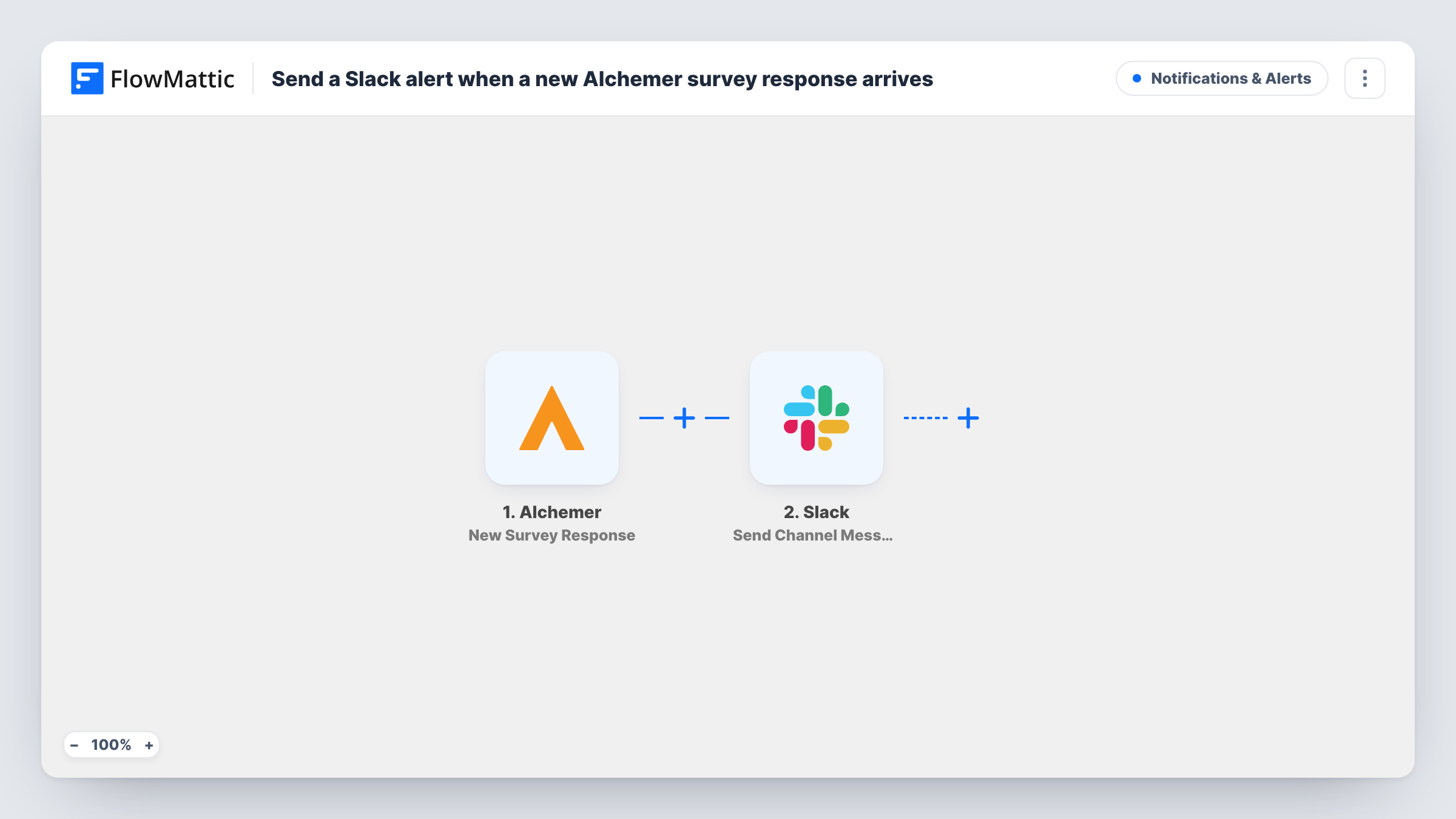
The Alchemer trigger, New Survey Response, fires when a new Alchemer survey is submitted. The response data Alchemer sends, such as answers to each question, becomes available to map. The Slack step uses Send Channel Message to post in a standard channel, with a message you write around those answers, for example the score and the comment from a satisfaction survey.
There is no Filter, so every submitted response produces a Slack post. For a survey with many responses a day, that can be a lot of messages; a Filter on a score or answer keeps only the ones you care about. Teams that discuss feedback in a private channel should replace the step with Slack's Send Private Channel Message.
Customer satisfaction surveys
Every CSAT response posts to a #customer-feedback channel with the score and comment, so the support lead can follow up on low ratings the same day.
Post-event feedback
Attendees fill in an Alchemer survey after a webinar, and the events team reads the comments in Slack while planning the next session.
Product feature requests
An in-app Alchemer survey asks what users want next, and each answer appears in the product team's channel for discussion.
How this workflow runs
What happens at each step once the workflow is on, and what you need before you import it.
 Alchemer New Survey Response
Fires when someone submits an Alchemer survey. The answers from that response are passed on for use in the Slack message.
- Slack Send Channel Message
Posts the survey response into a Slack channel. Write the message, insert the Alchemer answers you want the team to see and connect your Slack workspace.
What you need
- FlowMatticCore
- Alchemer AccountAccount
- Slack AccountAccount
After importing, map your own data. To keep the template universal, not every step is pre-filled. Open each step in the builder and connect your accounts and fields (channels, lists, sheets, recipients) before you switch the workflow on.
Make it yours
Changes worth making after you import it.
- Submit a test response to your Alchemer survey after import so FlowMattic captures the question fields, then pick the answers to show in Slack.
- Add a Filter after the trigger that continues only when a rating is less than 7, so the channel shows unhappy responses only. A blank rating counts as 0 and also passes that check.
- If you run several surveys, start the Slack message with the survey name or a fixed label, so readers know which survey each post comes from.
Questions about this workflow
Does every Alchemer response create a Slack message?
Yes, as imported. Each submitted response starts a run and posts one message. Add a Filter after the trigger to limit posts to certain answers.
Can I choose which Alchemer answers appear in Slack?
Yes. You write the Slack message yourself and insert only the answer values you want. Questions you don't map stay out of the post.
Are partial or abandoned Alchemer surveys posted?
The trigger fires when a survey is submitted. Check a test in Task History if you need to confirm how your Alchemer setup treats partial responses.
Can the Alchemer alerts go to a private Slack channel or one person?
Not with the imported step, which posts to standard channels. Replace it with Slack's Send Private Channel Message for a private channel, or Send Direct Message to notify one person.
More Notifications & Alerts workflows
Other ready-to-import templates from the same category.






Import this workflow into your WordPress site
Download the JSON, import it from the Workflows screen and connect your accounts. Every run stays on your server, with no per-task fees.
30-day money-back guarantee Unlimited workflows and runs Self-hosted