

Send a Telegram message for each new RecruitApp.ai attended event
When RecruitApp.ai records an applicant as having attended a hiring event, this workflow sends a Telegram message to the chat you choose, so recruiters and hiring managers hear about each attendee on their phones.
 RecruitApp.ai
 Telegram
2 steps Setup ~5 min Used on 1.0k sites Free to import
What this workflow does
Hiring events move fast. Recruiters talk to dozens of applicants, and the people who make decisions are often somewhere else. Knowing who actually turned up helps them plan interviews and follow-ups the same day. This workflow sends that news to Telegram.
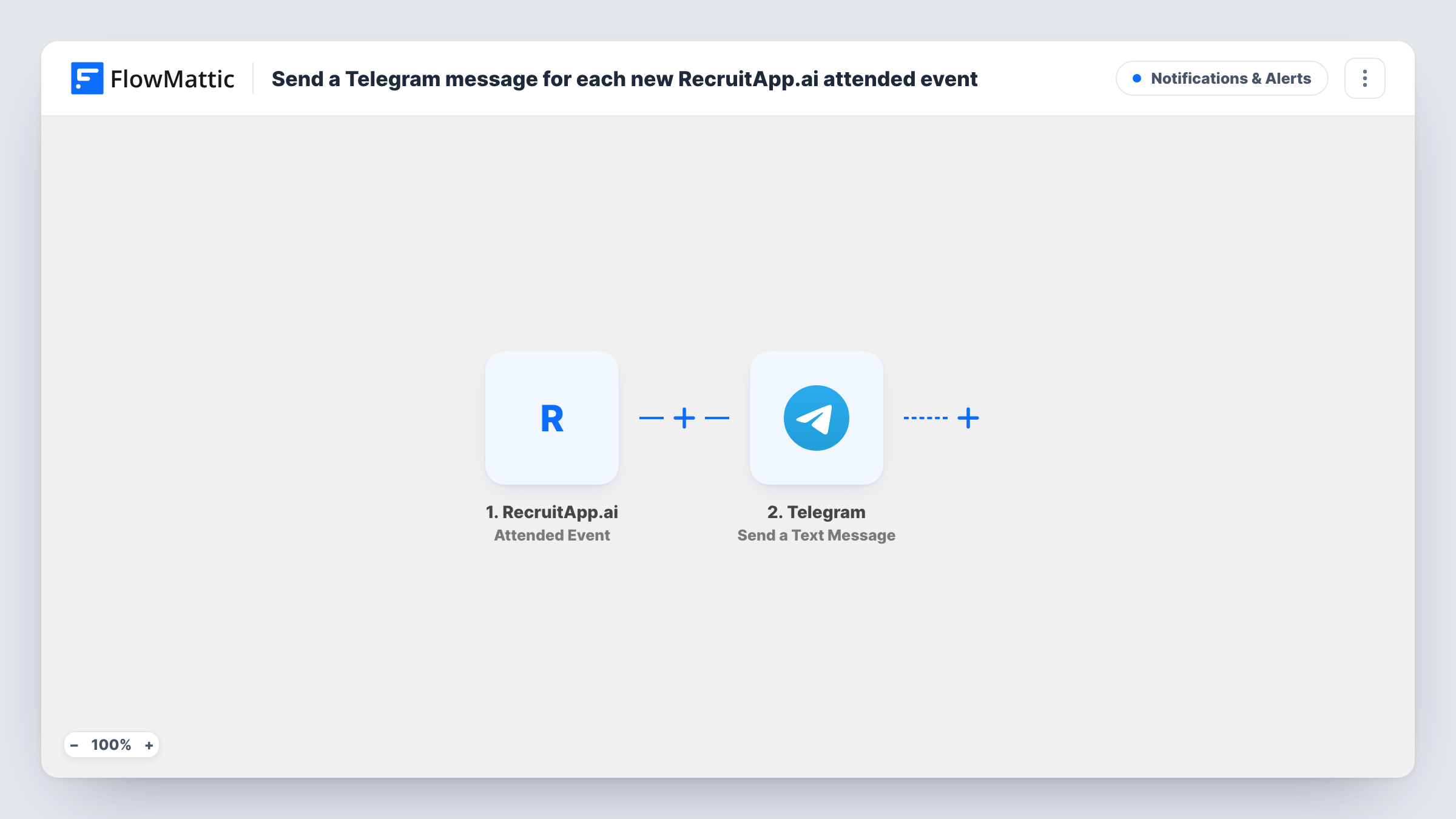
The RecruitApp.ai trigger fires for applicants who attended a hiring event. FlowMattic receives the applicant and event details and passes them to Telegram, where the Send a Text Message action posts a message to the chat you set up. You write the text and insert values such as the applicant's name and the event.
The trigger works per applicant, so an event with many attendees sends one message for each person, not one summary per event. For a busy event, that can be a lot of messages in one chat, which is worth considering before you choose a group. You can trace any message back to its run in Task History.
Hiring manager updates during a job fair
A store manager follows a Telegram group that receives a message for every applicant who attended the recruiting day.
Same-day interview scheduling
Recruiters back at the office see attendees arrive in Telegram and start booking second interviews before the event ends.
Field recruiting for multiple sites
Regional leads get a Telegram note for each attendee at their open-house events, without logging into RecruitApp.ai.
How this workflow runs
What happens at each step once the workflow is on, and what you need before you import it.
 RecruitApp.ai Attended Event
Fires for each applicant who attended a hiring event in RecruitApp.ai. The applicant and event details become values for the Telegram message.
- Telegram Send a Text Message
Sends a text message to the Telegram chat you choose, through your connected bot. Write the message and insert RecruitApp.ai values, such as the applicant's name, where they help.
What you need
- FlowMatticCore
- RecruitApp.ai AccountAccount
- Telegram AccountAccount
After importing, map your own data. To keep the template universal, not every step is pre-filled. Open each step in the builder and connect your accounts and fields (channels, lists, sheets, recipients) before you switch the workflow on.
Make it yours
Changes worth making after you import it.
- Add a Filter if only some events matter to this chat, for example continuing only when the value that identifies the event matches the job fair your team is running.
- Use a Router to send attendees of different events to different Telegram chats, with one route per event, each matching a different event value from your test data.
- Mark one test applicant as attended after import so FlowMattic captures real values, then build the message text from them.
Questions about this workflow
Do I get one Telegram message per RecruitApp.ai event or per applicant?
Per applicant. The trigger fires for each applicant who attended, so an event with twenty attendees sends twenty messages.
Can the Telegram message go to a group instead of one person?
Yes. Add your bot to the group and use that group's chat as the destination in the Telegram step.
Are applicants from past RecruitApp.ai events included?
No. Only attendance recorded after the workflow is switched on sends a message.
More Notifications & Alerts workflows
Other ready-to-import templates from the same category.





Import this workflow into your WordPress site
Download the JSON, import it from the Workflows screen and connect your accounts. Every run stays on your server, with no per-task fees.
30-day money-back guarantee Unlimited workflows and runs Self-hosted