

When Submission Received in KwesForms, Send SMS via Twilio
When a KwesForms form receives a new submission, Twilio sends an SMS to the number you set, so you or your team hear about new enquiries on your phone without checking the dashboard.
 KwesForms
 Twilio
2 steps Setup ~5 min Used on 2.7k sites Free to import
What this workflow does
A callback request, an urgent booking or a hot sales lead can't wait for someone to open the inbox. Email notifications get buried, but a text message is seen quickly. This workflow sends an SMS for every KwesForms submission.
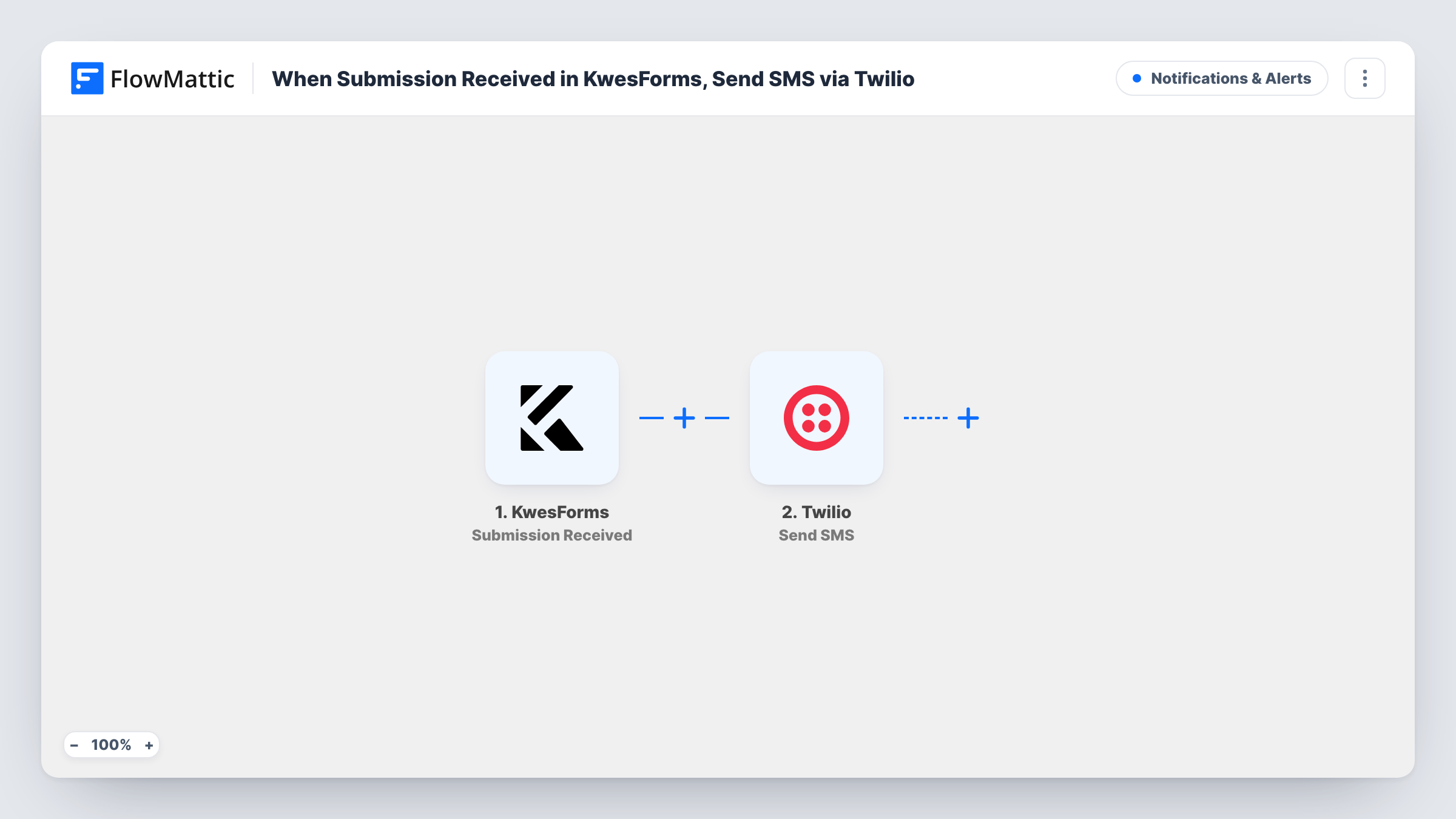
The KwesForms trigger fires when a new submission is received. FlowMattic passes the submitted fields to the Send SMS action in Twilio. You enter the phone number that should receive the text, such as your own or an on-call phone, and write a short message with the submitter's name and request inserted.
You could also map the submitter's phone number as the recipient to send them a confirmation, as long as your form collects it. Every submission sends one SMS, so a busy form means many texts. Task History lists each run with Twilio's response.
Callback requests for a trades business
A plumber's KwesForms callback form texts the owner's phone with the caller's name and number, so they can ring back between jobs.
Urgent support form
A form for outages sends an SMS to the on-call engineer, who sees it even when away from email.
Confirmation to the person who applied
With the applicant's phone mapped as the recipient, each person who submits a KwesForms application gets a text saying it arrived.
How this workflow runs
What happens at each step once the workflow is on, and what you need before you import it.
 KwesForms Submission Received
Fires when a new submission is received on your KwesForms form. The submitted fields are passed on for use in the SMS.
- Twilio Send SMS
Sends a text through Twilio to the number you enter or map. Write the message and insert form values so the reader knows who submitted and what they asked for.
What you need
- FlowMatticCore
- KwesForms AccountAccount
- Twilio AccountAccount
After importing, map your own data. To keep the template universal, not every step is pre-filled. Open each step in the builder and connect your accounts and fields (channels, lists, sheets, recipients) before you switch the workflow on.
Make it yours
Changes worth making after you import it.
- Submit a test entry on your KwesForms form after import, so the field values are captured and ready to insert into the SMS.
- Add a Filter after the trigger that continues only when an urgency or topic field matches, so only the submissions that need a fast reply send a text.
- Enter recipient numbers with the country code, since Twilio needs the full international number to deliver.
Questions about this workflow
Who receives the KwesForms SMS?
Whoever you set as the recipient in the Twilio step. That can be a fixed number, such as your own, or a phone number mapped from the form.
Does every KwesForms submission send a text?
Yes. There's no Filter in the template, so each new submission sends one SMS. Add a Filter if only some entries should.
Does KwesForms spam blocking still apply?
The workflow starts only when KwesForms reports a submission, so whatever KwesForms does before that still applies. The workflow adds no spam check of its own.
More Notifications & Alerts workflows
Other ready-to-import templates from the same category.




Import this workflow into your WordPress site
Download the JSON, import it from the Workflows screen and connect your accounts. Every run stays on your server, with no per-task fees.
30-day money-back guarantee Unlimited workflows and runs Self-hosted