

Notify the sales team in Discord when a SumoQuote email is opened
When a SumoQuote email is opened, FlowMattic posts a message in the Discord channel your sales team uses, with the details you map from the event, so reps see the open without checking SumoQuote.
 SumoQuote
 Discord
2 steps Setup ~5 min Used on 398 sites Free to import
What this workflow does
A quote that has just been opened is a good moment to call. Most reps don't sit in SumoQuote watching for opens, though, and the moment passes. This workflow tells your sales team in Discord whenever a SumoQuote email is opened.
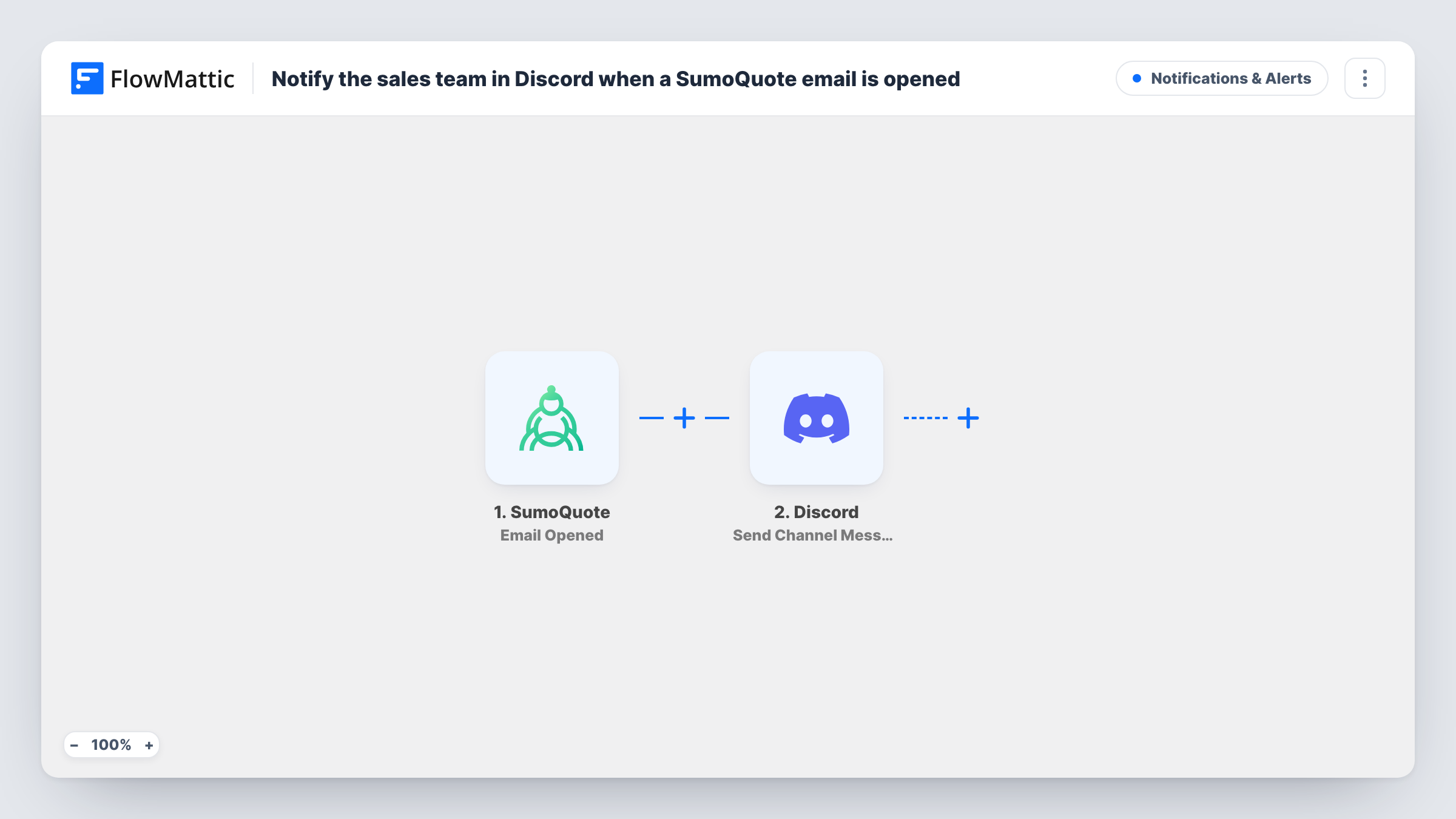
The SumoQuote trigger fires when an email is opened, and passes along the data SumoQuote sends with the event. FlowMattic then runs Send Channel Message in Discord, posting to the channel you choose. You write the text and add event details, for example which customer or project the email belongs to.
Each open sends one message. If a customer opens the same email several times, expect several posts. A Filter or a separate channel can keep the noise down; see the tips. Every run is listed in Task History with the data SumoQuote sent, which helps when you set up the message.
Roofing sales team chasing quotes
A rep sends a roofing quote from SumoQuote. When the homeowner opens it, the team's Discord channel shows the open and the rep calls while it is fresh.
Sales manager watching the pipeline
A manager follows a dedicated Discord channel to see which quotes customers are reading, without opening each project in SumoQuote.
Small contractor with one shared channel
The owner and the estimator share one Discord server. Quote opens appear next to their other chat, so neither misses one.
How this workflow runs
What happens at each step once the workflow is on, and what you need before you import it.
 SumoQuote Email Opened
Fires when an email sent through SumoQuote is opened. The data SumoQuote includes with the event is passed on for the Discord post.
- Discord Send Channel Message
Puts a message in the Discord channel you select. Connect Discord on import, write the text and insert SumoQuote event details so the team knows which quote was opened.
What you need
- FlowMatticCore
- SumoQuote AccountAccount
- Discord AccountAccount
After importing, map your own data. To keep the template universal, not every step is pre-filled. Open each step in the builder and connect your accounts and fields (channels, lists, sheets, recipients) before you switch the workflow on.
Make it yours
Changes worth making after you import it.
- Post to a channel used only for quote activity, so open alerts don't bury the team's normal conversation.
- Open a test SumoQuote email after import, then look in Task History to see which details the event carries before you write the message.
- Add a Filter after the trigger if only some quotes matter, for example those for one sales rep, based on a value the event carries.
Questions about this workflow
Does every SumoQuote email open send a Discord message?
Yes. Each open the trigger receives runs the workflow once, so repeat opens of one email send repeat messages. Add a Filter if you want fewer.
Can the Discord post name the customer who opened the SumoQuote email?
If SumoQuote includes that detail in the event, you can map it into the message. Run a test open and check Task History to see what is available.
Does this workflow change anything in SumoQuote?
No. It reads the open event and posts to Discord. Your quotes and projects in SumoQuote stay as they are.
Could the SumoQuote open alert go to Slack instead?
Yes. Replace the Discord step with a Slack channel message step in FlowMattic and map the same SumoQuote data.
More Notifications & Alerts workflows
Other ready-to-import templates from the same category.





Import this workflow into your WordPress site
Download the JSON, import it from the Workflows screen and connect your accounts. Every run stays on your server, with no per-task fees.
30-day money-back guarantee Unlimited workflows and runs Self-hosted