

Get Pushover notifications for new RSS feed items
Watch an RSS feed and get a Pushover notification on your phone or desktop each time a new item appears, so you hear about new posts, releases or announcements from a source without opening a feed reader.
 RSS Feed
 Pushover
2 steps Setup ~5 min Used on 3.5k sites Free to import
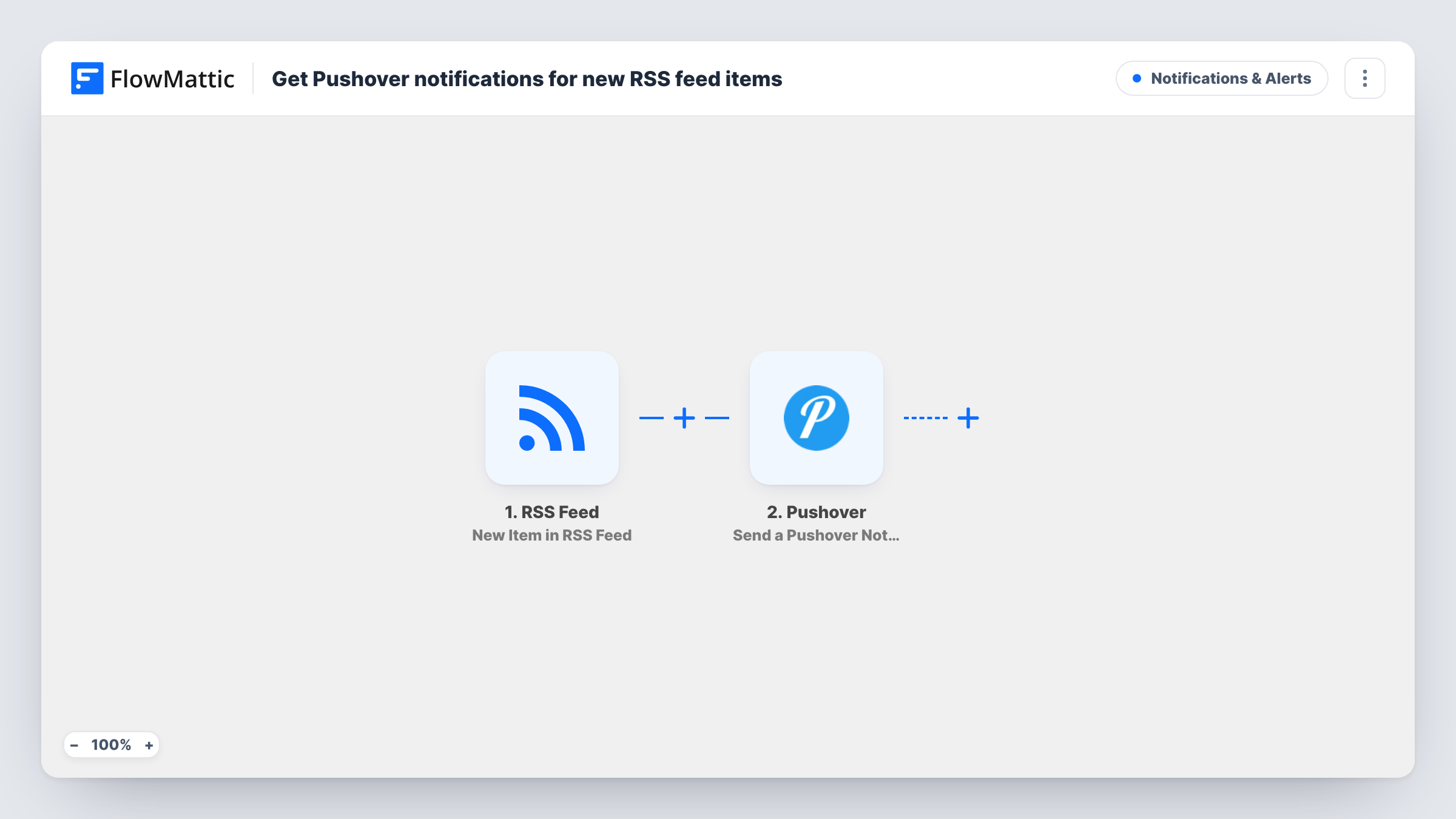
What this workflow does
Some feeds matter enough that you want to know about new items straight away: a competitor's blog, a status page, a vendor's release notes, a job board. Checking them by hand is easy to forget. This workflow turns each new feed item into a push notification.
The RSS Feed trigger watches the feed URL you enter and fires on new items. FlowMattic captures each item's data, such as its title and link, as the feed provides them. The Pushover step then runs Send a Pushover Notification, which, as FlowMattic describes it, sends a notification to your subscribed devices with the text you write.
Every new item becomes one notification. A busy feed means many notifications, so pick feeds you really want pushed, or add a Filter. Task History records each run with the item that started it.
Release notes for tools you depend on
Follow a plugin's or library's release feed and get a Pushover notification as soon as a new version is published.
Competitor blog monitoring
Point the trigger at a competitor's blog feed so each new article reaches your phone with its title and link.
Job or tender listings
Feeds from job boards or tender sites push each new listing to you, so you can read and respond early.
How this workflow runs
What happens at each step once the workflow is on, and what you need before you import it.
 RSS Feed New Item in RSS Feed
Checks the RSS feed you set and fires for each new item. The item's data, such as title, link and summary where the feed includes them, is passed to the notification.
- Pushover Send a Pushover Notification
Pushes the new-item alert to every device registered on your Pushover account. Write the message using the feed item's fields, for example the title plus the link.
What you need
- FlowMatticCore
- Pushover AccountAccount
After importing, map your own data. To keep the template universal, not every step is pre-filled. Open each step in the builder and connect your accounts and fields (channels, lists, sheets, recipients) before you switch the workflow on.
Make it yours
Changes worth making after you import it.
- Add a Filter after the trigger that continues only when the item title contains a word you care about, so a busy feed only notifies you about relevant items.
- Save each item to Google Sheets after the Pushover step, giving you a list of what was published that you can scan later.
- Want several feeds? Import the workflow once per feed, so each one has its own trigger and its own message wording.
Questions about this workflow
How quickly does Pushover notify me about a new RSS item?
The RSS Feed trigger checks the feed for new items, so there can be a short gap between publication and the notification. Run a test to see the timing on your site.
Will I get notifications for items already in the feed?
The trigger is New Item in RSS Feed, so it is meant for items published after the workflow is on. Check Task History after your first run to confirm what was picked up.
Do I need a Pushover account for RSS notifications?
Yes. Notifications go to the devices on the Pushover account you connect in the Send a Pushover Notification step.
Can the RSS notification include a link to the article?
Yes, if the feed provides one. Insert the item's link field into the message text in the Pushover step.
More Notifications & Alerts workflows
Other ready-to-import templates from the same category.




Import this workflow into your WordPress site
Download the JSON, import it from the Workflows screen and connect your accounts. Every run stays on your server, with no per-task fees.
30-day money-back guarantee Unlimited workflows and runs Self-hosted