

Get Pushover notifications for new rows on Google Sheets
Each time a new row is added to a Google Sheets spreadsheet you pick, this workflow sends a Pushover notification to your devices, so you hear about new entries without keeping the sheet open.
 Google Sheets
 Pushover
2 steps Setup ~5 min Used on 2.0k sites Free to import
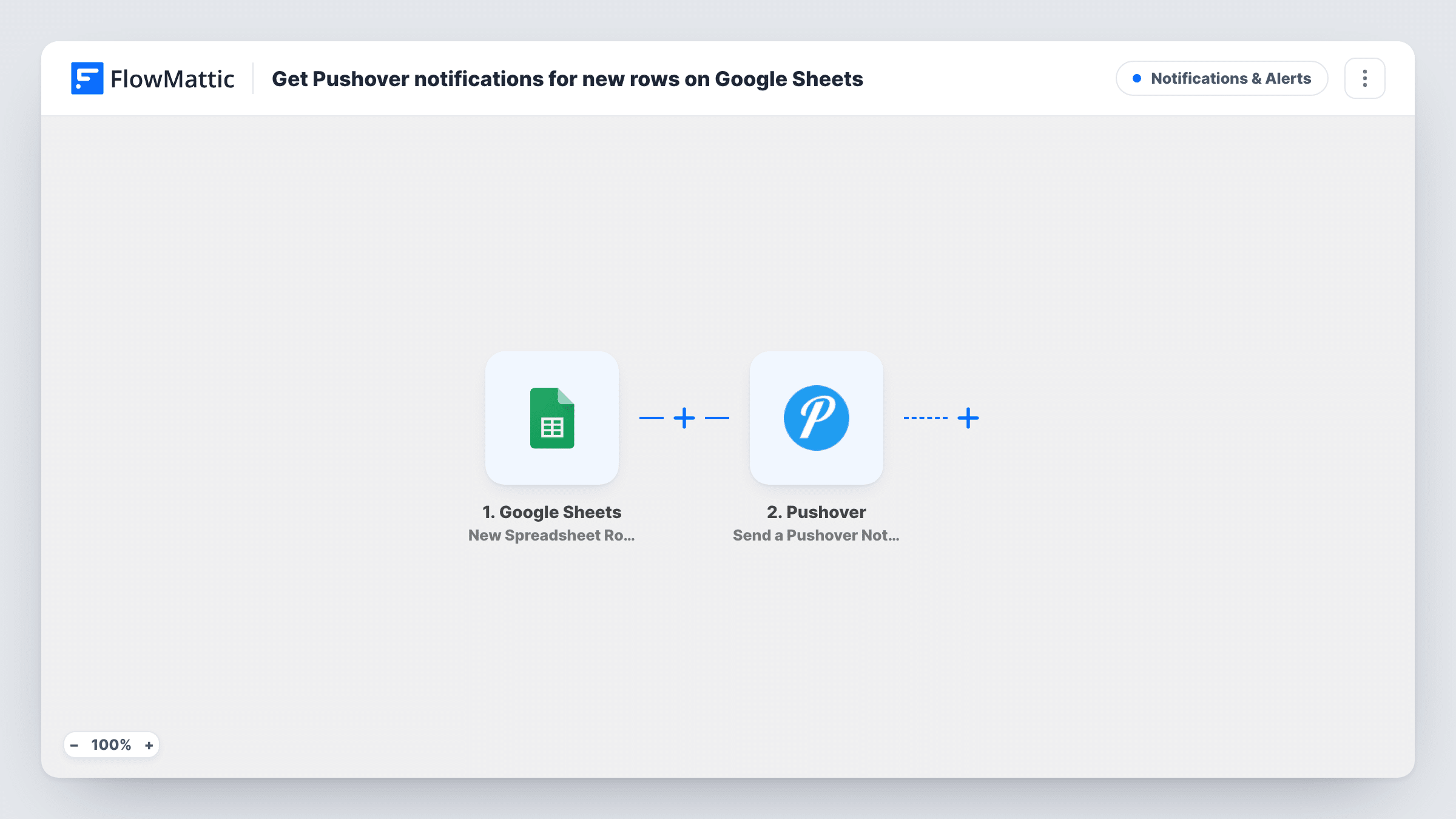
What this workflow does
Teams use a shared Google Sheet as a simple log: requests, sales, sign-ups typed in by whoever takes them. Refreshing the sheet to spot new lines is easy to forget. This workflow pushes a notification to your phone or desktop through Pushover whenever a row appears.
The Google Sheets trigger is New Spreadsheet Row, which fires when a row is added to the spreadsheet you connect. FlowMattic reads that row's values and passes them on to Pushover. The Send a Pushover Notification action delivers a message to the devices on your account, and you choose which cells from the new row to include.
Every new row sends one notification, since the template has no Filter. On a busy sheet that means a lot of pushes, so think about volume before you turn it on.
Shared request log for a small office
Colleagues add IT or supply requests as rows in a shared sheet. The person who handles them gets a Pushover alert per request.
Sales reps logging deals by hand
Reps type each closed deal into a team sheet. The sales manager gets a push with the rep's name and the deal value as each line goes in.
Volunteer sign-up sheet
Coordinators add volunteers to a shared spreadsheet as they agree to help. The organiser's phone gets a notification for each new name.
How this workflow runs
What happens at each step once the workflow is on, and what you need before you import it.
 Google Sheets New Spreadsheet Row
Runs whenever a row is added to your chosen Google Sheets spreadsheet. The row's cell values become available to map into the notification.
- Pushover Send a Pushover Notification
Delivers a Pushover notification to the devices on your Pushover account. Connect the account and write the message text, mapping in cells from the new row.
What you need
- FlowMatticCore
- Google Sheets AccountAccount
- Pushover AccountAccount
After importing, map your own data. To keep the template universal, not every step is pre-filled. Open each step in the builder and connect your accounts and fields (channels, lists, sheets, recipients) before you switch the workflow on.
Make it yours
Changes worth making after you import it.
- Add a Filter between the steps so only rows matching a value, such as a priority column set to High, send a push.
- Keep a header row in the sheet before connecting the trigger, so FlowMattic can show the columns by name when you map the message.
- Add a row by hand after import to capture sample data, then choose which cells belong in the Pushover text.
Questions about this workflow
Does editing an existing Google Sheets row send a Pushover alert?
No. The trigger is New Spreadsheet Row, which reacts to rows being added, not to changes in rows that are already there.
Will rows that another app writes into the sheet send a Pushover alert?
Test it before you rely on it. Add a row the same way your other tool does after import, then check Task History to confirm the New Spreadsheet Row trigger picked it up.
Do I need the Pushover app installed to receive these alerts?
Yes. Notifications go to devices registered on your Pushover account, so install Pushover on the phone or desktop where you want them.
More Notifications & Alerts workflows
Other ready-to-import templates from the same category.




Import this workflow into your WordPress site
Download the JSON, import it from the Workflows screen and connect your accounts. Every run stays on your server, with no per-task fees.
30-day money-back guarantee Unlimited workflows and runs Self-hosted