

Send a Slack alert when a Runrun.it task is marked as urgent
Post a message to a Slack channel whenever a task in Runrun.it is marked as urgent, so the people who can act on it hear about it in the place they already talk.
 Runrun.it
 Slack
2 steps Setup ~5 min Used on 974 sites Free to import
What this workflow does
Marking a task urgent in Runrun.it only helps if the right people notice. Someone who lives in Slack may not check Runrun.it until later in the day. This workflow posts to a Slack channel at the moment a task gets the urgent mark.
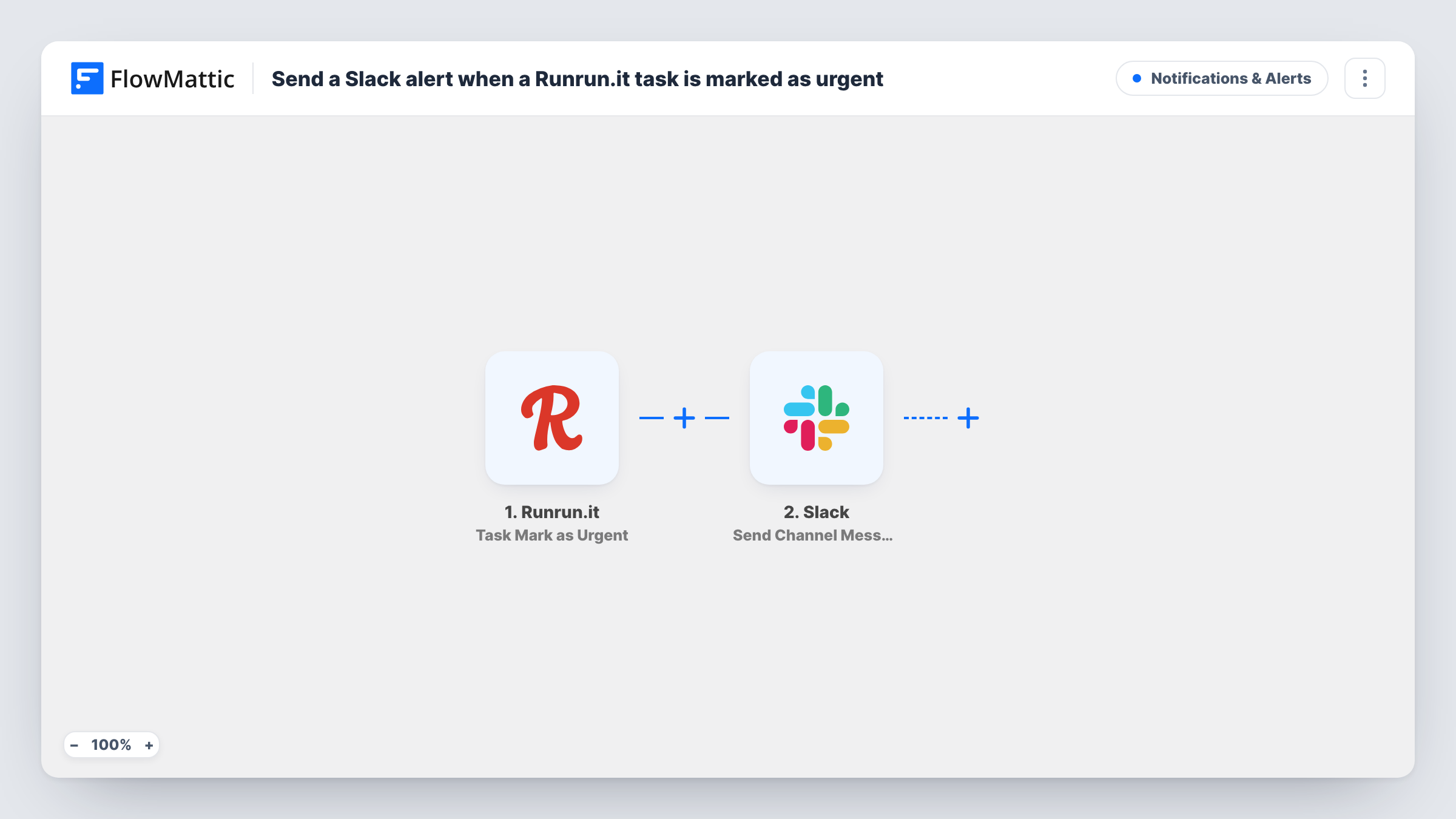
The Runrun.it trigger fires when a task is marked as urgent. FlowMattic then uses Slack's Send Channel Message action to post in the channel you choose. You write the text and insert task details from Runrun.it, such as the task title and who it is assigned to, if those appear in the trigger data.
Only the urgent mark starts a run, so ordinary task changes stay quiet. Every alert sent is listed in Task History with Slack's response.
Agency escalations
An account manager flags a client task as urgent in Runrun.it. The delivery team's Slack channel gets the alert and someone picks it up.
Support issues needing engineering
Support marks a Runrun.it task urgent when a customer is blocked. The engineering channel in Slack sees it without anyone forwarding it.
Deadline crunch visibility
Project leads mark tasks urgent as a launch nears. A shared Slack channel shows each one, so the team sees what has to be done first.
How this workflow runs
What happens at each step once the workflow is on, and what you need before you import it.
 Runrun.it Task Mark as Urgent
Fires when a task in Runrun.it is marked as urgent. The task's details are passed on so you can include them in the Slack message.
- Slack Send Channel Message
Sends the urgent-task alert to whichever Slack channel your team watches. Write the alert text and insert Runrun.it task details, so readers know which task needs attention.
What you need
- FlowMatticCore
- Runrun.it AccountAccount
- Slack AccountAccount
After importing, map your own data. To keep the template universal, not every step is pre-filled. Open each step in the builder and connect your accounts and fields (channels, lists, sheets, recipients) before you switch the workflow on.
Make it yours
Changes worth making after you import it.
- Include the task's link from the Runrun.it data, if present, so readers can open the urgent task straight from Slack.
- Use a dedicated channel such as an escalations channel for these alerts, so urgent tasks are not lost among everyday chat.
- Mark a test task as urgent in Runrun.it after import to capture real data, then build the Slack text from those fields.
Questions about this workflow
Will Slack get a message for every Runrun.it task change?
No. Only marking a task as urgent starts the workflow. Other edits to Runrun.it tasks do not post anything.
Can the urgent alert mention someone in Slack?
You can write a mention into the message text. Check with a test run that Slack shows it as a mention in your workspace.
Can I send the Runrun.it alert to a person instead of a channel?
Swap the step for Slack's Send Direct Message action, which sends a message to a single user.
More Notifications & Alerts workflows
Other ready-to-import templates from the same category.




Import this workflow into your WordPress site
Download the JSON, import it from the Workflows screen and connect your accounts. Every run stays on your server, with no per-task fees.
30-day money-back guarantee Unlimited workflows and runs Self-hosted