

Email the account owner when an Oneflow signing period expires
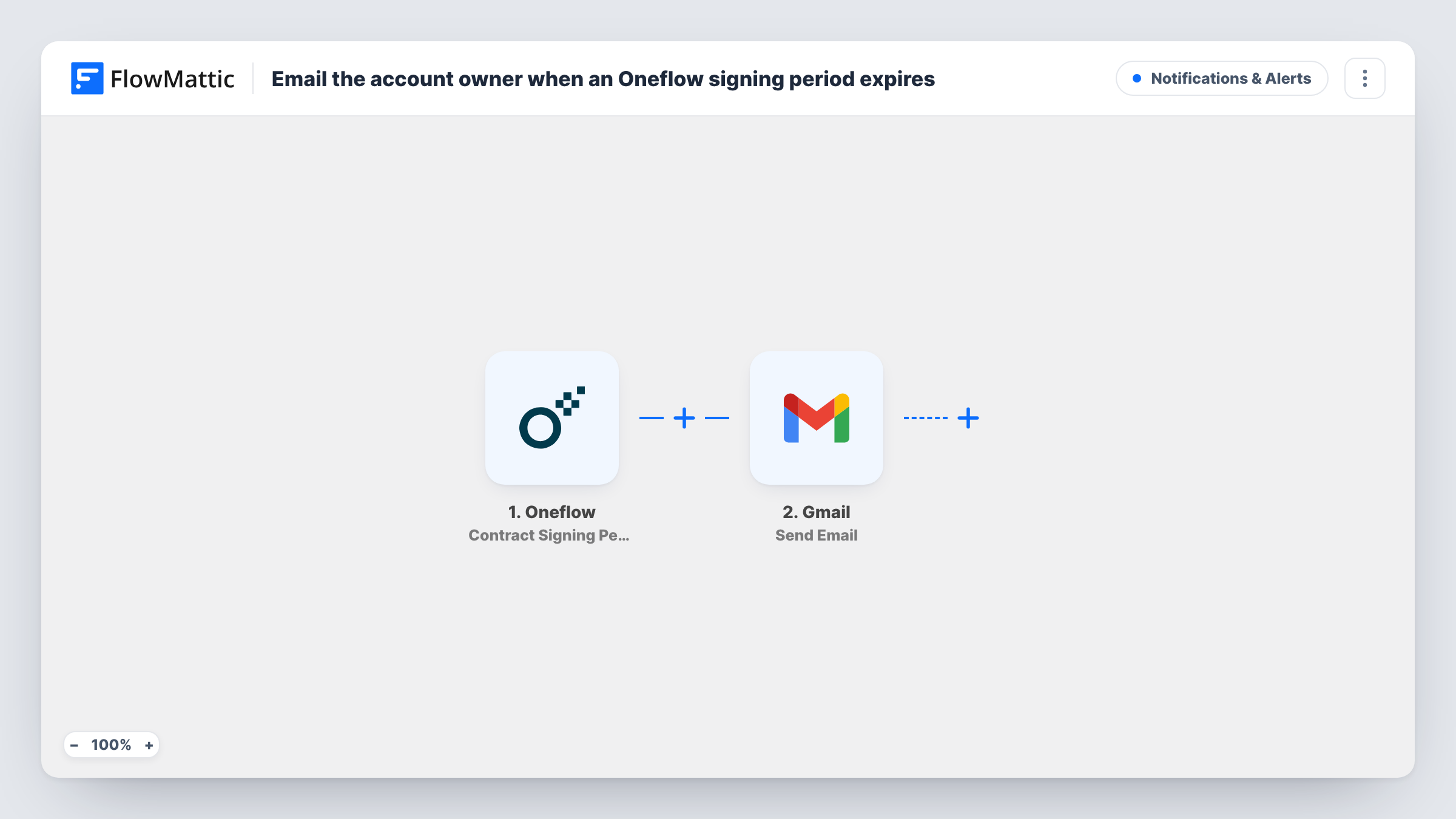
When the signing period on an Oneflow contract runs out and the contract turns overdue, FlowMattic sends an email through Gmail to the address you set, so the person responsible can chase or reissue it.
 Oneflow
 Gmail
Gmail2 steps Setup ~5 min Used on 2.0k sites Free to import
What this workflow does
A contract that nobody signs in time doesn't make noise. Its state quietly changes to overdue in Oneflow, and unless someone looks, the deal can sit there for weeks. This workflow makes sure a named person hears about it by email.
The Oneflow trigger, Contract Signing Period Expire, fires when the period for signing a contract has expired and its state has changed to overdue. FlowMattic then runs Send Email from Gmail, sending a message from your connected Google account. You set the recipient, subject and body, and you can add contract details from the Oneflow event to the text.
The template does not work out who owns the contract. Type the account owner's address into the recipient, or map an email value from the event if a test run shows one. If Oneflow later starts a new signing period, that is a separate event, Contract Signing Period Revive, and this workflow does not react to it.
Sales manager oversight
A sales manager receives an email for every Oneflow contract that goes overdue, and asks the rep whether to extend the deadline or close the deal as lost.
Renewal contracts for a subscription business
Account owners get a Gmail message when a renewal agreement passes its signing deadline, so they can call the customer before the service lapses.
Freelancer proposals
A freelancer sends project agreements through Oneflow and gets an email when a client lets one expire, as a cue to follow up or send a fresh version.
How this workflow runs
What happens at each step once the workflow is on, and what you need before you import it.
 Oneflow Contract Signing Period Expire
Fires when a contract's signing period expires in Oneflow and its state changes to overdue. The contract data from that event can be inserted into the email.
- Gmail Send Email
Emails the overdue notice through the Google account linked to Gmail. Enter the account owner's address as the recipient, write the subject and body, and add contract details from the Oneflow event.
What you need
- FlowMatticCore
- Oneflow AccountAccount
- Gmail AccountAccount
After importing, map your own data. To keep the template universal, not every step is pre-filled. Open each step in the builder and connect your accounts and fields (channels, lists, sheets, recipients) before you switch the workflow on.
Make it yours
Changes worth making after you import it.
- Insert identifying contract details from the Oneflow event into the subject line, so the owner knows which deal it is without opening the email.
- Add a Slack Send Channel Message step after Gmail if your sales team also tracks overdue contracts in a shared channel.
- Import a second copy with Oneflow's Contract Signing Period Revive trigger if you also want an email when an overdue contract gets a new signing period.
Questions about this workflow
Who receives the email when an Oneflow contract expires?
Whoever you put in the recipient field of the Gmail step. The template doesn't look up the contract owner, so enter a fixed address or map an email from the Oneflow event if a test shows one.
Does this extend the Oneflow signing period?
No. The only thing the workflow does is send the notice. Extending or reissuing the contract is done in Oneflow.
Which Google account sends the overdue contract email?
The Google account you connect to the Gmail step on import. Messages are sent from that account's address.
More Notifications & Alerts workflows
Other ready-to-import templates from the same category.





Import this workflow into your WordPress site
Download the JSON, import it from the Workflows screen and connect your accounts. Every run stays on your server, with no per-task fees.
30-day money-back guarantee Unlimited workflows and runs Self-hosted