

When a new post is published in WordPress, send a notification to all app users via Appilix
When you publish a new WordPress post, FlowMattic sends a push notification through Appilix to the users of your mobile app, so they hear about the article from their phone.
 WordPress
 Appilix
2 steps Setup ~5 min Used on 768 sites Free to import
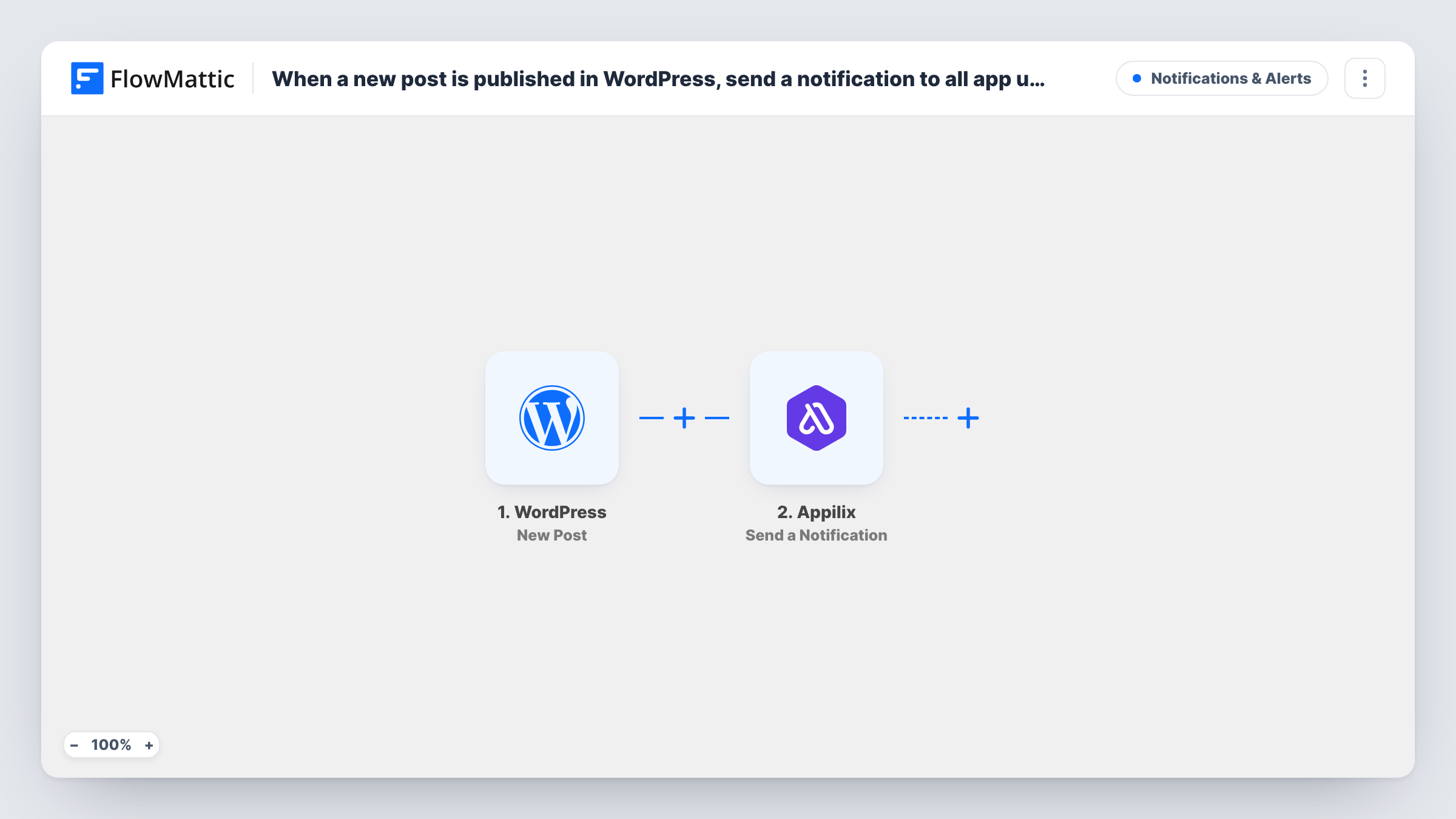
What this workflow does
If your WordPress site has a mobile app built with Appilix, your app users are some of your most regular readers. Sending a push notification for each new article by hand means opening the Appilix dashboard every time you publish. This workflow sends it for you from the post itself.
The WordPress New Post trigger passes the post's data, such as its title and link, to FlowMattic. The Appilix Send a Notification action then sends a push notification built from those details to your app's users.
The trigger and FlowMattic both live on your site, and the notification is sent through your Appilix account. Who receives it is decided by how the Appilix step is set up, so open it after import and send a test before you rely on it. Task History lists every run and what was sent.
News site with a companion app
Each new article published in WordPress becomes a push notification to the app, so readers who installed it see the headline on their phone.
Recipe blog launching a new dish
When a recipe post goes live, app users get a notification with its title and can open it straight from their lock screen.
Church or club announcements
Posting an announcement on the WordPress site doubles as a push message to members who use the organisation's Appilix app.
How this workflow runs
What happens at each step once the workflow is on, and what you need before you import it.
 WordPress New Post
Runs when a new post is published on your WordPress site. The post's details, including its title and permalink, can be mapped into the notification.
- Appilix Send a Notification
Sends a push notification through your Appilix app. Map the post title and link into the message, then send a test to confirm which app users receive it.
What you need
- FlowMatticCore
- Appilix AccountAccount
After importing, map your own data. To keep the template universal, not every step is pre-filled. Open each step in the builder and connect your accounts and fields (channels, lists, sheets, recipients) before you switch the workflow on.
Make it yours
Changes worth making after you import it.
- Add a Filter after the trigger with a condition on a post detail, such as the category if your test run shows it, so only the posts you choose send a push notification.
- Add a Delay between the trigger and Appilix if you would rather the push arrive some time after the post goes live, for example to space it from your newsletter.
- Publish a test post after import and check Task History to see exactly what the trigger passed on before you finish the notification text.
Questions about this workflow
Does every new WordPress post send an Appilix notification?
Yes, as imported there is no condition between the trigger and the notification. Add a Filter if you want only some posts to notify app users.
Will updating an old WordPress post send another push?
No. The New Post trigger fires once per post, at first publication, and skips later edits, so no second push goes out.
Do I need an Appilix app to use this workflow?
Yes. Notifications go through your Appilix account to the users of the app built with it, so you need that app set up and connected first.
Can tapping the Appilix notification open the post?
Map the post's permalink into the Appilix step. Send a test after import to see how your app handles the link.
More Notifications & Alerts workflows
Other ready-to-import templates from the same category.




Import this workflow into your WordPress site
Download the JSON, import it from the Workflows screen and connect your accounts. Every run stays on your server, with no per-task fees.
30-day money-back guarantee Unlimited workflows and runs Self-hosted