

Post a Discord notification for every new RecruitApp.ai event report
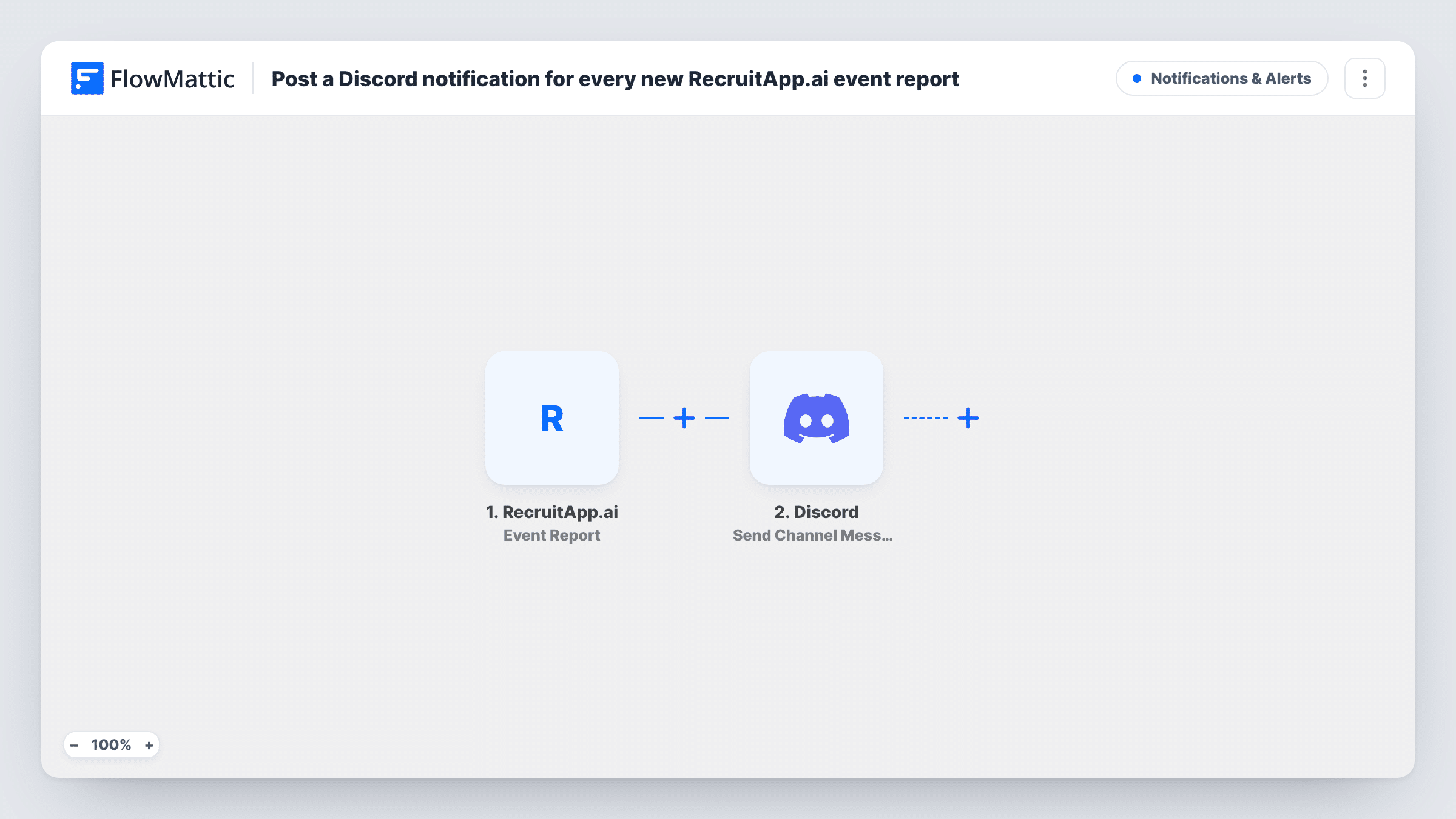
When a RecruitApp.ai hiring event concludes and its report is produced, this workflow posts a notification in a Discord channel so your team knows the results are ready.
 RecruitApp.ai
 Discord
2 steps Setup ~5 min Used on 3.2k sites Free to import
What this workflow does
Hiring events, such as job fairs, open days and campus drives, end with a report in RecruitApp.ai. The people who need the results may not be watching RecruitApp.ai when it appears. This workflow posts a Discord message whenever a new event report is produced.
The RecruitApp.ai trigger, Event Report, fires when a hiring event concludes and a report is produced. FlowMattic passes the report data to Discord, where Send Channel Message posts to the channel you choose. You write the message and insert values from the report; a test after your next event shows which details RecruitApp.ai sends.
One report produces one Discord post. The report itself stays in RecruitApp.ai, so the message works as a pointer to it rather than a copy.
Recruiting team server
A team that coordinates in Discord gets a post in #events each time a job fair's report is ready, and plans follow-up from there.
Campus drive results for hiring managers
Hiring managers in a shared Discord channel learn that a campus drive has wrapped up and its report is available.
Agency event recap
A recruitment agency running events for several clients posts each report notice to the channel for that client.
How this workflow runs
What happens at each step once the workflow is on, and what you need before you import it.
 RecruitApp.ai Event Report
Fires when a hiring event concludes in RecruitApp.ai and its report is produced. The report data is passed on for the Discord post.
- Discord Send Channel Message
Posts a notice to the Discord channel you choose. Insert RecruitApp.ai report values into the message and connect your Discord account.
What you need
- FlowMatticCore
- RecruitApp.ai AccountAccount
- Discord AccountAccount
After importing, map your own data. To keep the template universal, not every step is pre-filled. Open each step in the builder and connect your accounts and fields (channels, lists, sheets, recipients) before you switch the workflow on.
Make it yours
Changes worth making after you import it.
- Add the event name and date to the Discord message, if the report includes them, so readers know which event finished.
- Use a Router with one route per event type or client, each posting to its own Discord channel, if the report carries a value to tell them apart.
- Add a Google Sheets step after Discord to keep a list of every event report for later review.
Questions about this workflow
When does the RecruitApp.ai Event Report trigger fire?
When a hiring event concludes and a report is produced in RecruitApp.ai. Interest cards and attendance have their own triggers and do not run this workflow.
Is the full RecruitApp.ai report posted to Discord?
The Discord step posts the text you write, using values from the report data. Check a test run to see which values are available.
Are reports from past events posted to Discord?
No. Only reports produced while the workflow is turned on create a post.
More Notifications & Alerts workflows
Other ready-to-import templates from the same category.




Import this workflow into your WordPress site
Download the JSON, import it from the Workflows screen and connect your accounts. Every run stays on your server, with no per-task fees.
30-day money-back guarantee Unlimited workflows and runs Self-hosted