

Send a Slack message when a Localazy project is published
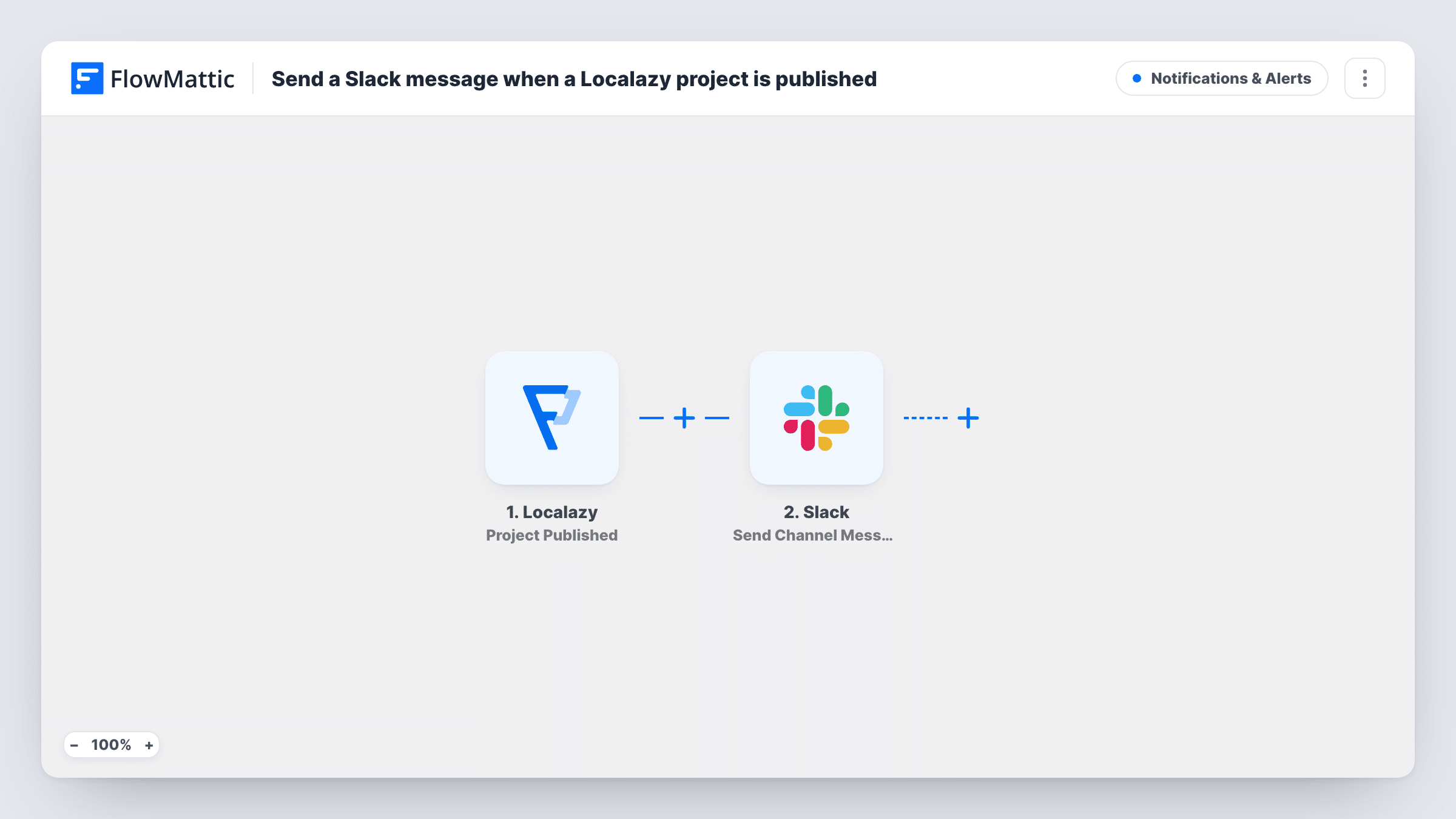
When a Localazy project is published, this workflow posts a message in the Slack channel you choose, so developers and translators know the latest translations have gone out.
 Localazy
 Slack
2 steps Setup ~5 min Used on 1.5k sites Free to import
What this workflow does
Publishing in Localazy is the point where translations become available to your app or site. Developers waiting to ship, and translators who want to check their work in context, both need to know when it happens. This workflow gives both groups the news in a Slack channel.
The Localazy trigger fires when a project is successfully published. FlowMattic passes the event's details to Slack, and Send Channel Message posts in the channel you pick. You write the text and add any project details the event includes.
Only successful publishes start a run. Other Localazy events, such as content imports or comments, have their own triggers and are not part of this template. Each publish sends one message, and the run appears in Task History.
Release coordination
A mobile team waits for a publish before building a release, and the #releases channel shows when translations are ready.
Freelance translators
Translators in a shared Slack channel hear when their work is published, so they can review it in the live product.
Website localisation
A marketing team knows when new page translations are out and can check them on the site.
How this workflow runs
What happens at each step once the workflow is on, and what you need before you import it.
 Localazy Project Published
Runs when a Localazy project is successfully published. Details from the publish event are available for the Slack message.
- Slack Send Channel Message
Announces the publish in the public Slack channel you pick. Write the message and add Localazy event details. A private channel needs Send Private Channel Message instead.
What you need
- FlowMatticCore
- Localazy AccountAccount
- Slack AccountAccount
After importing, map your own data. To keep the template universal, not every step is pre-filled. Open each step in the builder and connect your accounts and fields (channels, lists, sheets, recipients) before you switch the workflow on.
Make it yours
Changes worth making after you import it.
- Publish once after import, or wait for your next publish, so FlowMattic captures the event and you can see which details to include.
- Copy the workflow with Localazy's Comment Added trigger if translators also want comment alerts in the same channel.
- Mention a Slack user group in the message text if a particular team should get a notification for each publish.
Questions about this workflow
Does importing new content into Localazy send a Slack message?
No. Imports are a separate Localazy trigger. This template runs only when a project is published.
Does a failed Localazy publish post to Slack?
No. The trigger fires only when a project is published successfully, so an attempt that fails does not start a run.
Can the Localazy alert go to more than one Slack channel?
Yes. Add a second Send Channel Message step after the first and point it at the other channel.
More Notifications & Alerts workflows
Other ready-to-import templates from the same category.





Import this workflow into your WordPress site
Download the JSON, import it from the Workflows screen and connect your accounts. Every run stays on your server, with no per-task fees.
30-day money-back guarantee Unlimited workflows and runs Self-hosted