

Send a Slack alert to teachers when a new Gradeazy student response is submitted
When a student submits a new response in Gradeazy, this workflow posts a message in a Slack channel your teachers use, so they know there is work to review without logging in to check.
 Gradeazy
 Slack
2 steps Setup ~5 min Used on 1.7k sites Free to import
What this workflow does
Teachers can't sit in Gradeazy waiting for answers to come in. When the school or tutoring team already talks in Slack, a message there is the quickest way to tell them a student has submitted something.
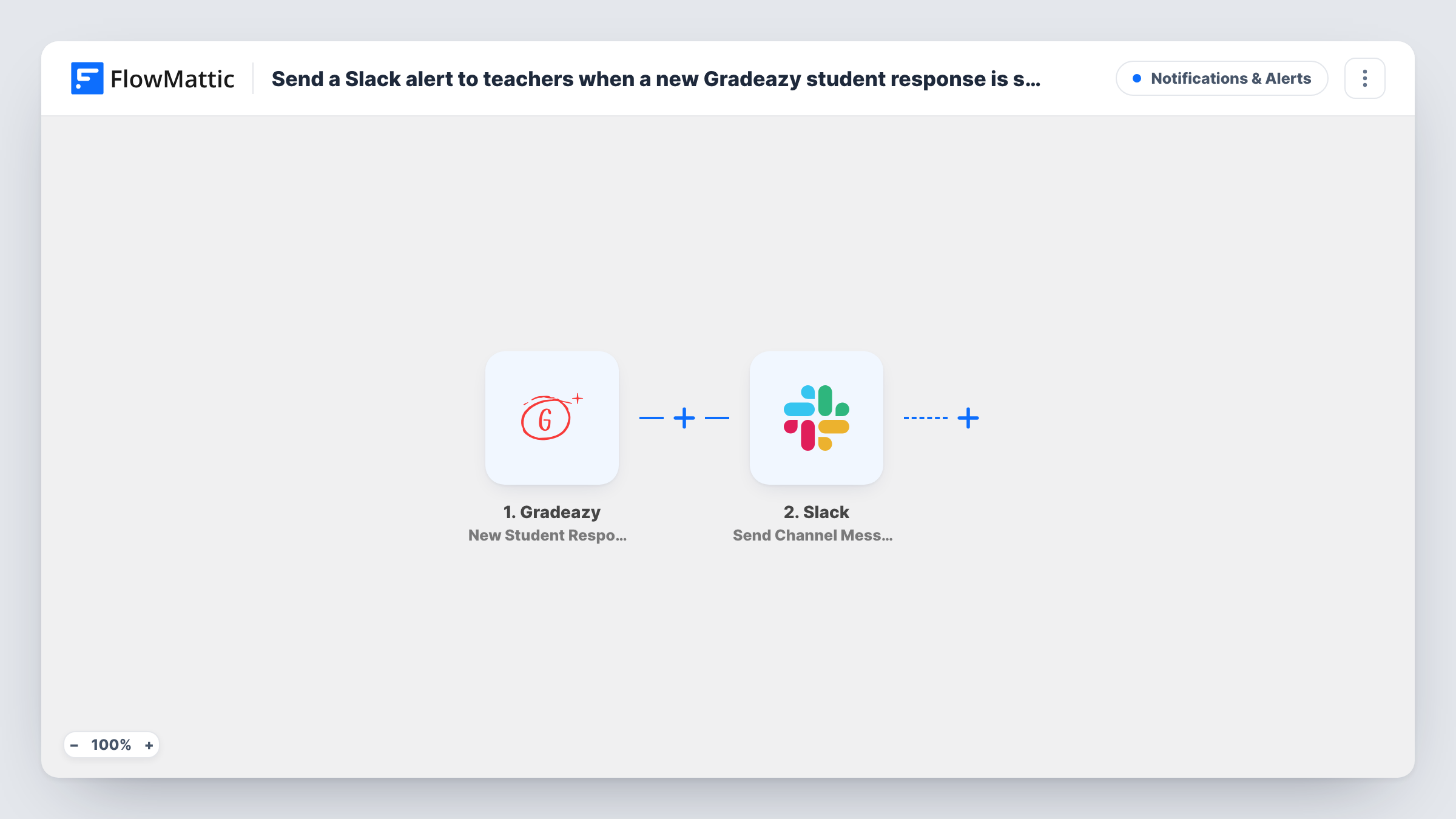
The Gradeazy trigger fires when a new student response arrives in your account. FlowMattic passes the response data to Slack, which posts in the channel you choose. You write the message and add details from the response, such as the student's name and the assignment, so teachers know what came in at a glance.
Every new response sends one message to the same channel. The workflow does not grade anything or change the response in Gradeazy. Responses submitted before you turn it on are not posted. Task History records each run and the data Gradeazy sent, which is handy when a teacher asks whether a submission arrived.
Homework coming in after school hours
A tutor sees each Gradeazy response in Slack in the evening and can plan which ones to grade first the next morning.
A shared channel for one class
The teachers sharing a class watch one Slack channel, so whoever is free can pick up the next student response.
Exam week submissions
During a busy week, department heads follow the channel to see responses arriving and know when a class has finished submitting.
How this workflow runs
What happens at each step once the workflow is on, and what you need before you import it.
 Gradeazy New Student Response
Fires when a student submits a new response in your connected Gradeazy account. The response data is passed on for use in the Slack message.
- Slack Send Channel Message
Posts a message in the Slack channel your teachers watch. Connect your workspace, write the alert and map the student and assignment details into it.
What you need
- FlowMatticCore
- Gradeazy AccountAccount
- Slack AccountAccount
After importing, map your own data. To keep the template universal, not every step is pre-filled. Open each step in the builder and connect your accounts and fields (channels, lists, sheets, recipients) before you switch the workflow on.
Make it yours
Changes worth making after you import it.
- Use a Router to send responses for different classes or subjects to separate Slack channels, with one condition per route on the class or assignment field.
- Submit a test response in Gradeazy after import so FlowMattic captures the real fields before you write the Slack message.
- Add a Google Sheets step after Slack to keep a running list of responses that teachers can tick off as they grade.
Questions about this workflow
Can each teacher get only their own Gradeazy students' responses in Slack?
Not as imported, since every response goes to one channel. Add a Router with a route per teacher or class, each posting to its own channel.
Does the Slack alert include the student's answers?
Only if you map them in. You choose which Gradeazy response details appear in the message, so you can leave answers out and just link teachers to Gradeazy.
Does this workflow grade the Gradeazy response?
No. It only tells teachers in Slack that a response has arrived. Grading still happens in Gradeazy.
More Notifications & Alerts workflows
Other ready-to-import templates from the same category.





Import this workflow into your WordPress site
Download the JSON, import it from the Workflows screen and connect your accounts. Every run stays on your server, with no per-task fees.
30-day money-back guarantee Unlimited workflows and runs Self-hosted