

When a new submission is received in Formspark, send a message to a Discord channel
Every Formspark submission is posted to the Discord channel you choose, with the answers you map, so your team sees new form entries in the server where it already talks.
 Formspark
 Discord
2 steps Setup ~5 min Used on 1.7k sites Free to import
What this workflow does
Formspark collects form entries for static sites and sends them on, but a notification email goes to one inbox. When a whole team needs to see new entries, a shared Discord channel is easier to watch. This workflow posts each submission there.
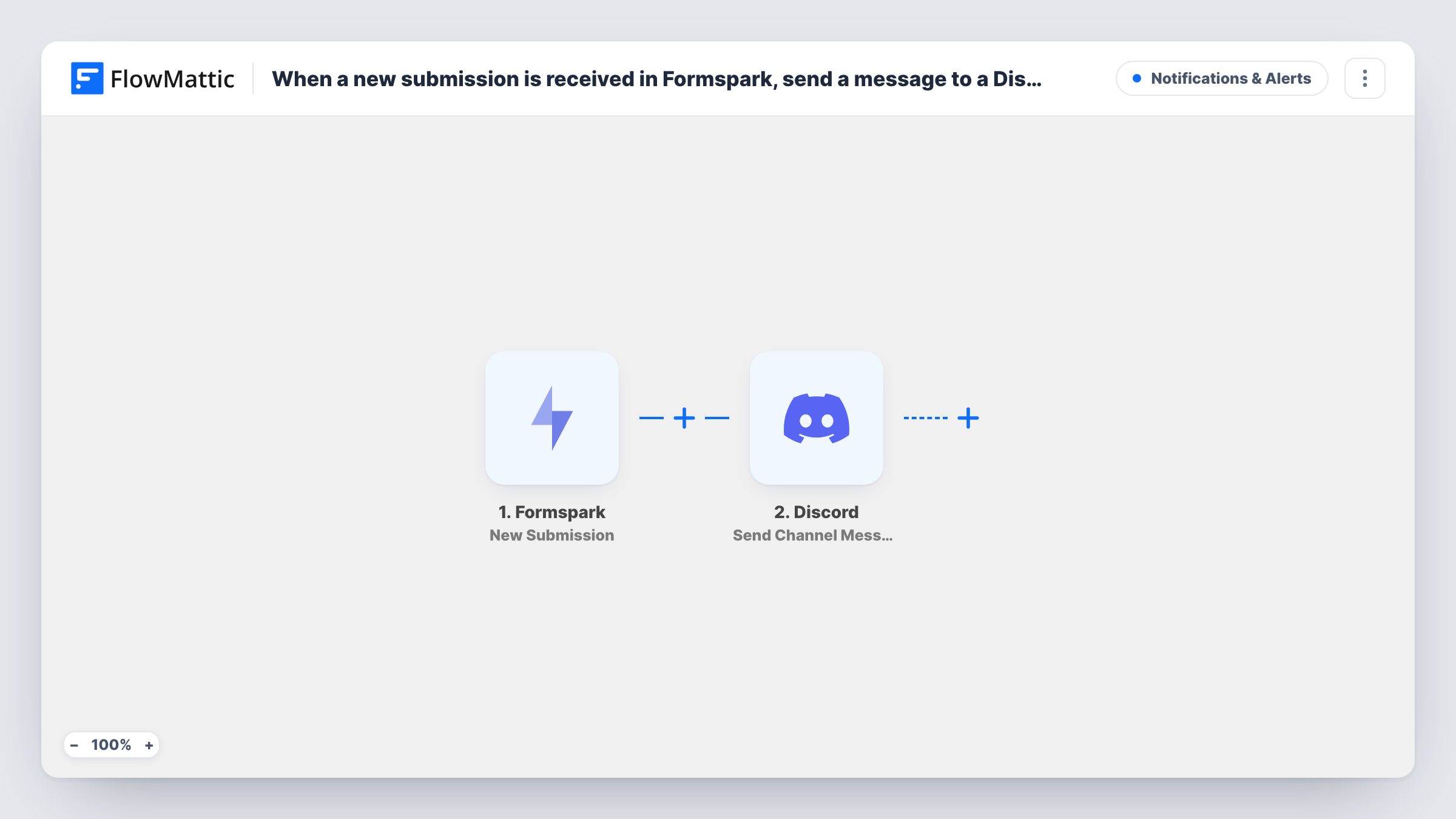
The Formspark trigger, New Submission, fires when someone submits to your form. FlowMattic then runs Discord's Send Channel Message action, posting to the channel you pick. You build the message from the submitted fields, for example the name, email and message.
Every submission produces a post, including spam that gets past your form. Think about what you put in the message, too: anyone who can read the channel sees the answers you map, so leave out details that shouldn't be shared.
Contact form on a static portfolio
A designer's Formspark contact form posts each enquiry to a private Discord server, so a new lead shows up on their phone.
Bug reports from a docs site
A Formspark feedback form on your documentation posts reports to the developers' channel, where someone can pick each one up.
Community applications
Applications to join a gaming group arrive in a moderators' channel, ready for discussion before anyone is invited.
How this workflow runs
What happens at each step once the workflow is on, and what you need before you import it.
 Formspark New Submission
Fires when a visitor submits your Formspark form. The submitted fields are passed on so you can use them in the Discord post.
- Discord Send Channel Message
Posts the entry to the Discord channel you set. Write the message and map the Formspark fields into it, then connect your Discord server.
What you need
- FlowMatticCore
- Formspark AccountAccount
- Discord AccountAccount
After importing, map your own data. To keep the template universal, not every step is pre-filled. Open each step in the builder and connect your accounts and fields (channels, lists, sheets, recipients) before you switch the workflow on.
Make it yours
Changes worth making after you import it.
- Submit a test entry after import so FlowMattic captures the real Formspark field names, then build the Discord message from them.
- Post to a channel only staff can read if the form collects email addresses or phone numbers.
- Add a Filter after the trigger that stops entries whose message field is empty, if blank submissions are cluttering the channel.
Questions about this workflow
Does Formspark still send its own notification email?
The workflow doesn't change your Formspark settings. It only receives the submission and posts to Discord, so whatever Formspark already does continues.
Can one workflow cover several Formspark forms?
Send a test entry from each form after import and check Task History to see which ones reach the workflow. Import a second copy for any form that doesn't.
Can the Formspark entries go to Slack instead of Discord?
Yes. Replace the Discord step with Slack's channel message action and map the same submission fields.
More Notifications & Alerts workflows
Other ready-to-import templates from the same category.



Import this workflow into your WordPress site
Download the JSON, import it from the Workflows screen and connect your accounts. Every run stays on your server, with no per-task fees.
30-day money-back guarantee Unlimited workflows and runs Self-hosted