

Send a Slack alert for every new RecruitApp.ai interest card
Every new interest card submitted in RecruitApp.ai posts a Slack message to the channel you choose, so recruiters see new candidate interest where they already talk.
 RecruitApp.ai
 Slack
2 steps Setup ~5 min Used on 763 sites Free to import
What this workflow does
RecruitApp.ai collects interest cards from candidates. Recruiters who spend the day in Slack may not notice a new card until they open RecruitApp.ai. This workflow posts every new card to a Slack channel as it is submitted.
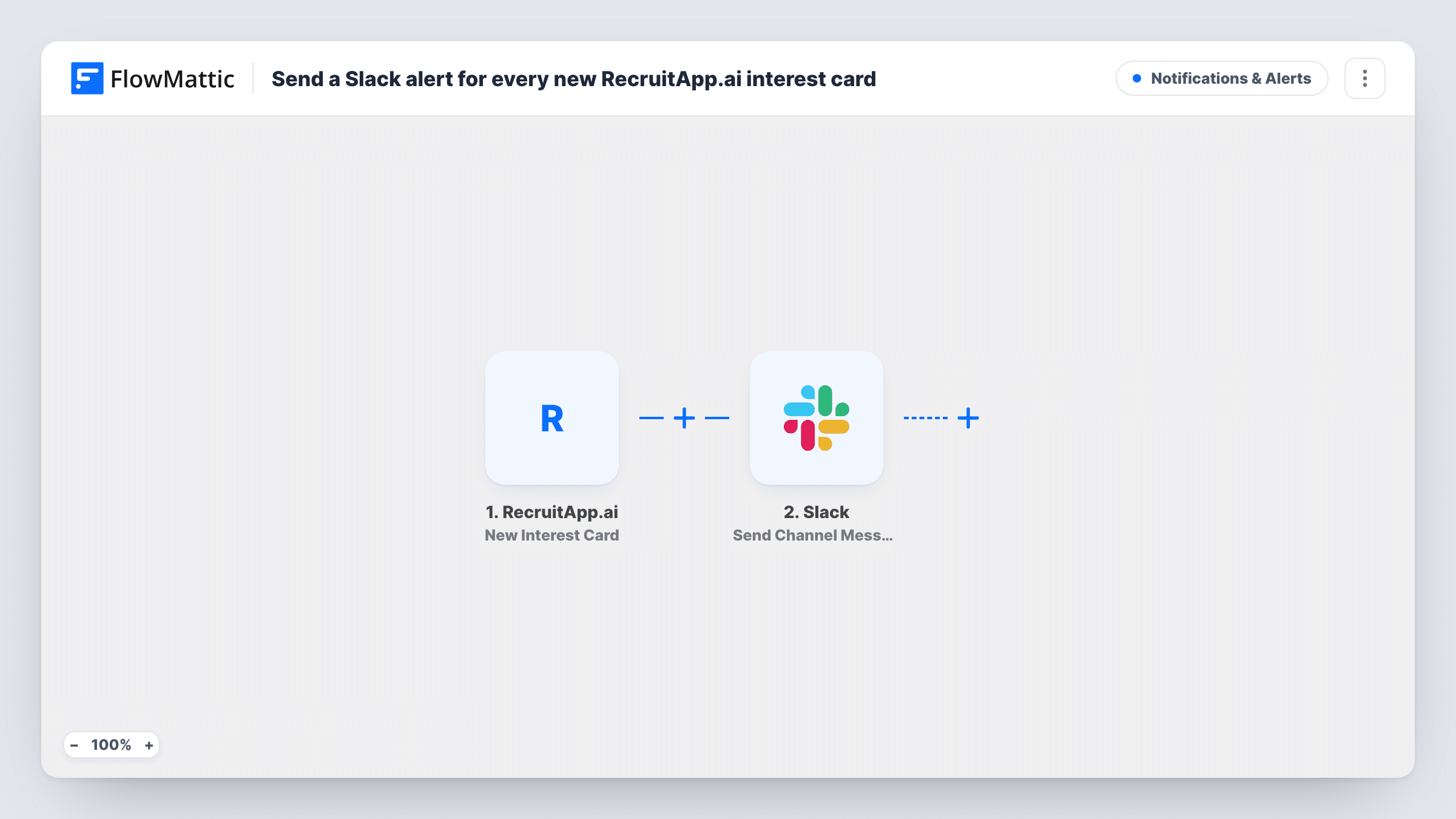
The RecruitApp.ai trigger fires when a new interest card is submitted. FlowMattic passes the card's details to Slack, where Send Channel Message posts to the channel you choose. You write the message and insert values from the card; submit a test card after import to see which details it carries.
Each card produces one message, and no Filter is included. RecruitApp.ai also has a separate trigger for rescheduled interest cards; those do not run this workflow.
Recruiting team channel
A #recruiting channel gets a post for each new interest card, and the recruiter who owns the role replies in a thread to claim it.
Hiring manager visibility
Hiring managers follow a channel for their open roles and see candidate interest without a RecruitApp.ai login.
Agency desk updates
A recruitment agency posts new cards to a shared channel so consultants can spot candidates for their clients.
How this workflow runs
What happens at each step once the workflow is on, and what you need before you import it.
 RecruitApp.ai New Interest Card
Fires when a new interest card is submitted in RecruitApp.ai. The card's details are passed on for the Slack post.
- Slack Send Channel Message
Shares the new interest card in the Slack channel you pick. Insert RecruitApp.ai card values into the message and connect your Slack workspace.
What you need
- FlowMatticCore
- RecruitApp.ai AccountAccount
- Slack AccountAccount
After importing, map your own data. To keep the template universal, not every step is pre-filled. Open each step in the builder and connect your accounts and fields (channels, lists, sheets, recipients) before you switch the workflow on.
Make it yours
Changes worth making after you import it.
- Use a Router to post cards for different roles to different channels, if the card carries the role, giving each route a distinct role value.
- Use a private channel if the message includes candidate contact details.
- Add a Google Sheets step after Slack to keep a running list of interest cards for reporting.
Questions about this workflow
Do rescheduled RecruitApp.ai interest cards post to Slack?
No. This template uses the New Interest Card trigger. Rescheduled cards have their own trigger, which you can use in another workflow.
Can each RecruitApp.ai role post to its own Slack channel?
Not as imported. If the card data includes the role, replace the single Slack step with a Router whose routes check it, each with its own Slack step.
Are interest cards from before import posted?
No. Only cards submitted while the workflow is on reach Slack.
More Notifications & Alerts workflows
Other ready-to-import templates from the same category.





Import this workflow into your WordPress site
Download the JSON, import it from the Workflows screen and connect your accounts. Every run stays on your server, with no per-task fees.
30-day money-back guarantee Unlimited workflows and runs Self-hosted