

Send a Slack alert when a new Zoho Billing subscription starts
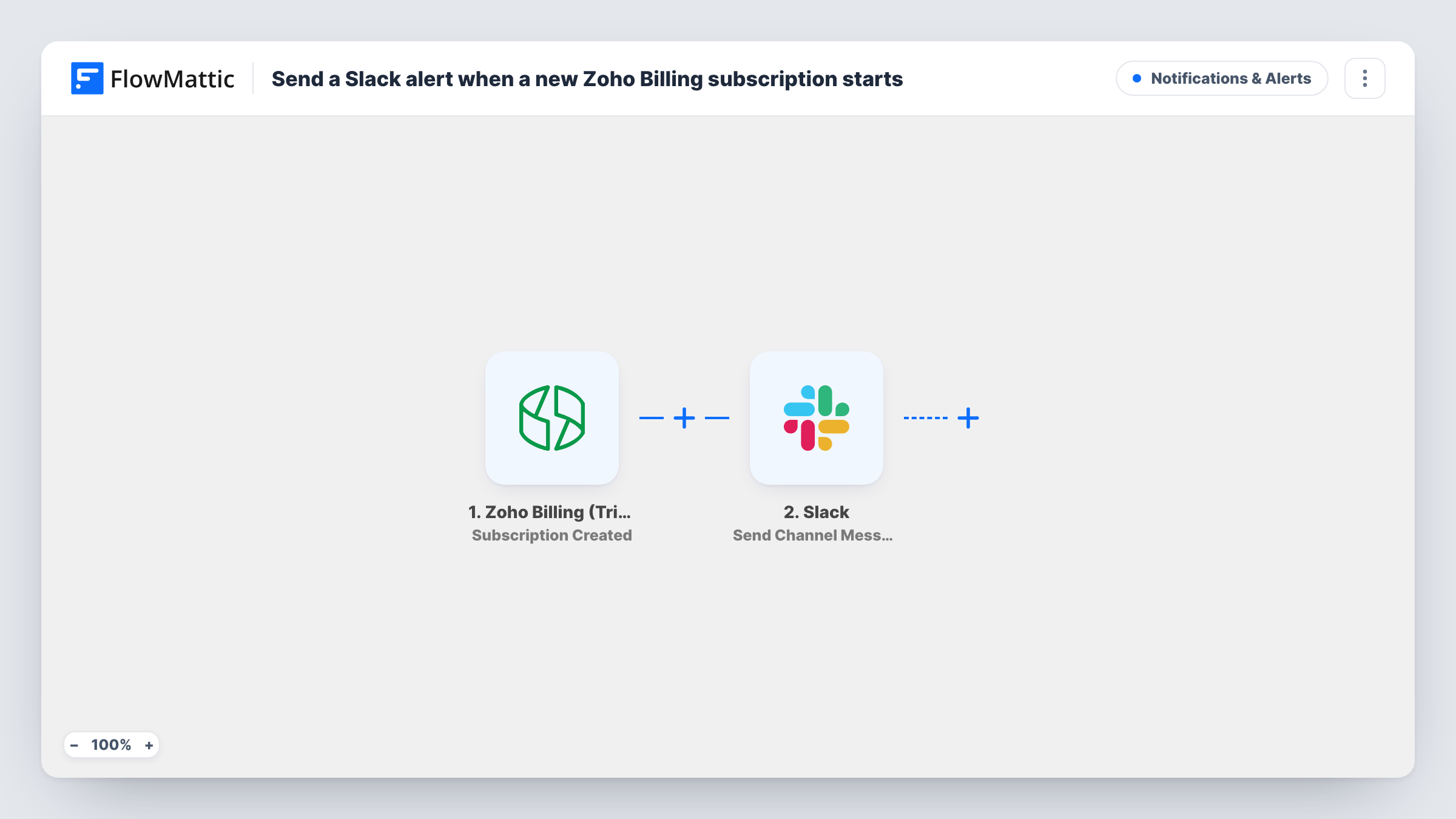
When a new subscription is created in Zoho Billing, this workflow posts a message to a Slack channel, so your team hears about each new subscriber without checking the billing dashboard.
 Zoho Billing (Trigger)
 Slack
2 steps Setup ~5 min Used on 2.0k sites Free to import
What this workflow does
New subscriptions matter to more people than the person who handles billing. Sales wants to know a deal closed, onboarding wants to welcome the customer, and founders like to see the count move. Most of them never log in to Zoho Billing, so a Slack post is the simplest way to tell them.
The Zoho Billing (Trigger) app starts the workflow on the Subscription Created event. The second step is a channel post in Slack. The template ships with that message empty, so you write it yourself after import and drop in whatever subscription details the trigger returns.
Create a test subscription first, then open the Slack step to see which data came through and build the message from it. Every new subscription produces one post, since there is no condition between the two steps. The workflow only reads from Zoho Billing and doesn't change the subscription.
Sales channel for a subscription business
Each time a customer subscribes, the sales channel gets a post, so the rep who worked the deal sees it closed.
Onboarding hand-off
The onboarding team watches a Slack channel and starts its welcome process when a post for a new subscription appears there.
Founder watching new sign-ups
A founder keeps a channel of new Zoho Billing subscriptions to follow sign-ups during a pricing change or a launch week.
How this workflow runs
What happens at each step once the workflow is on, and what you need before you import it.
 Zoho Billing (Trigger) Subscription Created
Starts the workflow when Zoho Billing reports a new subscription. Set up the trigger on import, then create a test subscription so the subscription data is available to map.
- Slack Send Channel Message
Posts a message to a Slack channel for the new subscription. The message is not filled in as imported, so connect Slack, write the text and map in the subscription details you want from the trigger.
What you need
- FlowMatticCore
- Zoho Billing (Trigger) AccountAccount
- Slack AccountAccount
After importing, map your own data. To keep the template universal, not every step is pre-filled. Open each step in the builder and connect your accounts and fields (channels, lists, sheets, recipients) before you switch the workflow on.
Make it yours
Changes worth making after you import it.
- Build the Slack message from a real test subscription, so you can see exactly which details Zoho Billing sends before you write the text.
- Add a Filter after the trigger if only some subscriptions should post, using a field you saw in the test data.
- Use a Router whose conditions can't overlap to post different kinds of subscription to different Slack channels, each route with its own Send Channel Message step.
Questions about this workflow
What does the Slack message say about the Zoho Billing subscription?
Whatever you write. The Send Channel Message step is empty in the template, so you compose the text and map subscription data into it after import.
Do renewals of an existing Zoho Billing subscription post to Slack?
The trigger is Subscription Created, so it is meant for new subscriptions. Check Task History after a renewal if you want to confirm how your account behaves.
Are subscriptions created before import posted to Slack?
No. The workflow starts with the next subscription created after you turn it on. Earlier ones are not sent.
Does the workflow change anything in Zoho Billing?
No. It reads the new subscription event and posts to Slack. Your Zoho Billing data stays as it is.
More Notifications & Alerts workflows
Other ready-to-import templates from the same category.




Import this workflow into your WordPress site
Download the JSON, import it from the Workflows screen and connect your accounts. Every run stays on your server, with no per-task fees.
30-day money-back guarantee Unlimited workflows and runs Self-hosted