

When Document Parsed in Airparser, send a notification message in Slack
When Airparser finishes parsing a document, this workflow posts a message to a Slack channel with the extracted values you choose, so your team can act on them without opening Airparser.
 Airparser
 Slack
2 steps Setup ~5 min Used on 2.0k sites Free to import
What this workflow does
Airparser pulls structured data out of emails and documents: an invoice total, an order number, a lead's contact details. Someone usually has to act on that data. If your team works in Slack, a post with the key values puts the job in front of them as soon as parsing is done.
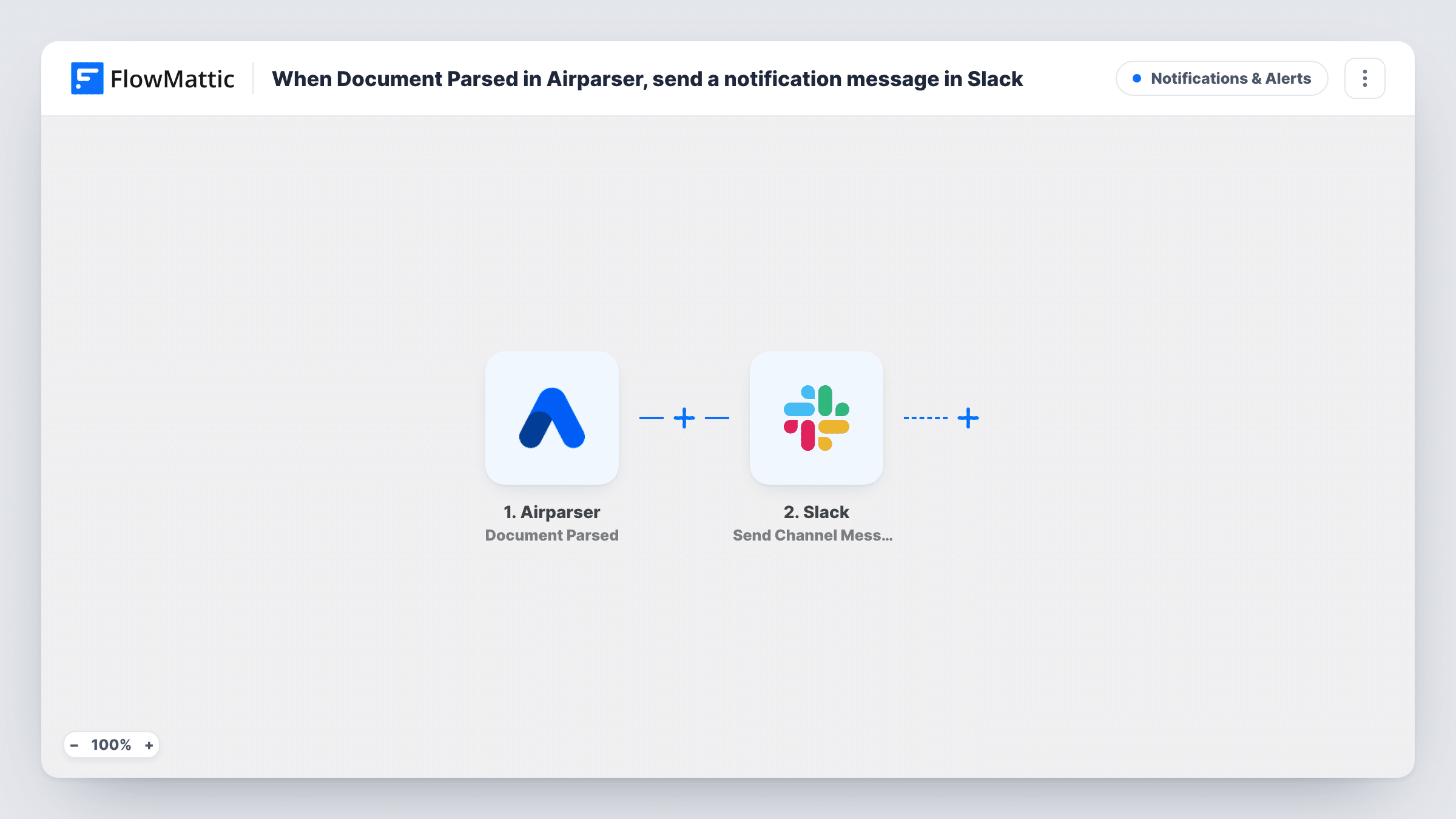
The Airparser trigger is Document Parsed, which fires when a document is parsed. FlowMattic receives the parsed data and passes it to Slack, where Send Channel Message posts to the #channel you choose. You write the message and insert the extracted fields your parser returns.
Each parsed document produces one message. Documents that fail to parse don't trigger this flow; Airparser has a separate Document Parsed Failed trigger for those. Task History lists every run with the data that arrived.
Invoice alerts for finance
Supplier invoices parsed by Airparser post the supplier, amount and due date into a #finance channel for approval.
Lead emails for sales
Enquiry emails parsed into name, email and request appear in a sales channel so someone can reply quickly.
Order notifications from email
Order confirmation emails from a marketplace are parsed and posted to an operations channel with the order number and items.
How this workflow runs
What happens at each step once the workflow is on, and what you need before you import it.
 Airparser Document Parsed
Fires when Airparser has parsed a document in your inbox. The extracted fields from your parser become available for the Slack message. Link your Airparser account during import.
- Slack Send Channel Message
Sends one Slack message per parsed document to the #channel you pick. Write the message and drop in the parsed fields you want people to see. Link your Slack workspace when importing.
What you need
- FlowMatticCore
- Airparser AccountAccount
- Slack AccountAccount
After importing, map your own data. To keep the template universal, not every step is pre-filled. Open each step in the builder and connect your accounts and fields (channels, lists, sheets, recipients) before you switch the workflow on.
Make it yours
Changes worth making after you import it.
- Add a Filter after the trigger that continues only when a parsed field matches what you care about, for example an amount above a set value. Decimals are cut off in number comparisons, so 99.50 is checked as 99.
- Build a second workflow on Airparser's Document Parsed Failed trigger that posts to the same team, so failed documents get a manual look.
- For a private Slack channel, swap in Send Private Channel Message. To reach a single teammate, pick Send Direct Message.
Questions about this workflow
Which Airparser fields can I put in the Slack message?
The fields your Airparser parser extracts. Parse one test document after import, then insert the captured fields into the message.
What happens when Airparser can't parse a document?
This workflow doesn't run, because it listens only for Document Parsed. Use the Document Parsed Failed trigger in another workflow to hear about failures.
Does every parsed Airparser document post to Slack?
Yes, as imported. Each parsed document starts one run and sends one message. A Filter after the trigger narrows that down.
Can Airparser results go to a spreadsheet as well as Slack?
Yes. Add a Google Sheets Add New Row step after the Slack step and map the same parsed fields to columns.
More Notifications & Alerts workflows
Other ready-to-import templates from the same category.



Import this workflow into your WordPress site
Download the JSON, import it from the Workflows screen and connect your accounts. Every run stays on your server, with no per-task fees.
30-day money-back guarantee Unlimited workflows and runs Self-hosted