

Log every new Bokun booking in a Google Sheets spreadsheet
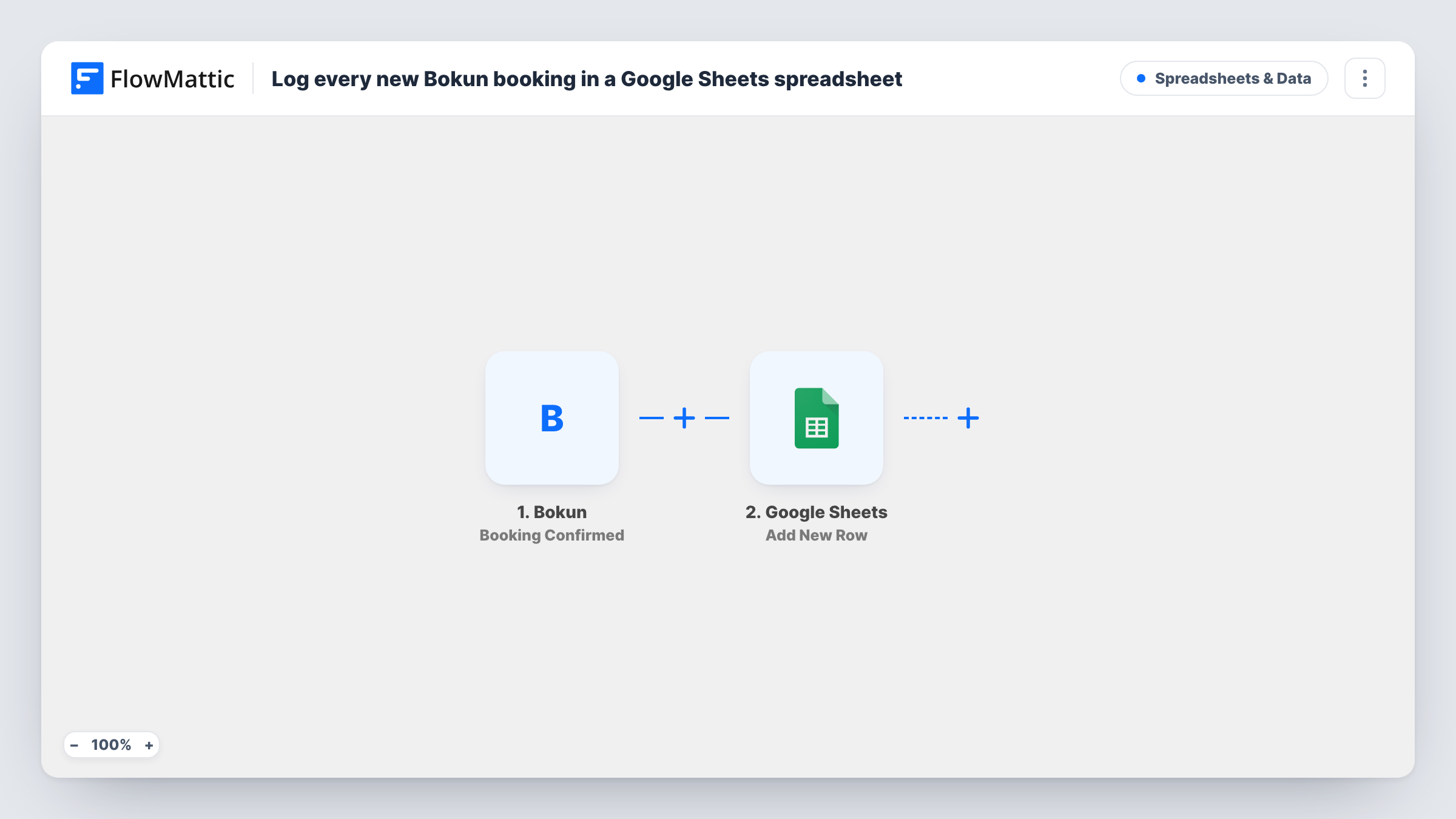
Each time a new booking is confirmed in Bokun, FlowMattic adds a row to your Google Sheets spreadsheet with the booking details you map, giving you a running log of reservations.
 Bokun
Bokun
 Google Sheets
2 steps Setup ~5 min Used on 2.1k sites Free to import
What this workflow does
Tour and activity operators often need booking data outside Bokun: for a guide's day sheet, a partner report or their own totals. Exporting by hand gets old quickly. This workflow keeps a spreadsheet log that grows by one row with every confirmed booking.
The Bokun trigger fires when a new booking is confirmed in Bokun. FlowMattic takes the booking data and passes it to Google Sheets, where the Add New Row step writes it to the spreadsheet and sheet you choose. You decide which booking values go in which columns, for example the customer's name, the product, the date and the number of guests.
The row is written once, when the booking is confirmed. Later changes and cancellations are separate Bokun triggers, so they don't alter or remove the row. Task History records every run, which helps if a booking seems to be missing from the sheet.
Daily departure list for guides
Sort or filter the sheet by tour date so guides see who is booked on each departure, without needing a Bokun login.
Booking report for a business partner
Share a view of the spreadsheet with a hotel or reseller partner so they can follow bookings for the tours you run together.
Your own sales analysis
Build pivot tables or charts on top of the log to compare products, months and group sizes in a tool you already know.
How this workflow runs
What happens at each step once the workflow is on, and what you need before you import it.
 Bokun Booking Confirmed
Fires when a new booking is confirmed in Bokun. Make or confirm a test booking after import so FlowMattic captures the booking fields to map.
- Google Sheets Add New Row
Adds a row to the spreadsheet and sheet you choose with the booking data you map. Set up column headers first so each Bokun value has a clear home.
What you need
- FlowMatticCore
- Bokun AccountAccount
- Google Sheets AccountAccount
After importing, map your own data. To keep the template universal, not every step is pre-filled. Open each step in the builder and connect your accounts and fields (channels, lists, sheets, recipients) before you switch the workflow on.
Make it yours
Changes worth making after you import it.
- Set up a second workflow on Bokun's Booking Cancelled trigger that writes to a Cancellations tab, so the log shows which bookings were later cancelled.
- Map the Bokun booking reference into the first column. It gives every row a unique key you can search for when a customer calls.
- Add a Router with one route per product or tour, each with its own Google Sheets step, if every tour should have its own tab.
Questions about this workflow
Will the Google Sheets row change if the Bokun booking is updated?
No. This workflow only adds a row when the booking is confirmed. Bokun's Booking Updated trigger is a separate event you could use in another workflow.
Are older Bokun bookings added to the sheet?
No. Only bookings confirmed after you turn the workflow on reach the spreadsheet. Export older ones from Bokun if you want a complete history.
Which Bokun booking details can I put in the columns?
Any field Bokun includes with the confirmed booking. Capture a test booking first, then pick the fields for each column in the Google Sheets step.
More Spreadsheets & Data workflows
Other ready-to-import templates from the same category.




Import this workflow into your WordPress site
Download the JSON, import it from the Workflows screen and connect your accounts. Every run stays on your server, with no per-task fees.
30-day money-back guarantee Unlimited workflows and runs Self-hosted