

Log each new Breezy HR candidate in a Google Sheets spreadsheet
When a candidate enters Breezy HR, this workflow adds them to a Google Sheets spreadsheet, giving you a growing list of applicants you can share with people who don’t use Breezy HR.
 Breezy HR
 Google Sheets
2 steps Setup ~5 min Used on 340 sites Free to import
What this workflow does
Breezy HR is where your recruiting team works, but hiring managers, finance or an agency partner may not have a seat. Exporting candidate lists by hand gets stale quickly. This workflow writes each new candidate to a spreadsheet as they arrive.
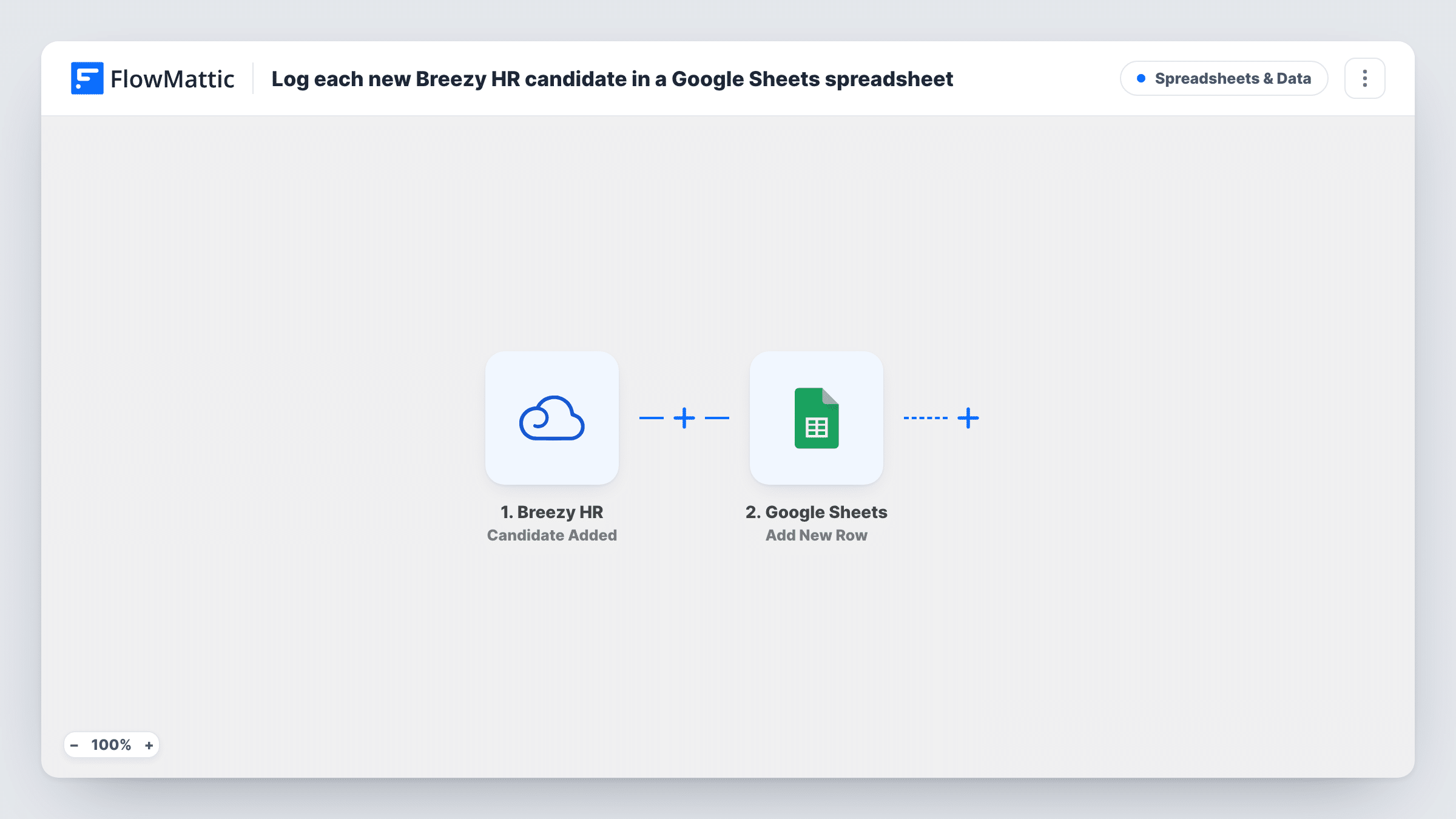
Each run starts as soon as a new candidate appears in Breezy HR. FlowMattic passes the candidate data on, and the Google Sheets step adds a new row to the spreadsheet you pick, with the candidate fields mapped into your columns.
The row records the candidate as they were when added. When someone moves through your pipeline, the row doesn't change, because the template only listens for new candidates. Breezy HR's Candidate Status Updated trigger can feed a second workflow if you want stage moves logged too.
Applicant list for a hiring manager
A department head without a Breezy HR login checks the shared sheet each morning to see who applied to their role.
Weekly hiring report
HR counts new rows per position each week and pastes the numbers into a report, without exporting from Breezy HR.
Backup record of all applicants
Keep a copy of every candidate that entered Breezy HR in your own Google account, alongside your other hiring records.
How this workflow runs
What happens at each step once the workflow is on, and what you need before you import it.
 Breezy HR Candidate Added
Runs when a candidate enters your connected Breezy HR account. The candidate data Breezy HR sends is passed on to the Google Sheets step.
- Google Sheets Add New Row
Adds a new row for the candidate to the Google Sheets spreadsheet you choose. Map the Breezy HR fields to your columns and connect your Google account on import.
What you need
- FlowMatticCore
- Breezy HR AccountAccount
- Google Sheets AccountAccount
After importing, map your own data. To keep the template universal, not every step is pre-filled. Open each step in the builder and connect your accounts and fields (channels, lists, sheets, recipients) before you switch the workflow on.
Make it yours
Changes worth making after you import it.
- Add a test candidate in Breezy HR after import so FlowMattic captures the candidate fields, then map them before you turn the workflow on.
- Hiring for several roles? Add a Router with one route per position, each adding a row to that role's own sheet, so the routes' conditions never overlap.
- Candidate data is personal, so share the spreadsheet only with people who should see applicants and map only the columns they need.
Questions about this workflow
Does the sheet update when a Breezy HR candidate changes stage?
No. Only new candidates add a row. Use Breezy HR's Candidate Status Updated trigger in a separate workflow to log stage moves.
Are candidates already in Breezy HR added?
No. Only candidates who enter Breezy HR after you turn the workflow on are added. Add earlier candidates to the sheet yourself if you need a full list.
What happens when a candidate is deleted in Breezy HR?
The row you already have is kept. The workflow never removes rows. Breezy HR also has a Candidate Deleted trigger you could use to log deletions.
More Spreadsheets & Data workflows
Other ready-to-import templates from the same category.





Import this workflow into your WordPress site
Download the JSON, import it from the Workflows screen and connect your accounts. Every run stays on your server, with no per-task fees.
30-day money-back guarantee Unlimited workflows and runs Self-hosted