

Send a Slack alert to the sales team when a new Smart Quiz Builder response comes in
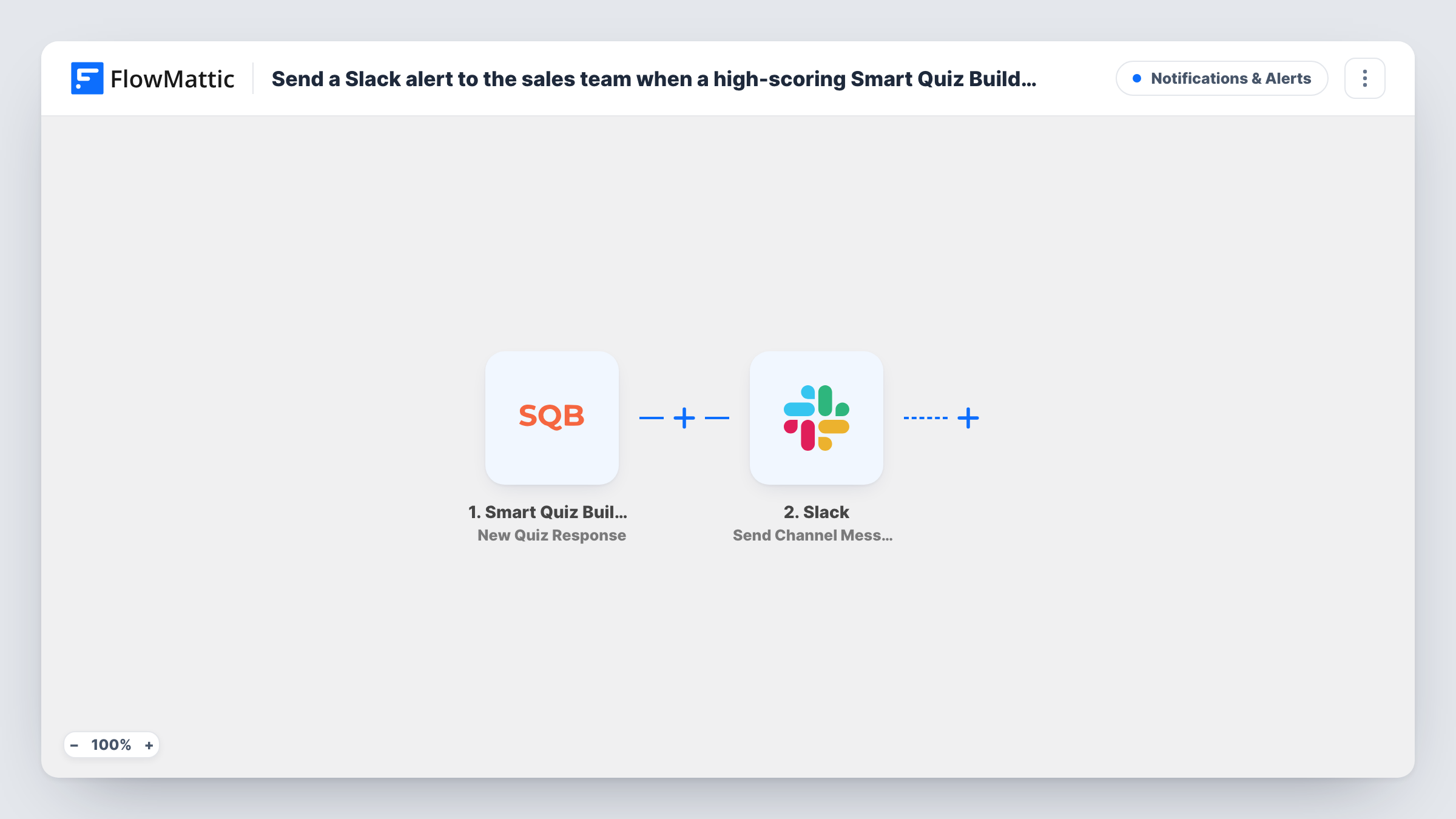
Every time someone completes a Smart Quiz Builder quiz, FlowMattic posts a message in the Slack channel your sales team watches, with the response details you choose.
 Smart Quiz Builder
 Slack
2 steps Setup ~5 min Used on 1.4k sites Free to import
What this workflow does
A finished quiz often means a warm lead: someone spent a few minutes answering questions about their needs. Responses that stay inside the quiz tool are easy for a busy team to miss. This workflow puts each completed response in front of your sales team in Slack, where they already talk about leads.
The Smart Quiz Builder trigger fires when a quiz is filled in completely. Partly finished attempts don't start it. The response details, such as the person's contact information, answers and score, are passed to Slack; a test response shows exactly what arrives.
The Slack step posts a message to a channel you pick. The template ships without a channel or text, so after import write the message and map the values your reps need, for example the name, email, quiz result and score.
As imported, every completed quiz posts a message, whatever the score. If your team only wants to hear about strong results, add a Filter on the score, as explained in the tips. Number checks compare whole numbers, so a score of 79.5 is treated as 79.
Product-fit quiz leads for a SaaS team
A software company's "Which plan fits you?" quiz posts each completed response in #sales-leads so a rep can reach out the same day.
Assessment results for consultants
A consultancy runs a readiness assessment, and every finished one lands in Slack with the score so a partner can decide who to call.
Lead alerts for a home services business
A kitchen remodeler's style quiz alerts the sales channel with the visitor's answers and phone number when they finish it.
How this workflow runs
What happens at each step once the workflow is on, and what you need before you import it.
 Smart Quiz Builder New Quiz Response
Fires when someone fills in a Smart Quiz Builder quiz completely. Their answers, score and contact details become available to map into the Slack message.
- Slack Send Channel Message
Sends the quiz response to your team's Slack. Nothing is set in the template, so choose a public channel and write the text after import, mapping in the quiz details your sales team needs.
What you need
- FlowMatticCore
- Smart Quiz Builder AccountAccount
- Slack AccountAccount
After importing, map your own data. To keep the template universal, not every step is pre-filled. Open each step in the builder and connect your accounts and fields (channels, lists, sheets, recipients) before you switch the workflow on.
Make it yours
Changes worth making after you import it.
- To alert only on high scores, put a Filter between the Smart Quiz Builder trigger and the Slack step that continues when the score is greater than your threshold.
- For a private sales channel, switch the Slack step to Send Private Channel Message; to message one rep directly, use Send Direct Message instead.
- Include the quiz result name and a short list of key answers in the message, so a rep can tell what the lead wants without opening Smart Quiz Builder.
Questions about this workflow
Does every Smart Quiz Builder response post to Slack?
Every completed one does. There's no condition in the template, so low and high scores both post. Add a Filter between the Smart Quiz Builder trigger and the Slack step to limit it.
Are half-finished quizzes sent to Slack?
No. FlowMattic describes the trigger as firing when a quiz form is filled completely, so abandoned attempts don't start a run.
What will the Slack alert say?
The text you compose in the Slack step. The template leaves the text empty, so compose it after import and map the quiz fields you want reps to see.
More Notifications & Alerts workflows
Other ready-to-import templates from the same category.




Import this workflow into your WordPress site
Download the JSON, import it from the Workflows screen and connect your accounts. Every run stays on your server, with no per-task fees.
30-day money-back guarantee Unlimited workflows and runs Self-hosted