

Store Netcore Cloud event details as a new Airtable record
When Netcore Cloud sends an event you set up a webhook for, FlowMattic creates a new Airtable record with the event details you map, so campaign activity is stored in a base you can filter and report on.
 Netcore Cloud
 Airtable
2 steps Setup ~5 min Used on 970 sites Free to import
What this workflow does
Campaign events such as opens, clicks or bounces are useful beyond the marketing platform. Sales may want to see who clicked, and analysts may want to join events with other data. Storing them in Airtable puts them in a base your team can sort, filter and link.
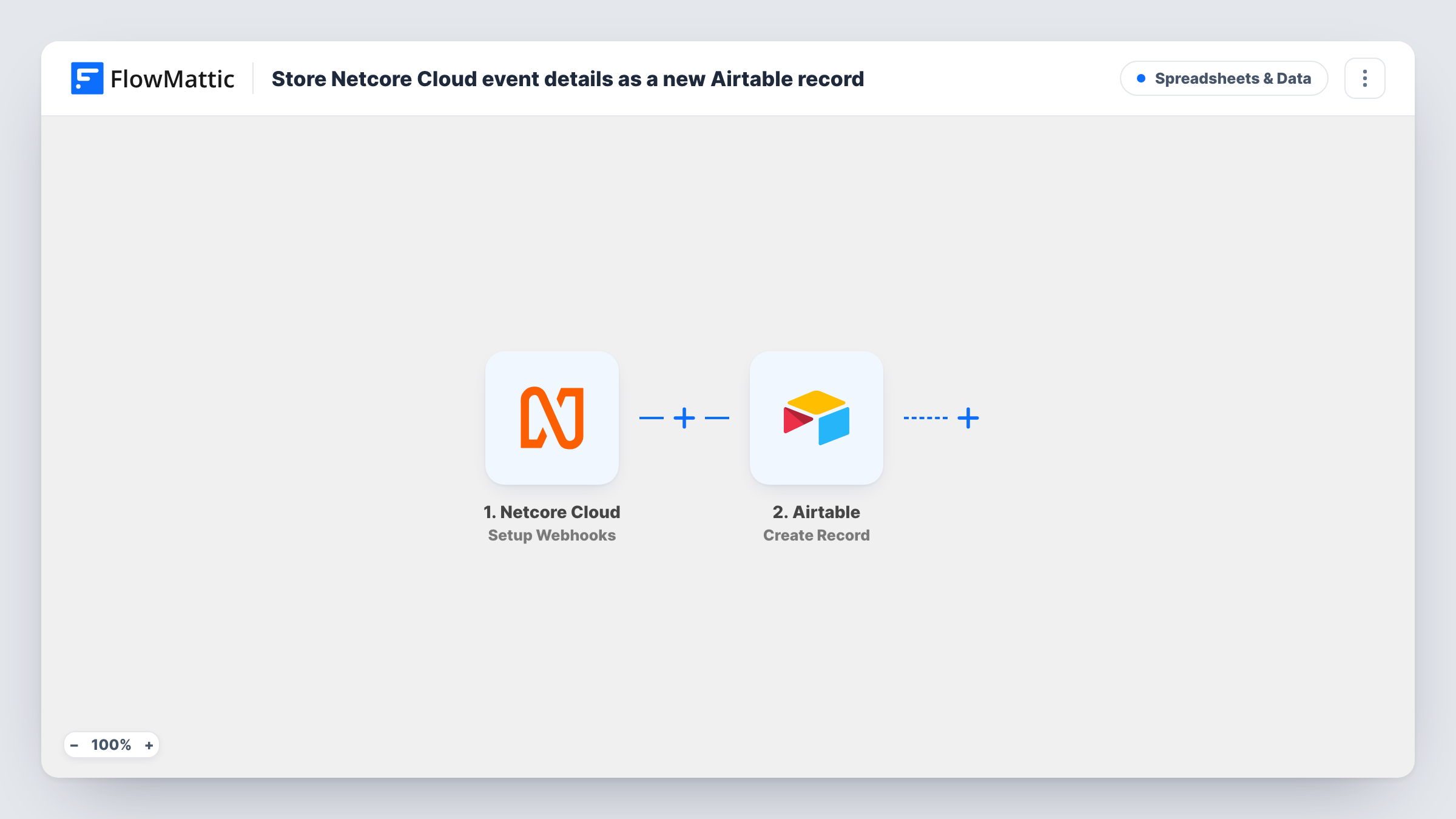
The Netcore Cloud trigger, Setup Webhooks, fires when Netcore Cloud sends a response related to the event you specified. The event data becomes available to map in FlowMattic. The Airtable step, Create Record, then adds a record to the table you choose, with each mapped value in its own field.
Every event that reaches the webhook adds one record, since no Filter sits in between. If Netcore Cloud sends many events, the table grows quickly, so keep an eye on how many records it holds. Send a test event after import to capture the data before mapping fields.
Click log for the sales team
Store each Netcore Cloud click event as an Airtable record, so sales reps can filter by contact and see who opened which campaign link.
Bounce tracking for list hygiene
Bounce events land in an Airtable table where the marketing team reviews addresses and decides which to remove from future sends.
Campaign reporting across tools
Analysts link the event records to other Airtable tables, such as campaigns or customers, to build views that the Netcore dashboard doesn't give them.
How this workflow runs
What happens at each step once the workflow is on, and what you need before you import it.
 Netcore Cloud Setup Webhooks
Fires when Netcore Cloud sends a response for the event you set its webhook up for. The event details become data you can map into Airtable.
- Airtable Create Record
Creates a new record in the Airtable table you choose from the Netcore Cloud event data. Map each value to a field, and connect your Airtable account on import.
What you need
- FlowMatticCore
- Netcore Cloud AccountAccount
- Airtable AccountAccount
After importing, map your own data. To keep the template universal, not every step is pre-filled. Open each step in the builder and connect your accounts and fields (channels, lists, sheets, recipients) before you switch the workflow on.
Make it yours
Changes worth making after you import it.
- Add a Filter after the trigger that continues only for one event type, if Netcore Cloud sends several kinds to the same webhook and you want only some in Airtable.
- Create the Airtable fields before mapping, with types that suit the data, such as a date field for the event time, so records can be sorted and grouped.
- Send one test event from Netcore Cloud after import, then check the captured values in the Airtable step before you map them.
Questions about this workflow
Which Netcore Cloud events reach Airtable?
The ones Netcore Cloud sends to this webhook, based on the event you specified when you set it up. Every event that arrives creates a record unless you add a Filter.
Does the same Netcore Cloud event create two Airtable records if sent twice?
Yes. Create Record always adds a new record and does not check for an existing one, so each delivery becomes its own record.
Which Netcore event details can I store in Airtable?
Whatever Netcore Cloud includes in the data it sends. Look at a captured test event in the Airtable step to see the values you can map.
More Spreadsheets & Data workflows
Other ready-to-import templates from the same category.




Import this workflow into your WordPress site
Download the JSON, import it from the Workflows screen and connect your accounts. Every run stays on your server, with no per-task fees.
30-day money-back guarantee Unlimited workflows and runs Self-hosted