

Post new RSS items to Facebook Pages
Each new item that appears in an RSS feed you choose is posted to your Facebook Page, built from the item’s title, link and summary, so the Page shares new content without you copying links by hand.
 RSS Feed
 Facebook Pages
2 steps Setup ~5 min Used on 1.6k sites Free to import
What this workflow does
Plenty of content already has an RSS feed: your blog, a podcast, a news section or an industry source you follow. Sharing each new item on Facebook by hand is repetitive, and gaps appear when you are busy. This workflow posts new feed items to your Facebook Page as they show up.
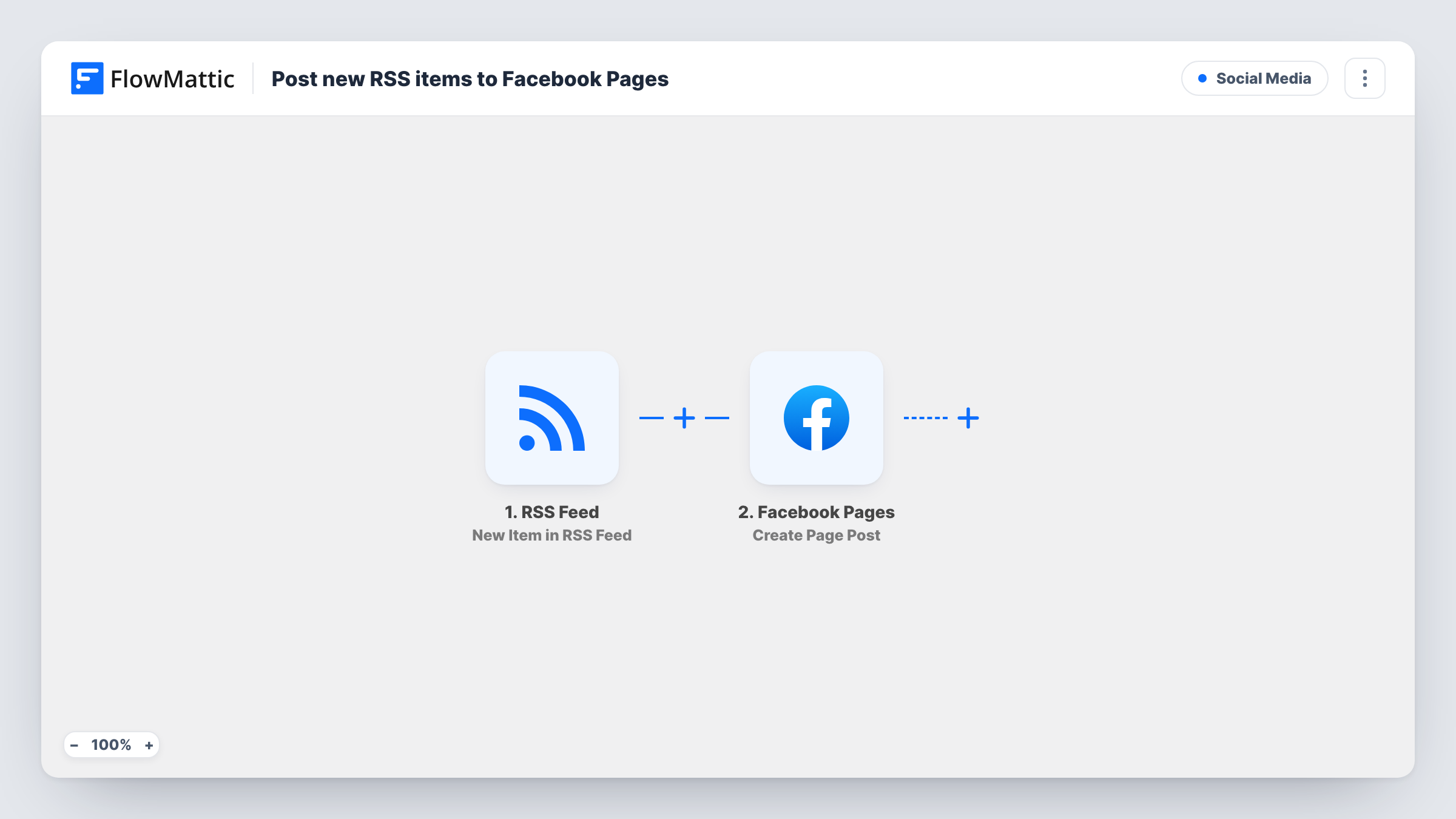
The RSS Feed trigger checks the feed you point it at and starts a run for every item that wasn't there before. The item's details, such as its title, link and description, are passed to Facebook Pages. Its Create Page Post action publishes a new post on the Page you connect, using the text and link you build from those details.
Every new item becomes one post, so a feed that publishes often fills your Page just as often. If you share someone else's feed, make sure you have the right to repost their content.
Blog posts to a business Page
Your WordPress blog publishes a new article. Its title and link appear as a post on your company's Facebook Page, so followers see it without you logging in.
Podcast episode announcements
Your podcast host's RSS feed gets a new episode. The Page posts the episode title and link for your listeners on Facebook.
Local news or event listings
A community group's Page shares each new item from the town council's events feed, with a link back to the full listing.
How this workflow runs
What happens at each step once the workflow is on, and what you need before you import it.
 RSS Feed New Item in RSS Feed
Watches the RSS feed you enter and fires for each new item. The item's title, link, description and other feed fields become available to map.
- Facebook Pages Create Page Post
Publishes a new post on your Facebook Page. Connect your Facebook account, choose the Page, and build the post from the feed item's title and link.
What you need
- FlowMatticCore
- Facebook Pages AccountAccount
After importing, map your own data. To keep the template universal, not every step is pre-filled. Open each step in the builder and connect your accounts and fields (channels, lists, sheets, recipients) before you switch the workflow on.
Make it yours
Changes worth making after you import it.
- Want only some items on Facebook? Add a Filter after the trigger that continues when the title or category contains a word you choose.
- Add a short line of your own before the mapped title, such as "New on the blog:", so the post reads as written for your Page rather than copied from the feed.
- To share the same items on X as well, add the X (Twitter) Create Tweet step after Facebook and map it from the same feed fields.
Questions about this workflow
Will old items in the RSS feed be posted to my Facebook Page?
The trigger is built to fire on new items only. Look over the first few runs in Task History after you switch it on to confirm no older entries went out.
Can I post to more than one Facebook Page from one feed?
Add another Create Page Post step and pick the second Page in it. Each new feed item then posts to both.
Does the Facebook post show an image from the feed?
Create Page Post publishes the content you map, and Facebook decides how a shared link previews. If you want a specific image, Facebook Pages also has a Create Post with Photos action you can swap in.
Which RSS feeds can I use?
Any feed the trigger can read, such as your WordPress site's own feed or a podcast feed. Test a new feed URL once after import to see its fields in FlowMattic.
More Social Media workflows
Other ready-to-import templates from the same category.






Import this workflow into your WordPress site
Download the JSON, import it from the Workflows screen and connect your accounts. Every run stays on your server, with no per-task fees.
30-day money-back guarantee Unlimited workflows and runs Self-hosted