

Log every Jira Software issue update in a Google Sheets spreadsheet
Point a Jira Software webhook at this workflow and every issue update Jira sends becomes a new row in Google Sheets, giving you a change log you can sort, chart and share outside Jira.
 Webhook
 Google Sheets
2 steps Setup ~5 min Used on 2.0k sites Free to import
What this workflow does
Jira shows the history of a single issue, but pulling a list of every change across a project, for a weekly report or a client update, takes effort. A spreadsheet that gains a row each time an issue changes gives you that list without exports.
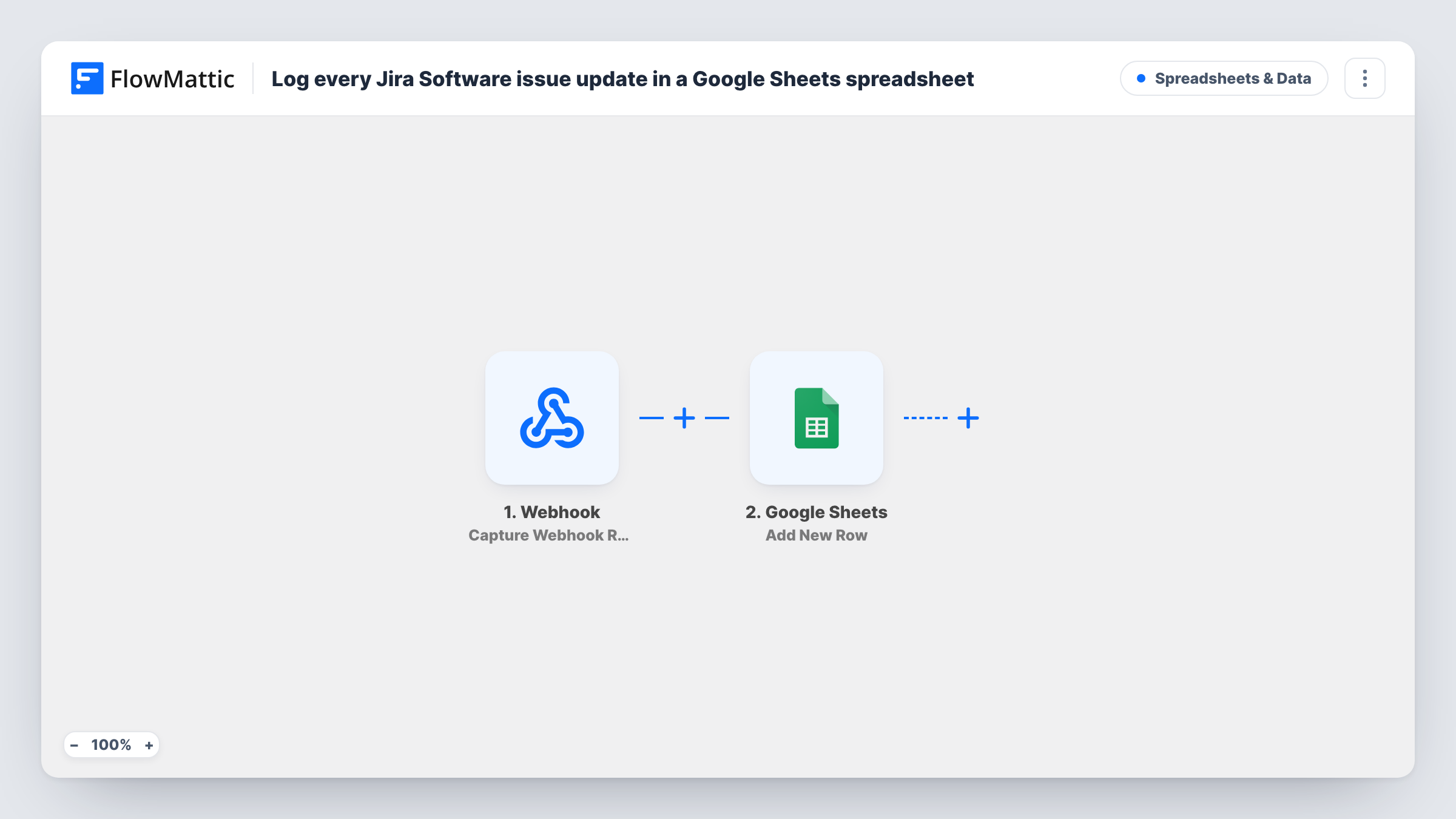
The first step is a Webhook trigger with its own URL. FlowMattic's Jira Software trigger is also a webhook receiver, so this generic one does the same job. In Jira, you create a webhook that sends issue update events to that URL. Each time Jira posts an event, FlowMattic passes its data to Google Sheets, which adds a new row to the spreadsheet you pick.
The sheet holds whatever you map from Jira's payload, such as the issue key, status or who made the change, if the payload carries them. Rows are only appended, so the sheet becomes a running log rather than one row per issue.
Weekly progress reports for a client
An agency logs every Jira issue change on a client project, then filters the sheet by date to show the client what moved that week.
Auditing status changes
A team lead keeps a record of each time an issue's status changed and by whom, to spot tickets that bounce between columns.
Charts for stakeholders without Jira access
Managers who don't use Jira read a Google Sheet with pivot tables built on the logged issue updates.
How this workflow runs
What happens at each step once the workflow is on, and what you need before you import it.
 Webhook Capture Webhook Response
Receives the data Jira Software sends to this workflow's webhook URL. Set up a webhook in Jira for issue update events, then trigger one so FlowMattic captures a sample payload to map.
- Google Sheets Add New Row
Adds a row to the Google Sheets spreadsheet you choose for each event Jira sends. Connect your Google account and map values from the Jira payload to the sheet's columns.
What you need
- FlowMatticCore
- Google Sheets AccountAccount
After importing, map your own data. To keep the template universal, not every step is pre-filled. Open each step in the builder and connect your accounts and fields (channels, lists, sheets, recipients) before you switch the workflow on.
Make it yours
Changes worth making after you import it.
- Turn on the Webhook trigger's Require authentication on incoming requests setting, so only calls that carry your key or signature can add rows.
- Select only the issue updated event in your Jira webhook. If you also tick created or deleted events, those land in the sheet too.
- Use a JQL filter on the Jira webhook if you only want updates from one project or issue type logged.
Questions about this workflow
Why does this Jira Software workflow start with a generic Webhook?
FlowMattic's Jira Software trigger, Configure Webhooks, also receives webhooks from Jira, so the generic Webhook trigger works the same way. Either needs a webhook set up on the Jira side.
Does each Jira issue get a single row that updates?
No. The Google Sheets step adds a new row for every event Jira sends, so one issue edited five times gives five rows.
Can anyone send data to the webhook URL and add rows to my sheet?
Anyone with the URL could, unless authentication is on. Turn on the trigger's authentication setting and keep the URL private.
More Spreadsheets & Data workflows
Other ready-to-import templates from the same category.




Import this workflow into your WordPress site
Download the JSON, import it from the Workflows screen and connect your accounts. Every run stays on your server, with no per-task fees.
30-day money-back guarantee Unlimited workflows and runs Self-hosted