

Log every fully approved Concord document in a Google Sheets spreadsheet
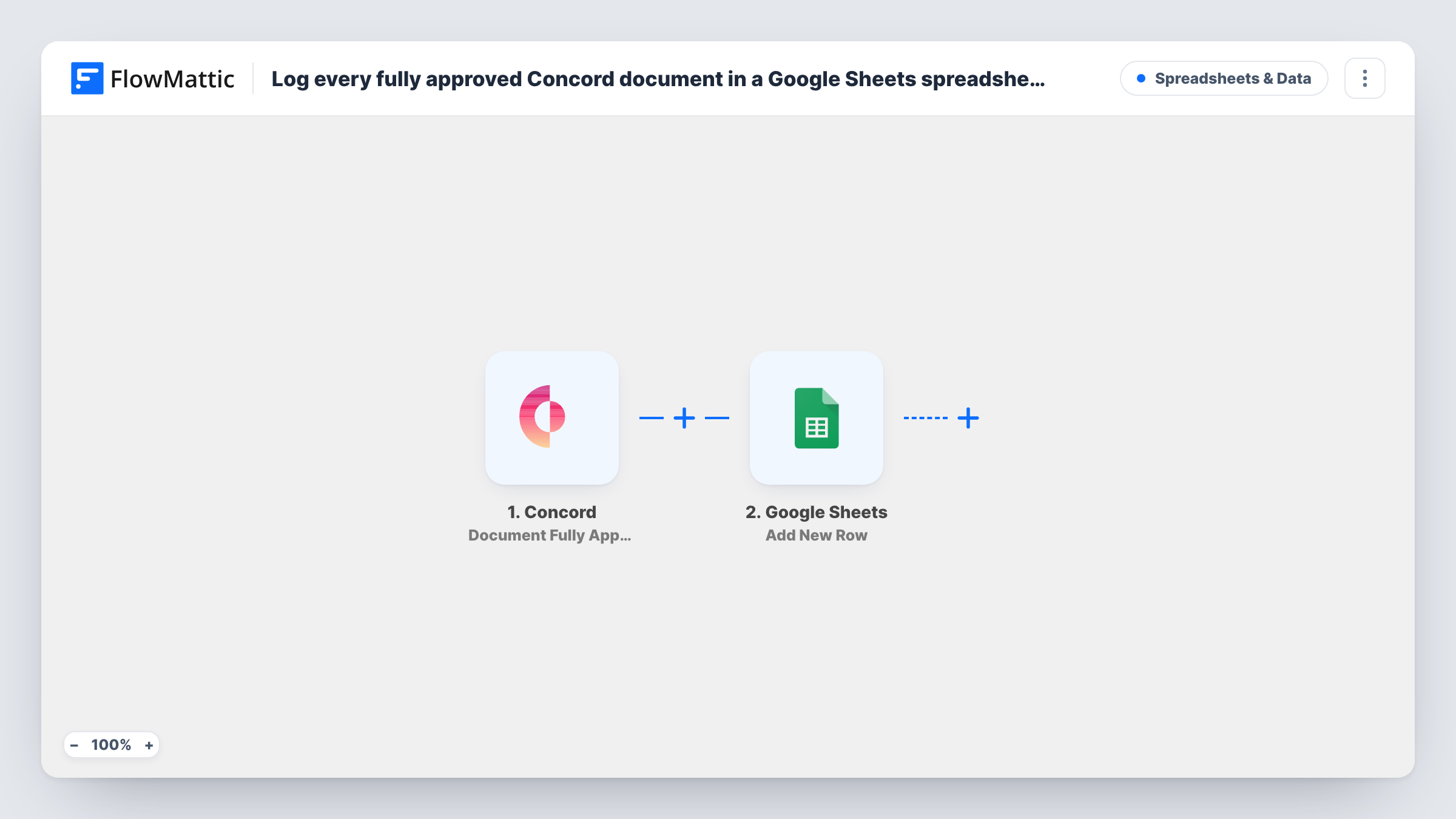
When a document in Concord reaches full approval, FlowMattic adds a row to Google Sheets with its details, building a running log of approved contracts that anyone with the sheet can read.
 Concord
 Google Sheets
2 steps Setup ~5 min Used on 894 sites Free to import
What this workflow does
Approval is a milestone for a contract: legal, finance and the account owner have all signed off internally. Teams often want a simple list of those documents outside Concord, to report on, share with people who have no Concord seat, or combine with other data. This workflow keeps that list for you.
The Concord trigger Document Fully Approved fires when a document is fully approved. FlowMattic receives the document's details from Concord and sends them to Google Sheets, where the Add New Row action writes them into the spreadsheet you choose.
Each approval adds one row, and you decide which Concord data fills which column. The workflow does not touch the document in Concord. Approval is not the same as signature, so if you also want signed contracts logged, Concord offers a separate trigger for that. Task History shows every run and the data it sent.
Approval log for finance
Finance tracks every contract that clears internal approval in a shared Google Sheet, without needing access to Concord itself.
Weekly legal reporting
Legal ops pulls the approved-documents sheet into a weekly summary of how many contracts passed review and which teams sent them.
Hand-off to the signing stage
A sales manager watches the sheet to see which approved agreements are ready to go out for signature with the client.
How this workflow runs
What happens at each step once the workflow is on, and what you need before you import it.
 Concord Document Fully Approved
Fires when a document in Concord is fully approved. The document's details are passed on so you can map them into the spreadsheet columns.
- Google Sheets Add New Row
Adds a new row to the Google Sheets spreadsheet you choose for each approved document. Connect your Google account and map the Concord fields to your columns.
What you need
- FlowMatticCore
- Concord AccountAccount
- Google Sheets AccountAccount
After importing, map your own data. To keep the template universal, not every step is pre-filled. Open each step in the builder and connect your accounts and fields (channels, lists, sheets, recipients) before you switch the workflow on.
Make it yours
Changes worth making after you import it.
- Approve a test document in Concord after import. FlowMattic captures the data, and you can see which fields are worth a column before mapping.
- Freeze the header row and add a filter view in Google Sheets so readers can sort approved documents by any column without changing the rows the workflow writes.
- Build a second workflow with Concord's Document Fully Signed trigger that writes to another tab, so you can compare approved and signed contracts side by side.
Questions about this workflow
Does the Google Sheet update if a Concord document changes later?
No. The workflow adds one new row when a document is fully approved and never edits that row afterwards. Later changes in Concord are not reflected.
Is fully approved the same as fully signed in Concord?
No. Concord has separate triggers for each. This template uses Document Fully Approved. Use Document Fully Signed if you want to log signatures instead.
Are contracts approved before I import this added to the sheet?
No. Only documents that reach full approval after the workflow is turned on are logged.
What Google access does the Add New Row step need?
A Google account that can edit the spreadsheet. You connect it in the Google Sheets step on import, then pick the spreadsheet and sheet to write to.
More Spreadsheets & Data workflows
Other ready-to-import templates from the same category.





Import this workflow into your WordPress site
Download the JSON, import it from the Workflows screen and connect your accounts. Every run stays on your server, with no per-task fees.
30-day money-back guarantee Unlimited workflows and runs Self-hosted