

Log every new KonfHub attendee registration in a Google Sheets spreadsheet
Every attendee who registers for your KonfHub event is added as a new row in Google Sheets, giving organisers a live list of sign-ups they can sort, share and check in from.
 KonfHub
 Google Sheets
2 steps Setup ~5 min Used on 976 sites Free to import
What this workflow does
An event team rarely works from a single dashboard. Volunteers handle check-in, sponsors want numbers, and catering needs a head count. A Google Sheet that fills itself with each registration lets all of them work from the same list without a KonfHub login.
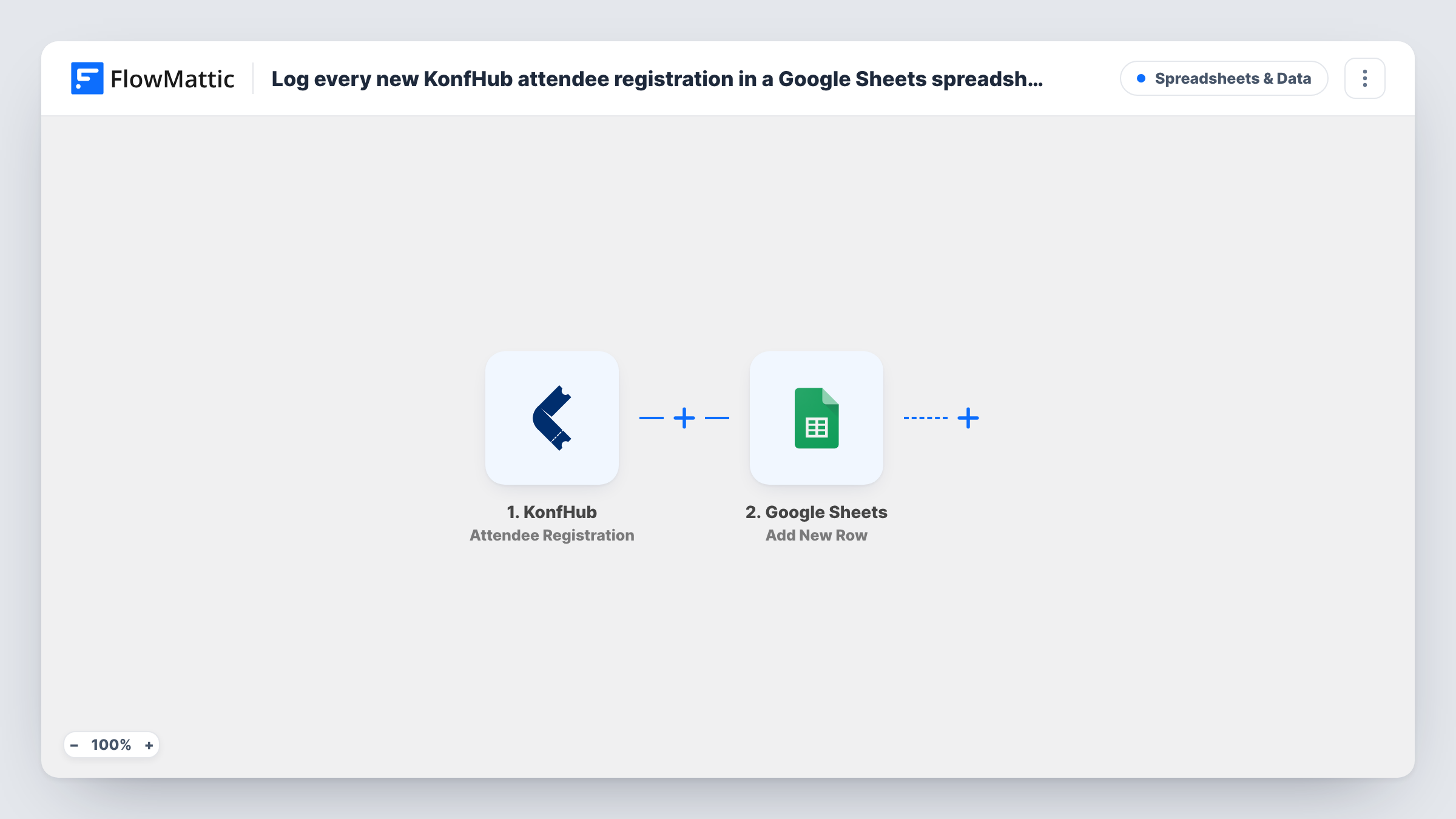
Each sign-up for one of your events fires the KonfHub trigger. FlowMattic takes the registration data it receives and sends it to the Google Sheets step. That step adds a row to the spreadsheet you pick, with columns you map to registration fields such as the attendee's name and email.
Each registration produces one row, and the sheet fills in the order people sign up. Cancellations are not removed, because this template only listens for registrations. Task History logs every run if you need to confirm a row was sent.
Check-in list for volunteers
Volunteers at the door open the shared sheet on a tablet and mark attendees as they arrive, using a column you add for check-in.
Head count for catering
The venue manager watches the row count in the sheet to order food, without needing access to your KonfHub account.
Sponsor reporting
After the event, you filter the sheet by ticket or company field to give sponsors a summary of who registered.
How this workflow runs
What happens at each step once the workflow is on, and what you need before you import it.
 KonfHub Attendee Registration
Fires when someone registers as an attendee for your KonfHub event. The registration fields are passed on for mapping into the sheet.
- Google Sheets Add New Row
Adds one row per KonfHub registration to the spreadsheet you pick. Connect Google on import and map columns such as name and email to the registration data.
What you need
- FlowMatticCore
- KonfHub AccountAccount
- Google Sheets AccountAccount
After importing, map your own data. To keep the template universal, not every step is pre-filled. Open each step in the builder and connect your accounts and fields (channels, lists, sheets, recipients) before you switch the workflow on.
Make it yours
Changes worth making after you import it.
- Want cancellations in the sheet too? Build a second workflow on KonfHub's Attendee Cancellation trigger that adds a row to a separate Cancelled tab.
- Keep one tab per event by adding a Router after the trigger with a route for each event, each writing to its own sheet.
- Register a test attendee after import so FlowMattic captures the fields before you map the columns.
Questions about this workflow
Does the KonfHub sheet update when an attendee cancels?
No. This workflow only adds rows on registration. The row stays even if the attendee later cancels.
Are attendees who registered before import included?
No. Only registrations made after you turn the workflow on reach the sheet.
Which KonfHub registration details can I put in columns?
Any field the trigger receives for the registration. Run a test registration and FlowMattic shows the available fields in the mapping screen.
Can I use this for several KonfHub events at once?
Yes. Registrations for all your events start the workflow. Map the event name to a column, or split them with a Router, so you can tell them apart.
More Spreadsheets & Data workflows
Other ready-to-import templates from the same category.



Import this workflow into your WordPress site
Download the JSON, import it from the Workflows screen and connect your accounts. Every run stays on your server, with no per-task fees.
30-day money-back guarantee Unlimited workflows and runs Self-hosted