

Create an Airtable record for every new Monetizze blocked
Whenever Monetizze marks a sale as blocked, this workflow adds a record to the Airtable base you pick, giving you one table of every blocked sale to review.
 Monetizze
 Airtable
2 steps Setup ~5 min Used on 669 sites Free to import
What this workflow does
A blocked sale in Monetizze is a sale that did not go through, and each one can mean a buyer who still wants the product. Looking them up one by one in the Monetizze dashboard is slow, and there is no shared place to note what you did about each. This workflow writes every blocked sale into Airtable so you can sort, assign and comment on them.
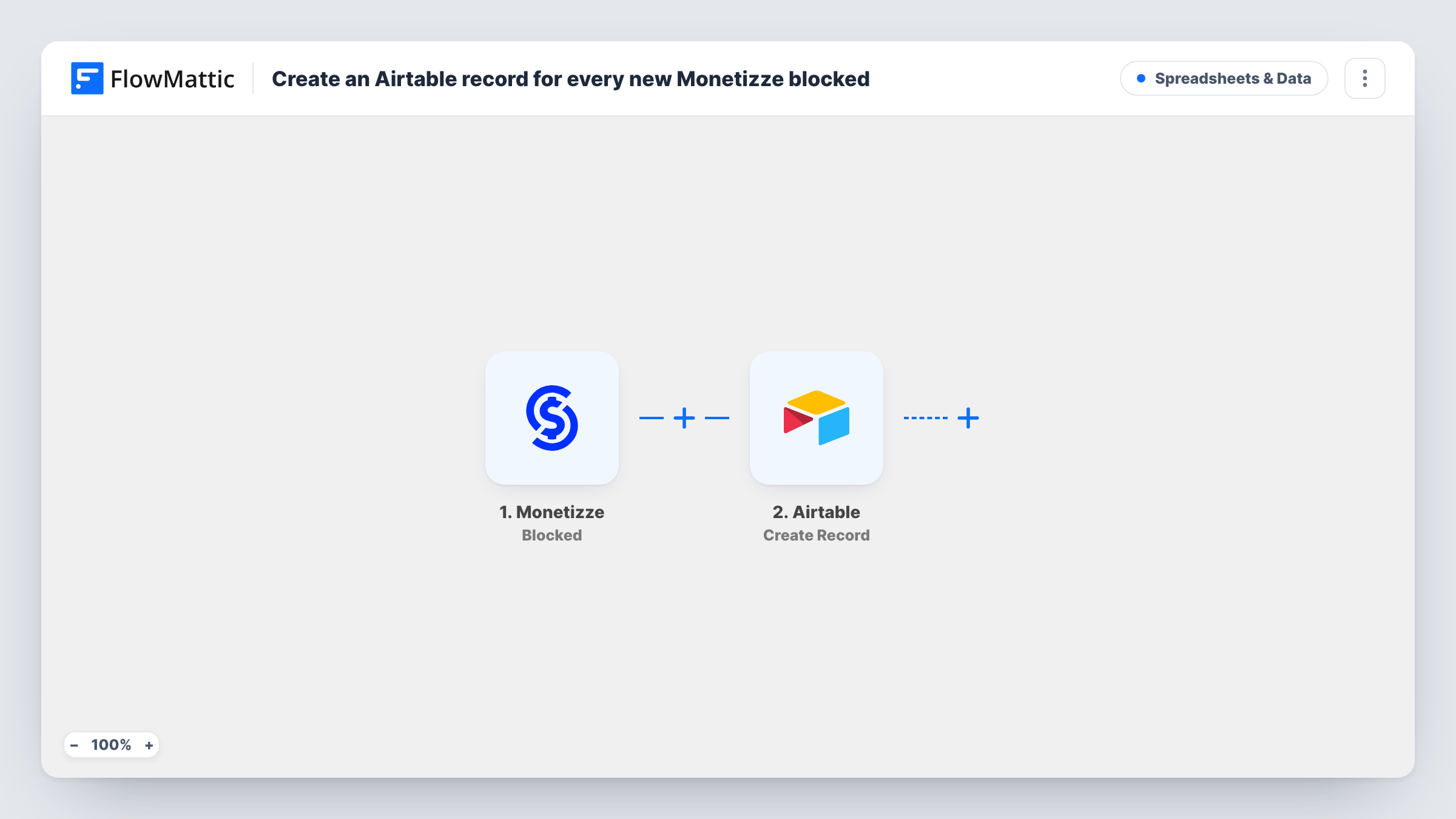
The Monetizze trigger fires each time a sale is blocked. FlowMattic hands the sale data from that event to Airtable, where the Create Record action adds a new record to the base and table you choose. You decide which sale details go into which Airtable fields when you map the step.
Every blocked sale creates its own record, and nothing is filtered out as imported. Task History lists each run, so you can see the data Monetizze sent and what Airtable returned.
Review queue for blocked sales
Your support person opens the Airtable view each morning, works down the list of blocked sales and marks each record once the buyer has been contacted.
Spotting repeat problems by product
Group the Airtable table by product to see which offers collect the most blocked sales, then look into those checkouts first.
Shared log for an affiliate team
Partners without Monetizze access can still read the blocked-sales table in a shared Airtable view and add notes against each sale.
How this workflow runs
What happens at each step once the workflow is on, and what you need before you import it.
 Monetizze Blocked
Fires when a sale in your Monetizze account is blocked. The sale data from Monetizze becomes available to map in the Airtable step.
- Airtable Create Record
Adds one Airtable record per blocked sale, in whichever base and table you point it at. Map the Monetizze sale details into your fields, then run a test to confirm each value lands where you expect.
What you need
- FlowMatticCore
- Monetizze AccountAccount
- Airtable AccountAccount
After importing, map your own data. To keep the template universal, not every step is pre-filled. Open each step in the builder and connect your accounts and fields (channels, lists, sheets, recipients) before you switch the workflow on.
Make it yours
Changes worth making after you import it.
- Add a Filter after the trigger if you only want blocked sales for certain products in Airtable, so other offers never create records.
- Add a single-select Status field in Airtable with a default such as To review. The workflow leaves it alone, and your team updates it by hand.
- Place a Slack or email step after Airtable if someone should hear about each blocked sale as well as see it in the table.
Questions about this workflow
Which Monetizze event starts this workflow?
The Blocked trigger, which fires when a sale is blocked. Other Monetizze events, such as completed or cancelled sales, have their own triggers and do not start this workflow.
Will Airtable get a duplicate if Monetizze sends the same blocked sale twice?
Create Record always adds a new record, so a repeated event would add a second one. Add a sale ID field in Airtable so duplicates are easy to spot.
Are sales blocked before I turn the workflow on copied to Airtable?
No. Only blocked sales that happen after the workflow is active reach Airtable. Older ones stay in Monetizze.
More Spreadsheets & Data workflows
Other ready-to-import templates from the same category.




Import this workflow into your WordPress site
Download the JSON, import it from the Workflows screen and connect your accounts. Every run stays on your server, with no per-task fees.
30-day money-back guarantee Unlimited workflows and runs Self-hosted