

Log every new Juro contract in a Google Sheets tracker
Each time a contract is generated in Juro, this workflow adds a row to your Google Sheets tracker, so your team has one list of new agreements to sort, filter and share outside Juro.
 Juro
 Google Sheets
2 steps Setup ~5 min Used on 3.0k sites Free to import
What this workflow does
Legal and sales teams often keep a contract register in a spreadsheet, for reporting, for people without a Juro seat, or to join it with other data. Keeping that register current by hand means someone copying details after every new contract. This workflow adds the row for you.
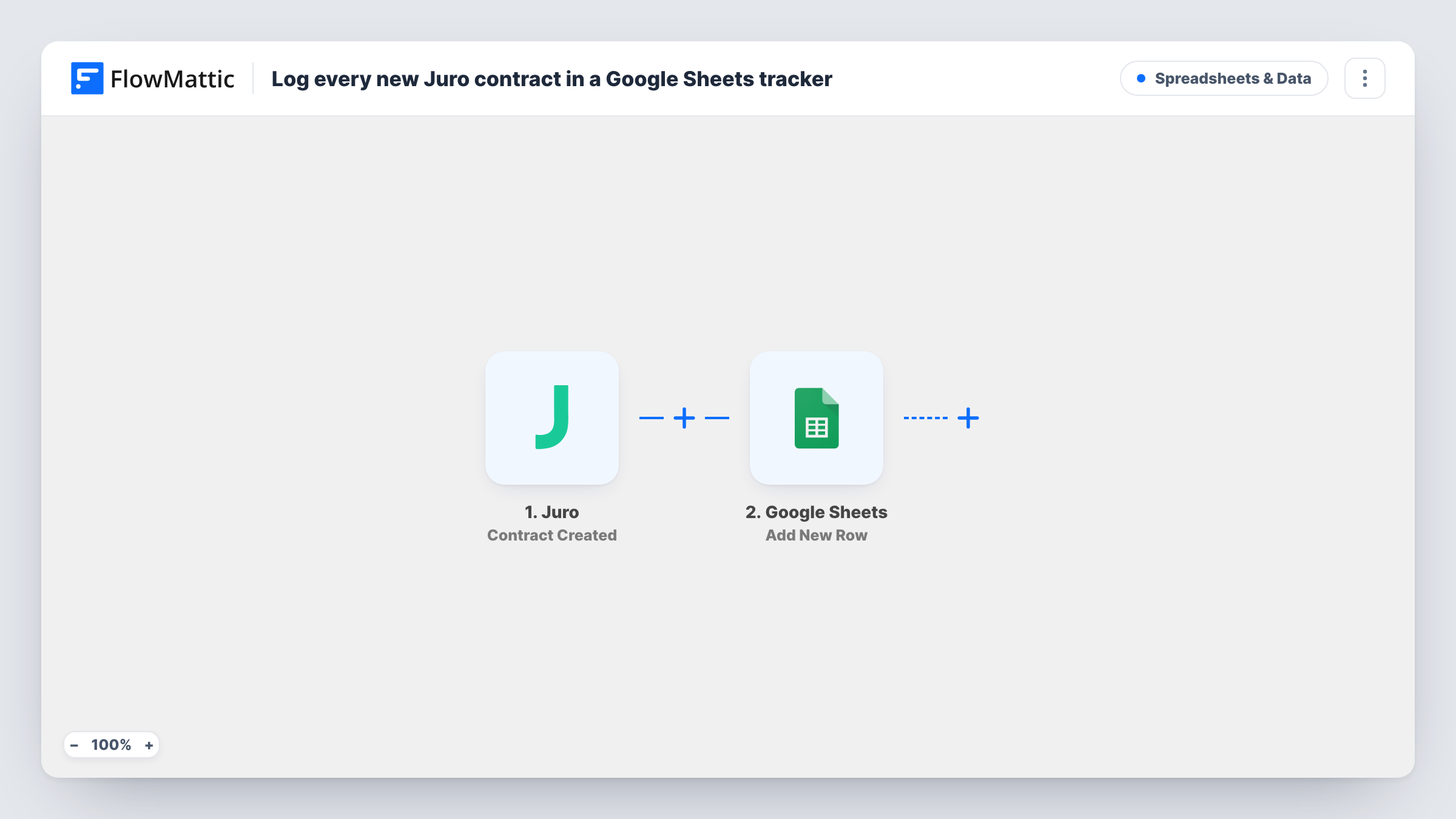
The Juro trigger fires when a contract instance is generated. FlowMattic takes the contract data from that event and passes it to Google Sheets, where Add New Row writes it into the spreadsheet you pick. You choose which contract values fill which columns.
The row is a snapshot of the contract when it was created. Later changes in Juro, such as approvals or signatures, do not update it. Task History lists every run if you need to check what was logged.
Monthly contract count for leadership
Operations builds a pivot table on the tracker sheet to show how many Juro contracts were generated each month.
Register for finance
Finance reads the shared Google Sheet to see which new agreements exist, without needing a Juro login.
Sales handover list
Each generated sales contract appears as a row the account team can claim by adding their name in a spare column.
How this workflow runs
What happens at each step once the workflow is on, and what you need before you import it.
 Juro Contract Created
Fires whenever a contract instance is generated in Juro. The contract's data from that event is passed to the Google Sheets step for mapping.
- Google Sheets Add New Row
Writes a new row to your Google Sheets tracker for each new Juro contract. Map the contract values Juro sends to the columns you keep, after a test contract shows what is available.
What you need
- FlowMatticCore
- Juro AccountAccount
- Google Sheets AccountAccount
After importing, map your own data. To keep the template universal, not every step is pre-filled. Open each step in the builder and connect your accounts and fields (channels, lists, sheets, recipients) before you switch the workflow on.
Make it yours
Changes worth making after you import it.
- Generate one test contract in Juro after import so FlowMattic captures the fields, then map them to your tracker's columns.
- Leave spare columns at the right of the sheet for owner and status notes. The workflow only writes the columns you map, so your team's notes sit beside each row.
- Add a Filter after the trigger if only some contracts belong in this tracker, for example by checking a template name or value Juro sends.
Questions about this workflow
Does the row change when the Juro contract is signed?
No. The workflow only runs when a contract is generated, and it adds a row then. Later steps in Juro, such as signing, are not written back to the sheet.
Are contracts created before I turn this on added?
No. Only contracts generated after the workflow is active reach the sheet. Add older ones by hand or by exporting from Juro.
Which Juro contract details can I log?
Whatever the Contract Created event carries. Run a test with a real contract and check the captured data in FlowMattic to see which values you can map.
More Spreadsheets & Data workflows
Other ready-to-import templates from the same category.



Import this workflow into your WordPress site
Download the JSON, import it from the Workflows screen and connect your accounts. Every run stays on your server, with no per-task fees.
30-day money-back guarantee Unlimited workflows and runs Self-hosted