

Share new Facebook Page posts on Voxel Timeline
When a new post appears in your Facebook Page feed, this workflow adds it to a profile wall on your Voxel site, so members see your Page updates without leaving the community.
 Facebook Pages
 Voxel
Voxel2 steps Setup ~5 min Used on 2.1k sites Free to import
What this workflow does
If you run a community or directory site on Voxel, your members may not follow your Facebook Page. Posting each update twice takes time. This workflow shares new Page posts onto a Voxel timeline as they appear.
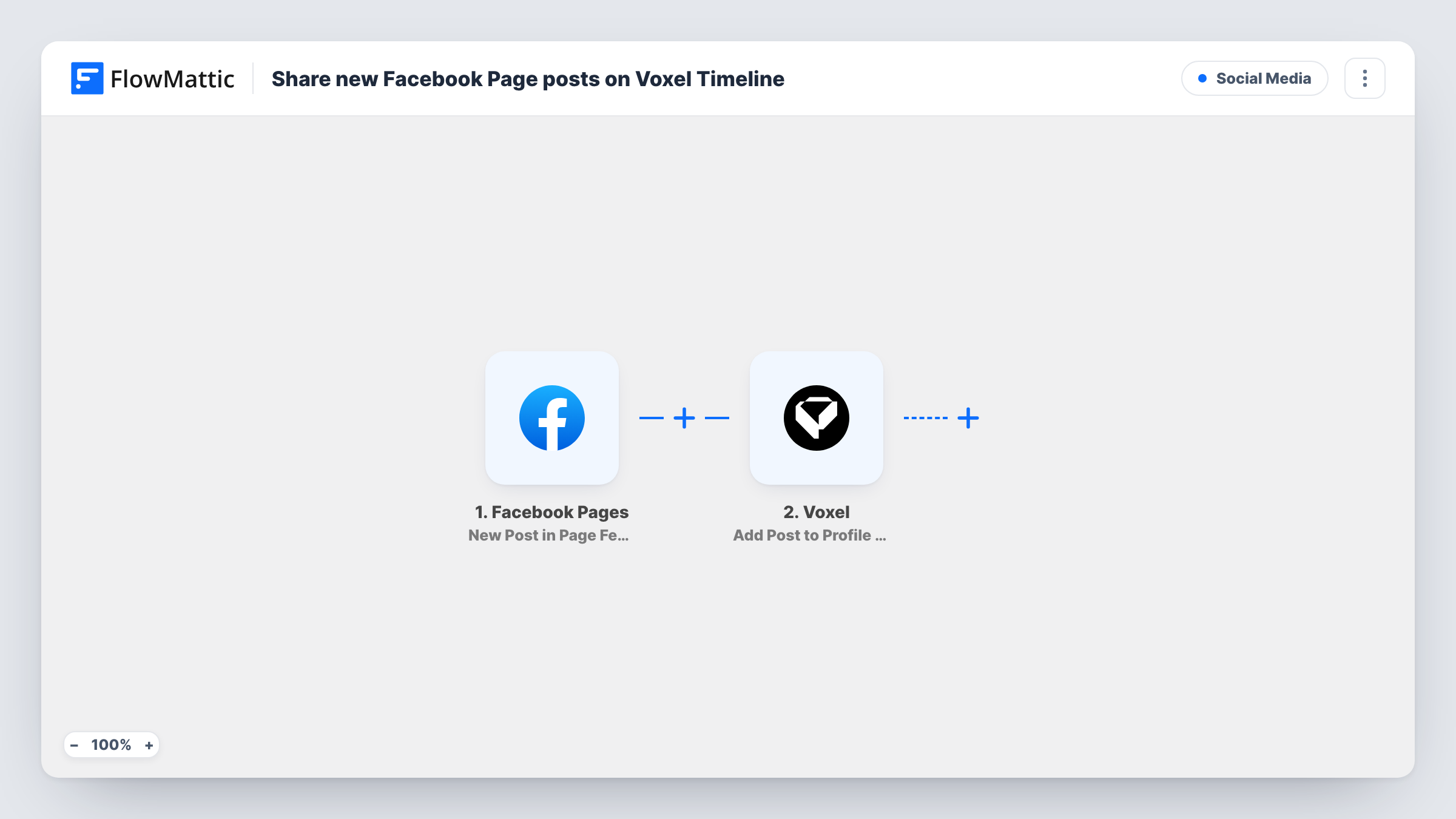
The Facebook Pages trigger is New Post in Page Feed, which fires when a new post is created in the feed of the Page you connect. The post's content is passed on to the next step.
The Voxel step is Add Post to Profile Wall. Per FlowMattic's catalog, it adds a post to a user's profile wall. You set whose wall receives the post, typically your own or your brand's profile, and map in the Facebook post's text and any link from the trigger. Run a test with a real Page post to see which values come through.
Only new posts start a run. Editing or deleting a post on Facebook doesn't change the Voxel wall post. Every new post in the feed is shared, so posts you don't want on Voxel need a Filter.
Local directory site
A city directory built on Voxel shares its Facebook Page news on the site's own profile, so members browsing listings see the latest updates.
Membership community
Announcements posted on your Facebook Page show up on your Voxel profile wall, giving members who avoid Facebook the same news.
Event venue
A venue posts upcoming shows to Facebook, and each post is copied to the venue's Voxel profile where regulars follow it.
How this workflow runs
What happens at each step once the workflow is on, and what you need before you import it.
 Facebook Pages New Post in Page Feed
Runs each time your connected Facebook Page gets a new post in its feed. The post's text and details are passed on for mapping.
 Voxel Add Post to Profile Wall
Adds a post to a Voxel user's profile wall on your site. Set which profile it goes to, then map the Facebook post text and link into the wall post.
What you need
- FlowMatticCore
- Facebook Pages AccountAccount
- Voxel AccountAccount
After importing, map your own data. To keep the template universal, not every step is pre-filled. Open each step in the builder and connect your accounts and fields (channels, lists, sheets, recipients) before you switch the workflow on.
Make it yours
Changes worth making after you import it.
- Add a link back to the original Facebook post in the Voxel wall post, so members can react or comment there too.
- To share only some posts, add a Filter after the trigger, for example one that continues when the post text contains a tag such as #members.
- Prefer the post on a listing's wall instead of a profile? Swap in Voxel's Add a Post to Wall action, which adds a post to the wall of any post.
Questions about this workflow
Are edited Facebook posts updated on Voxel?
No. The trigger only fires for new posts in the Page feed. Edits or deletions on Facebook leave the Voxel wall post as it is.
Which Voxel profile receives the Facebook posts?
The profile you set in the Voxel step after import. Use your own or a brand profile that your members follow.
Do photos from the Facebook post appear on Voxel?
Only what you map. Run a test with a photo post to see what the trigger provides, then decide what to place in the Voxel step.
Does Voxel need to be on the same site as FlowMattic?
Yes. Voxel is a WordPress theme, and the Voxel step works on the site where FlowMattic is installed.
More Social Media workflows
Other ready-to-import templates from the same category.





Import this workflow into your WordPress site
Download the JSON, import it from the Workflows screen and connect your accounts. Every run stays on your server, with no per-task fees.
30-day money-back guarantee Unlimited workflows and runs Self-hosted