

Award an achievement to user when they post a status on their Voxel timeline
Each time a user posts a status update on their Voxel timeline, FlowMattic awards that user the GamiPress achievement you pick, so posting on your community site earns a badge.
 Voxel
Voxel
 GamiPress
2 steps Setup ~5 min Used on 2.2k sites Free to import
What this workflow does
Community sites built with Voxel live or die by members who post. Giving those members a visible reward is easier when the badge arrives on its own, without a moderator checking the timeline and awarding it by hand in GamiPress.
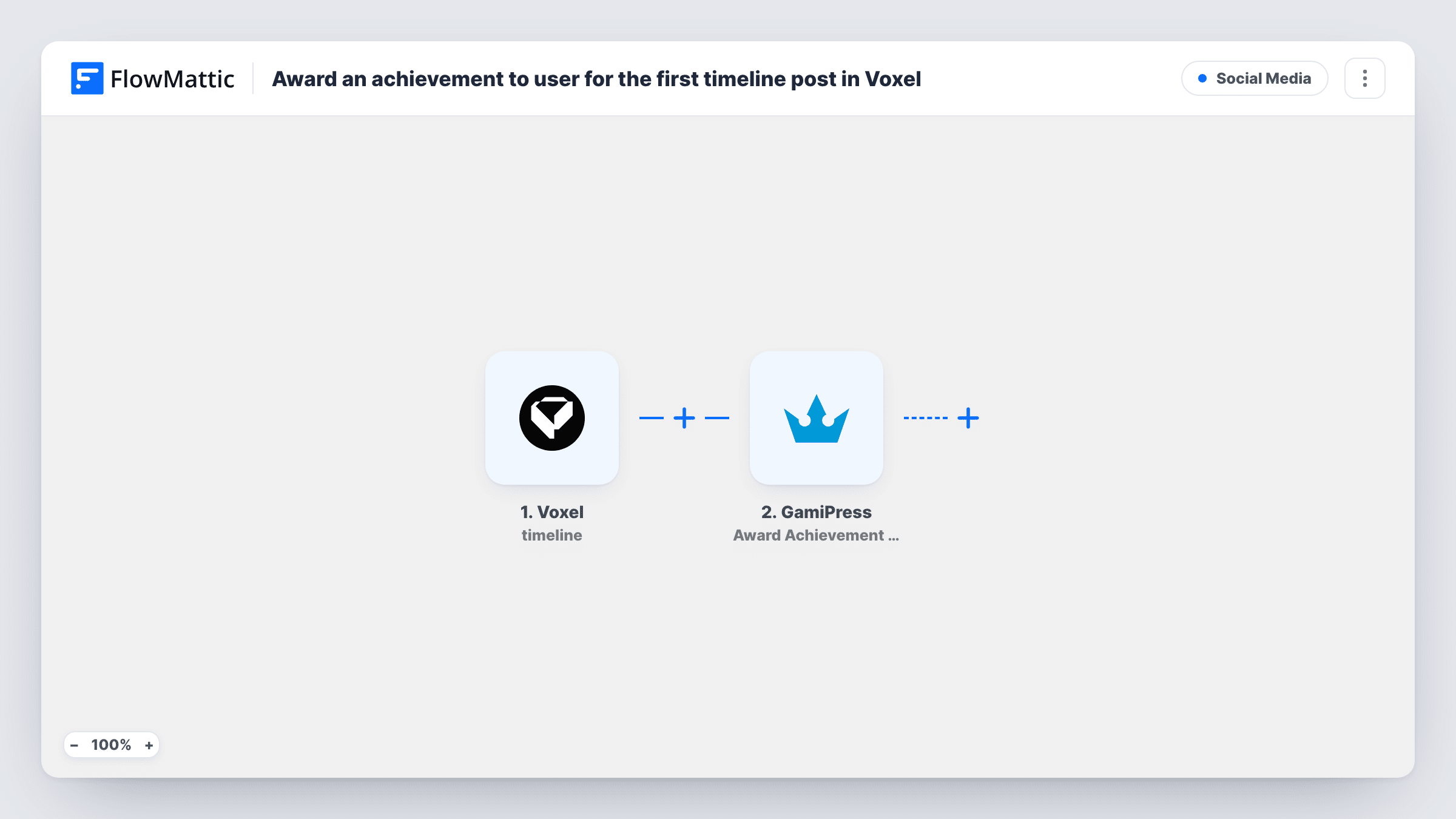
The Voxel trigger fires whenever a user posts a status update on the timeline. FlowMattic passes the post and the user who wrote it to the next step. It fires for each status the person posts, not only the first one.
The GamiPress step then awards an achievement to that user. It ships unmapped, so after import you choose the achievement and map the posting user from the Voxel step into it. Create the achievement in GamiPress before you import, so it's there to pick.
Because the trigger runs on every status, the same member can be sent the award many times. GamiPress achievements have their own settings for how often a user can earn them, so set those to match what you want, such as a one-time badge. Post a test status and check Task History to see which user the award went to.
Badge for joining the conversation
A local directory built on Voxel gives members a "First Words" achievement when they post on their timeline, and shows it on their profile.
Reward regular posters
A hobby community lets an achievement be earned several times, so members who post often collect it again and climb the GamiPress leaderboard.
Nudge new members to post
A membership platform lists an "Introduce yourself" achievement in its onboarding, limited to one earning in GamiPress, and members get it when they post a status.
How this workflow runs
What happens at each step once the workflow is on, and what you need before you import it.
 Voxel Timeline: User posted status
Fires each time a user posts a status update on their Voxel timeline. The status and the user who posted it are passed on to GamiPress.
 GamiPress Award Achievement to User
Awards a GamiPress achievement to the user. The step ships unmapped: after import, pick the achievement and map the posting user from the Voxel trigger.
What you need
- FlowMatticCore
- Voxel AccountAccount
- GamiPress PluginPlugin
After importing, map your own data. To keep the template universal, not every step is pre-filled. Open each step in the builder and connect your accounts and fields (channels, lists, sheets, recipients) before you switch the workflow on.
Make it yours
Changes worth making after you import it.
- Set the achievement's earning limit in GamiPress to once per user if it should be a one-time badge; the workflow sends the award for every status.
- Award points as well by adding GamiPress Award Points to User after the achievement step, mapped to the same user, so each post also adds to their total.
- To keep staff or moderators from collecting the badge, put a Filter between the Voxel trigger and the GamiPress step on a user detail that tells them apart. Pick the field from a test run; it's an example to adapt.
Questions about this workflow
Does a Voxel member get the achievement for every status they post?
The workflow sends the award on every status. Whether the member earns it again depends on the achievement's own settings in GamiPress, so set a limit there if it should only be earned once.
Does the GamiPress achievement wait for the status to be approved?
No. This trigger fires when the status is posted. If your site moderates statuses, swap in FlowMattic's Voxel trigger "Timeline: User status approved" so the award follows approval.
Which GamiPress achievement is awarded?
The one you choose in the Award Achievement to User step after import. The template doesn't select one, so create it in GamiPress first.
Do Voxel and GamiPress need to be on the same WordPress site?
Yes. The Voxel trigger and the GamiPress step both run on the WordPress site where FlowMattic is installed, and the award goes to the WordPress user who posted the status.
More Social Media workflows
Other ready-to-import templates from the same category.





Import this workflow into your WordPress site
Download the JSON, import it from the Workflows screen and connect your accounts. Every run stays on your server, with no per-task fees.
30-day money-back guarantee Unlimited workflows and runs Self-hosted