

When new form submission in Contact Form 7, add post to Nuelink
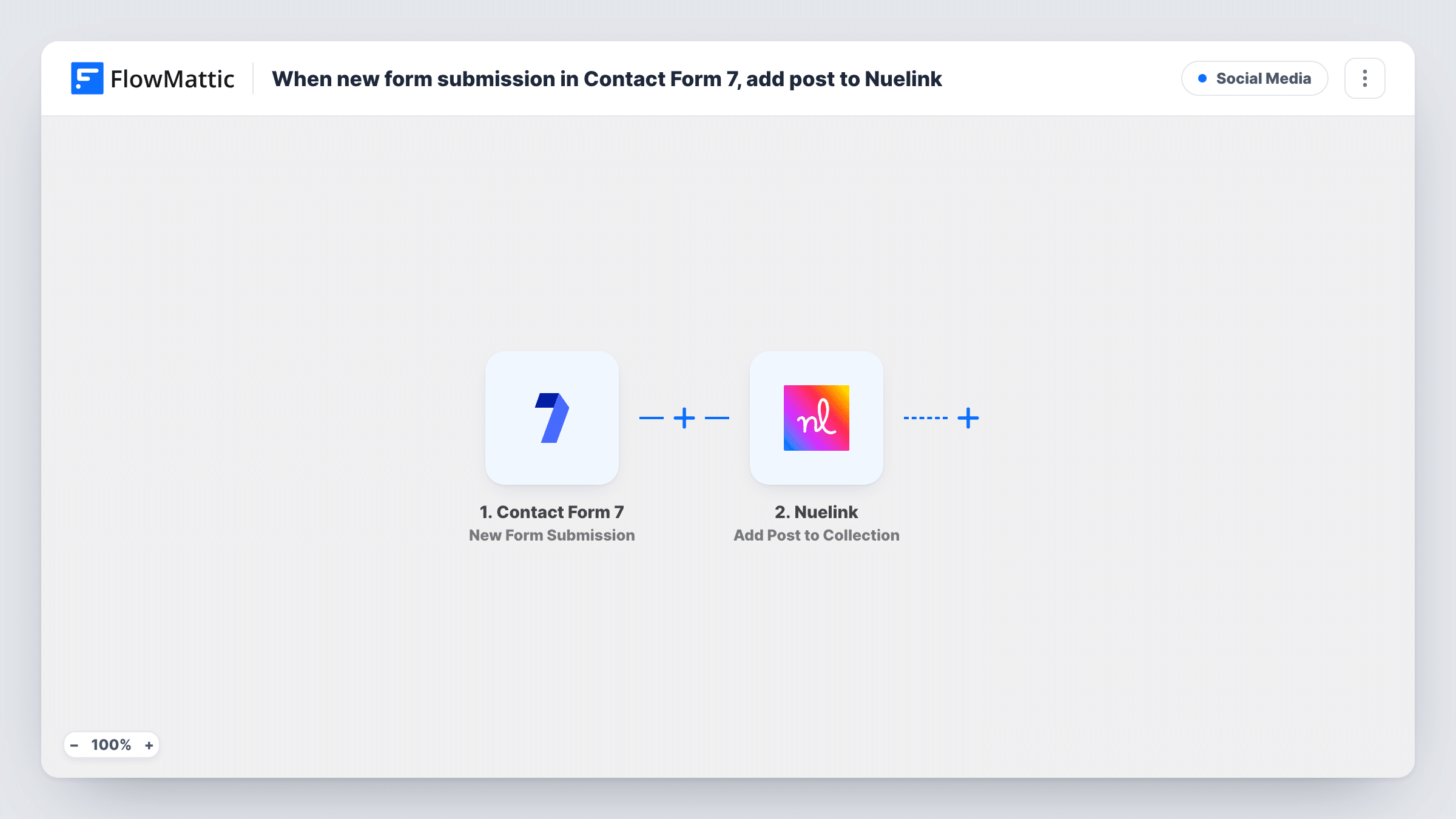
Each Contact Form 7 submission becomes a new social media post in your Nuelink collection, so you can gather post ideas through a form on your WordPress site and queue them without copying text across.
 Contact Form 7
 Nuelink
2 steps Setup ~5 min Used on 2.0k sites Free to import
What this workflow does
A simple form is an easy way to collect social content from colleagues, clients or contributors who don't have a Nuelink login. Without automation, someone still has to paste each entry into Nuelink. This workflow moves every entry across for you.
The Contact Form 7 trigger fires when someone submits a form on your WordPress site. FlowMattic receives every field from that form. The Nuelink step, Add Post to Collection, then adds a new social media post to the collection you pick. You map the form fields that hold the post content into it.
There's no review step in between. Every submission becomes a post in the collection, so put the form where only trusted people can reach it, or add a check before Nuelink. Task History records each run, with the submitted fields and the answer from Nuelink.
Team members suggest posts
Staff fill in a Contact Form 7 form on a private page with a caption and link, and each entry is added to the company's Nuelink collection.
Client content requests at an agency
Clients send the updates they want shared through a form on your site, and the copy is waiting in their Nuelink collection for your team.
Event updates from volunteers
Volunteers send short updates during an event through a form, building a collection of posts for the organiser's social channels.
How this workflow runs
What happens at each step once the workflow is on, and what you need before you import it.
 Contact Form 7 New Form Submission
Fires when someone submits a Contact Form 7 form on your WordPress site. Each field in the form becomes data you can map into the post.
- Nuelink Add Post to Collection
Adds a new social media post to your chosen Nuelink collection. Map the form fields that hold the post content and connect your Nuelink account.
What you need
- FlowMatticCore
- Contact Form 7 PluginPlugin
- Nuelink AccountAccount
After importing, map your own data. To keep the template universal, not every step is pre-filled. Open each step in the builder and connect your accounts and fields (channels, lists, sheets, recipients) before you switch the workflow on.
Make it yours
Changes worth making after you import it.
- Submit a test entry after import so FlowMattic captures the form's fields, then map the fields that hold the post content into the Nuelink step.
- Mark the post text field as required in the form (for example textarea* in the form tag) so every submission carries content for the post.
- Add Human in the Loop before Nuelink if someone should approve each post, and set its timeout action to End Workflow so unanswered requests don't go through.
Questions about this workflow
Will every Contact Form 7 submission become a Nuelink post?
Yes, as imported. Add a Filter or a Human in the Loop step before the Nuelink step if you want to choose which submissions are added.
Does the form submission get published to social media right away?
The workflow adds the post to your Nuelink collection. Publishing follows whatever you have set up for that collection in Nuelink.
Can I use a different form on the same site for this?
Yes. Swap the Contact Form 7 trigger for another form trigger in FlowMattic, then map that form's fields into the Nuelink step again.
Does Contact Form 7 keep sending its notification email for these entries?
Yes. The workflow listens for submissions and doesn't change the form's mail settings, so its emails go out as before.
More Social Media workflows
Other ready-to-import templates from the same category.






Import this workflow into your WordPress site
Download the JSON, import it from the Workflows screen and connect your accounts. Every run stays on your server, with no per-task fees.
30-day money-back guarantee Unlimited workflows and runs Self-hosted