

When a new SocialBu post is published, log it in Google Sheets and notify the marketing channel in Slack
Each time SocialBu publishes a post from your connected account, this workflow adds it to a Google Sheets content log and posts a message to the Slack channel you choose, so your records and your marketing team both hear about it.
 Socialbu
 Google Sheets
 Slack
Slack3 steps Setup ~5 min Used on 1.9k sites Free to import
What this workflow does
Once a social post goes out, two things usually need to happen: it gets recorded somewhere for reporting, and the team hears it is live so they can share or reply. Doing both by hand for every post is the kind of job that slips. This workflow handles them each time SocialBu publishes.
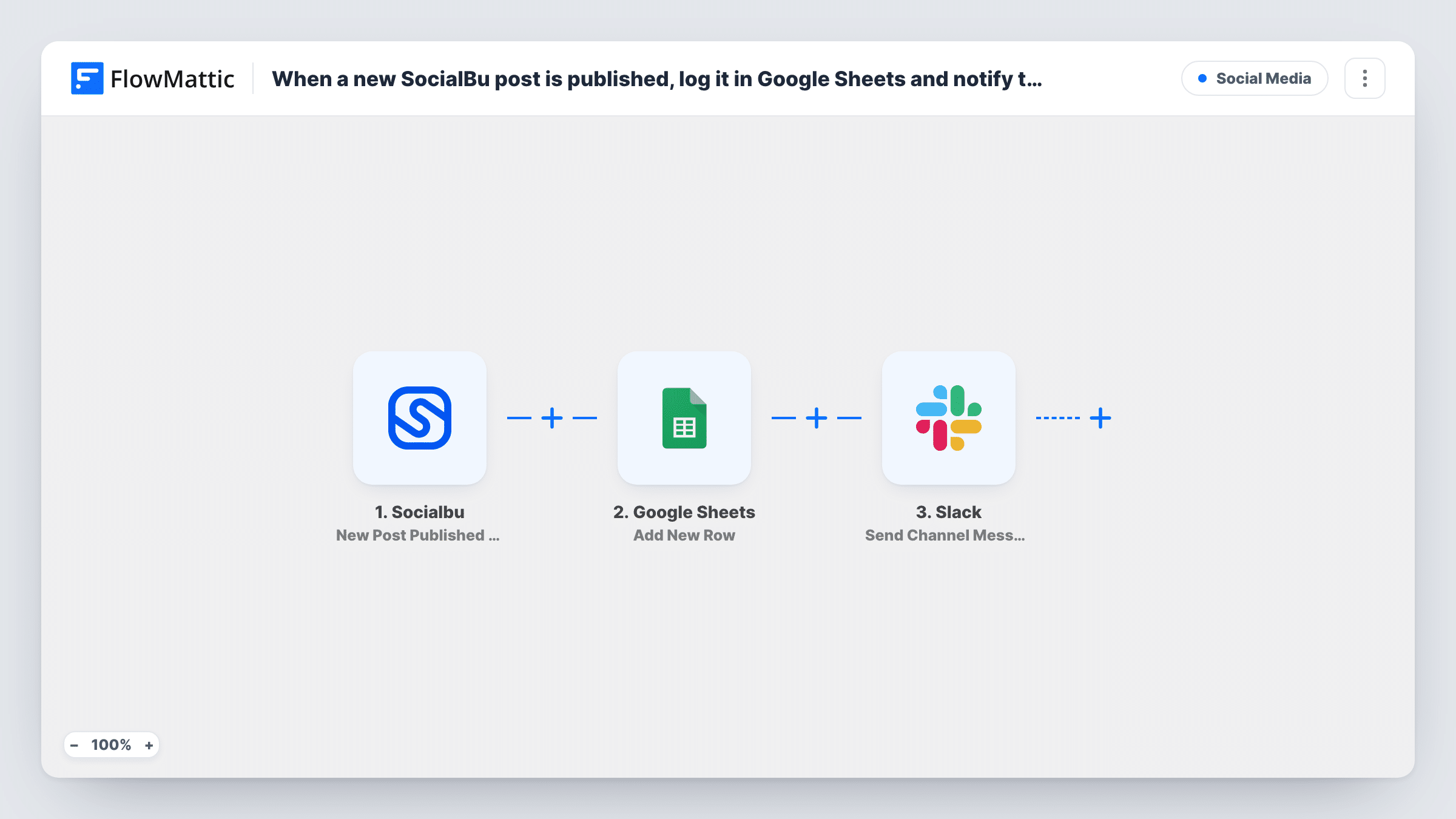
The SocialBu trigger, New Post Published by Account, fires when a new post is published. FlowMattic takes the post data SocialBu sends and adds it to Google Sheets as a new row in the spreadsheet you pick. It then uses Slack Send Channel Message to post your message, built from the same values, to a channel such as #marketing.
The two actions run one after the other for every published post. Task History lists what each step returned, which helps when you check the mapping. Publish a test post after import to see the values SocialBu provides, then map the columns and the message.
A monthly social content report
Your marketing lead filters the sheet by month to list everything published, ready to paste into the monthly report alongside engagement figures.
Letting the team amplify new posts
Each Slack message tells colleagues a post has gone out, so they can like, share or answer comments while it is fresh.
Agency proof of delivery
An agency keeps one sheet per client of every post SocialBu published, which it can share as a record of the work done.
How this workflow runs
What happens at each step once the workflow is on, and what you need before you import it.
 Socialbu New Post Published by Account
Fires when SocialBu publishes a new post from your connected account. Connect your SocialBu account. The post details SocialBu sends become available to map into both later steps.
- Google Sheets Add New Row
Adds a row to your content log spreadsheet for each published post. Create columns for the values you want to keep, then map the SocialBu post data into them and connect your Google account.
- Slack Send Channel Message
Sends a message to the Slack channel you choose about the new post. Connect your Slack workspace, pick the marketing channel and write the text using the SocialBu post values.
What you need
- FlowMatticCore
- Socialbu AccountAccount
- Google Sheets AccountAccount
- Slack AccountAccount
After importing, map your own data. To keep the template universal, not every step is pre-filled. Open each step in the builder and connect your accounts and fields (channels, lists, sheets, recipients) before you switch the workflow on.
Make it yours
Changes worth making after you import it.
- Include the post's link in the Slack message, if SocialBu sends one, so teammates can open the live post in one click.
- Add a Filter between the SocialBu trigger and the Google Sheets step if only some accounts or networks should be logged, using a value from the post data. A Filter stops every later step, so filtered posts aren't announced in Slack either.
- Run a test after import and look at both the new spreadsheet row and the Slack message before you turn the workflow on.
Questions about this workflow
Are posts published through SocialBu before I import this logged?
No. The trigger reacts to posts published after the workflow is turned on. Earlier posts aren't added to the sheet or announced in Slack.
Can the Slack message go to a channel other than #marketing?
Yes. You choose the channel in the Slack step, so pick any channel your connected Slack account can post to.
Does each published SocialBu post get its own row?
Yes. The Google Sheets step uses Add New Row, so every post SocialBu reports as published adds one row to your log. It doesn't look for an earlier row to update.
Does this workflow publish anything to my social accounts?
No. It only reacts to posts SocialBu has already published. It writes to Google Sheets and Slack and nothing else.
More Social Media workflows
Other ready-to-import templates from the same category.





Import this workflow into your WordPress site
Download the JSON, import it from the Workflows screen and connect your accounts. Every run stays on your server, with no per-task fees.
30-day money-back guarantee Unlimited workflows and runs Self-hosted