

When webhook response received from Instantpage.dev, add a new row in Google Sheet
Point Instantpage.dev at a FlowMattic webhook URL, and every payload it sends becomes a new row in a Google Sheets spreadsheet, giving you a running log of what your pages collect.
 Webhook
 Google Sheets
2 steps Setup ~5 min Used on 3.0k sites Free to import
What this workflow does
Instantpage.dev can post data out to a webhook, but you still need somewhere to keep it. A Google Sheet is the simplest place: everyone on the team can open it, sort it and share it. This workflow catches each webhook call from Instantpage.dev and writes it to a spreadsheet as one row.
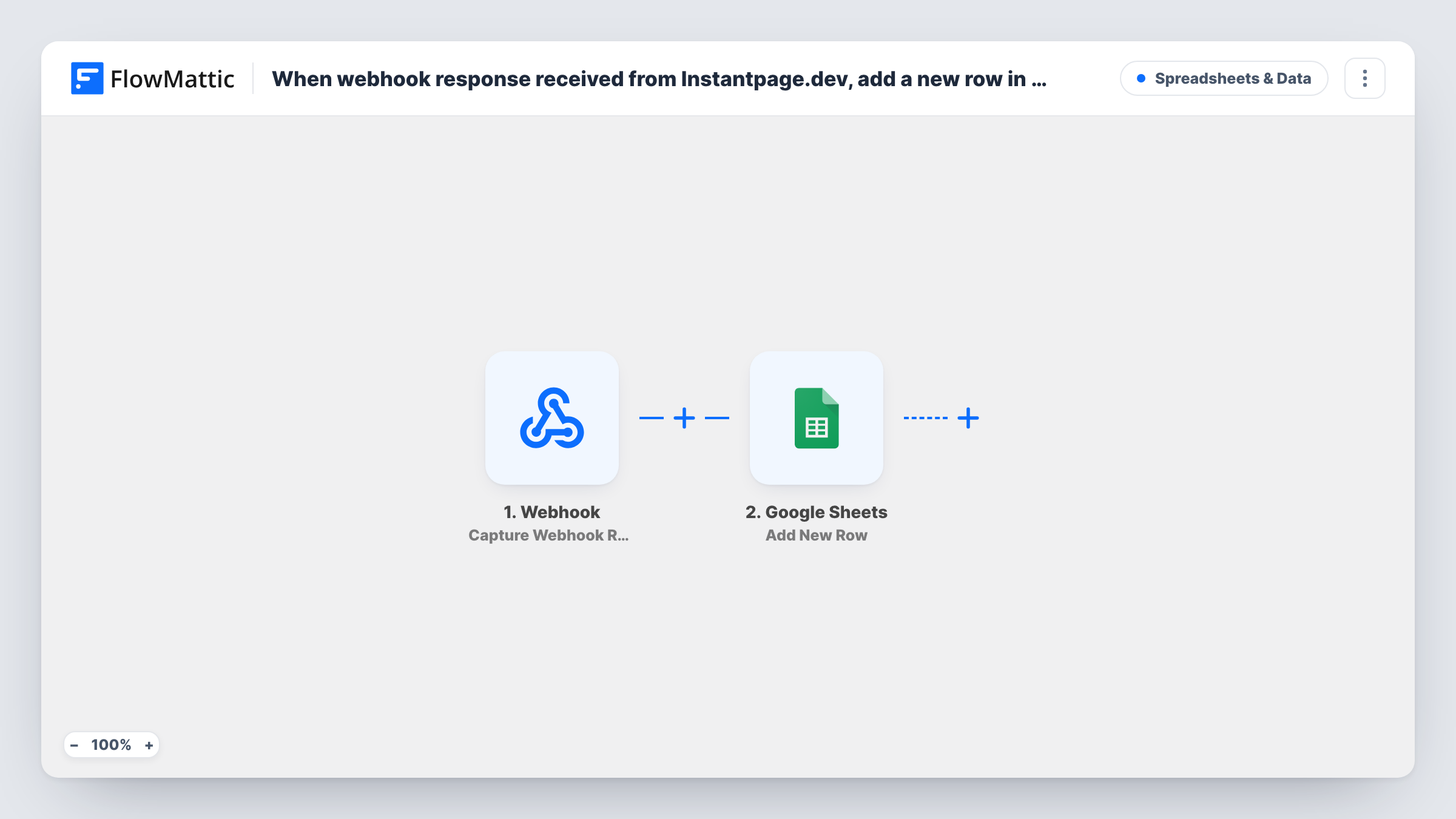
Step one is FlowMattic's Webhook trigger. You get a unique URL, paste it into Instantpage.dev's webhook settings, and each post to it starts a run. FlowMattic's native Instantpage.dev trigger, Configure Webhooks, is a webhook receiver too, so the generic one does the same job here. Every value in the payload becomes data to map.
Step two runs Add New Row in Google Sheets. You pick the spreadsheet and sheet, then match its columns to values from the webhook. Each call Instantpage.dev makes adds a row, so you get a record in the order the data arrived. Task History keeps every run with the received payload, which helps when a column comes out blank.
Landing page sign-up log
Visitors fill in a form on an Instantpage.dev page, and each entry lands in a sheet your marketing team checks each morning.
Sharing leads with a client
You build pages for a client on Instantpage.dev and share a Google Sheet with them, so they see each submission without logging in anywhere.
Backup of page data
Keep a copy of everything Instantpage.dev sends in a spreadsheet you control, in case you change page tools later.
How this workflow runs
What happens at each step once the workflow is on, and what you need before you import it.
 Webhook Capture Webhook Response
Gives you a webhook URL to add in Instantpage.dev. Each post Instantpage.dev makes to that URL runs the workflow, and the posted values become available to the Google Sheets step.
- Google Sheets Add New Row
Writes one row per webhook call to the Google Sheets spreadsheet you choose. Connect your Google account, pick the sheet and map each column to a value from the Instantpage.dev payload.
What you need
- FlowMatticCore
- Google Sheets AccountAccount
After importing, map your own data. To keep the template universal, not every step is pre-filled. Open each step in the builder and connect your accounts and fields (channels, lists, sheets, recipients) before you switch the workflow on.
Make it yours
Changes worth making after you import it.
- Put a header row in the sheet before you map it, so the Google Sheets step can show you column names instead of letters.
- Turn on the Webhook trigger's "Require authentication on incoming requests" setting if Instantpage.dev can send the key, so stray posts to the URL don't add rows.
- Add a Filter before the sheet step that continues only when a key value, such as the email, is not empty, so test pings from Instantpage.dev don't leave blank rows.
Questions about this workflow
Why use a generic Webhook instead of an Instantpage.dev trigger?
FlowMattic's Instantpage.dev trigger, Configure Webhooks, also receives data at a webhook URL. Both work the same way here: Instantpage.dev posts to the URL and the workflow runs.
What data from Instantpage.dev can go into the sheet?
Whatever Instantpage.dev includes in its webhook payload. Send one test after adding the URL, then look at the captured data in FlowMattic to see which values you can map to columns.
Can someone else post to my Instantpage.dev webhook URL?
Yes, a post from anyone who knows the URL adds a row, unless you turn on the trigger's authentication setting so each request must carry your key.
More Spreadsheets & Data workflows
Other ready-to-import templates from the same category.



Import this workflow into your WordPress site
Download the JSON, import it from the Workflows screen and connect your accounts. Every run stays on your server, with no per-task fees.
30-day money-back guarantee Unlimited workflows and runs Self-hosted