

Log every Google RCS Business Messaging agent message in a Google Sheets spreadsheet
Each message, suggestion tap or receipt event that your Google RCS Business Messaging agent receives is added as a new row in Google Sheets, giving you a record of conversation activity you can search and share.
 Google RCS Business Messaging
 Google Sheets
2 steps Setup ~5 min Used on 460 sites Free to import
What this workflow does
Conversations with an RCS Business Messaging agent are hard to review afterwards unless you store them yourself. A spreadsheet log lets your team read what customers sent, spot common questions and keep a record outside the messaging platform.
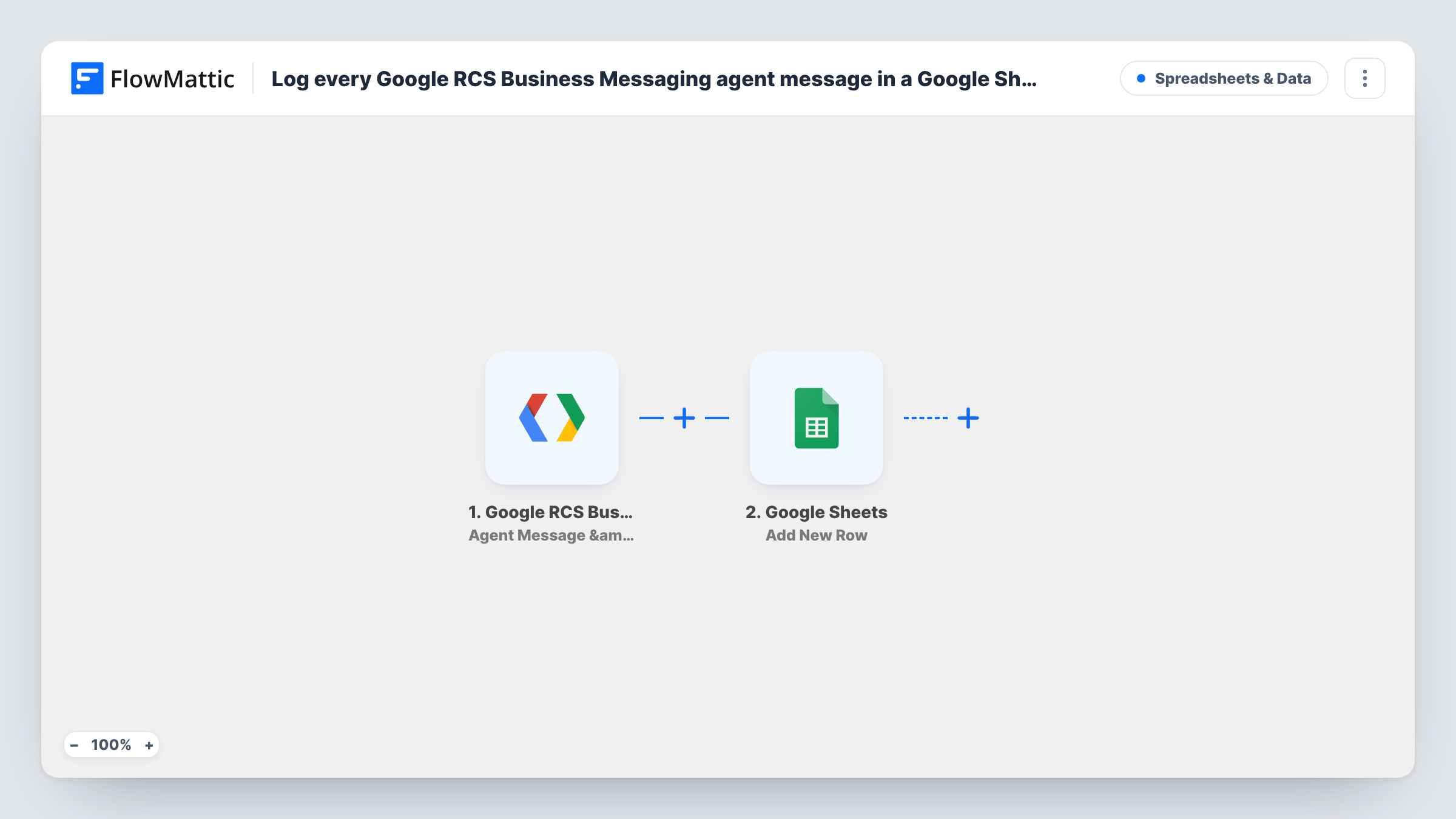
The Google RCS Business Messaging trigger fires for your agent when a user sends a message, selects a suggestion chip, or when a delivery or read receipt is generated. FlowMattic passes the event data to the Google Sheets step, which adds a new row. You map the values you want to keep, such as the sender, the message text and the time, to the sheet's columns.
Because receipts also fire the trigger, the sheet gets rows for delivery and read events as well as for messages. If you only want what users actually wrote, add a Filter after the trigger. Send a test message to the agent after import to see which fields each event carries.
Reviewing customer questions each week
A support lead reads through the sheet to see what people ask the RCS agent most, and updates the agent's replies to cover them.
Tracking which suggestion chips get tapped
Chip selections land in the sheet next to text messages, so you can count which options customers pick in a campaign.
Keeping a conversation record for compliance
A business that must keep customer messages stores each incoming one in a sheet with restricted sharing.
How this workflow runs
What happens at each step once the workflow is on, and what you need before you import it.
 Google RCS Business Messaging Agent Message & Event Received
Runs when your RCS agent receives a user message or suggestion chip selection, or when a delivery or read receipt is generated. The event data is passed on for mapping.
- Google Sheets Add New Row
Adds a row to the Google Sheets spreadsheet you pick with the event values you map to its columns. You link a Google account when importing.
What you need
- FlowMatticCore
- Google RCS Business Messaging AccountAccount
- Google Sheets AccountAccount
After importing, map your own data. To keep the template universal, not every step is pre-filled. Open each step in the builder and connect your accounts and fields (channels, lists, sheets, recipients) before you switch the workflow on.
Make it yours
Changes worth making after you import it.
- Add a Filter after the trigger that continues only when the message text is not empty, so delivery and read receipts do not fill the sheet. Check the field name in a test run first.
- Map a column for the event type or receipt status, if the event carries one, so you can sort messages and receipts apart in the sheet.
- Use a Router with routes on distinct event types to send user messages to one sheet and receipts to another.
Questions about this workflow
Are delivery and read receipts logged as rows too?
Yes, as imported. The trigger fires for receipts as well as for user messages and chip selections, and no step separates them. Add a Filter if you want only messages.
Are the messages my RCS agent sends logged?
This trigger covers what users send and the receipts for your agent's messages. Run a test conversation after import and check the sheet to see exactly what is recorded.
Do I need a Google RCS Business Messaging agent set up first?
Yes. The trigger listens to a specific agent, so you need a working RCS Business Messaging agent and its connection in FlowMattic.
Can the RCS log go to a sheet my team already uses?
Yes. Choose that spreadsheet and sheet in the Google Sheets step and map the event values to its columns.
More Spreadsheets & Data workflows
Other ready-to-import templates from the same category.




Import this workflow into your WordPress site
Download the JSON, import it from the Workflows screen and connect your accounts. Every run stays on your server, with no per-task fees.
30-day money-back guarantee Unlimited workflows and runs Self-hosted